When custom GPTs retire on December 11, 2026, nobody who paid for your GPT moves with it: OpenAI's migration turns the GPT into a private ChatGPT plugin, and your sharing settings, your users and your custom Actions don't carry over. To keep paying clients, you need a new home where you decide who has access: a plugin you re-share, a Claude Project or Skill, or a hosted version of your playbook that each client connects to their own ChatGPT or Claude, with access tied to whether they've paid.
Say you run paid media for twelve clients and gave each one a GPT link as part of the retainer. A client asks it, between weekly calls: "CPA is up 22% this week, should we cut spend?" After December 11 that link stops working; the retainer doesn't. This guide is about keeping the people who pay you. If you only need to move a GPT you built for yourself, read how to move a custom GPT to a Skill instead.
How are small creators supposed to provide continued access to customers who have already paid for our GPT-based products? (jody.lovatt, OpenAI Developer Community, September 2026)
That question comes from a September 2026 thread on OpenAI's community forum. In the same thread, one creator says they run 47 GPTs with 25 active customers. Another asks whether there's an alternative, Claude included. Here's what we could confirm.
When do custom GPTs stop working?
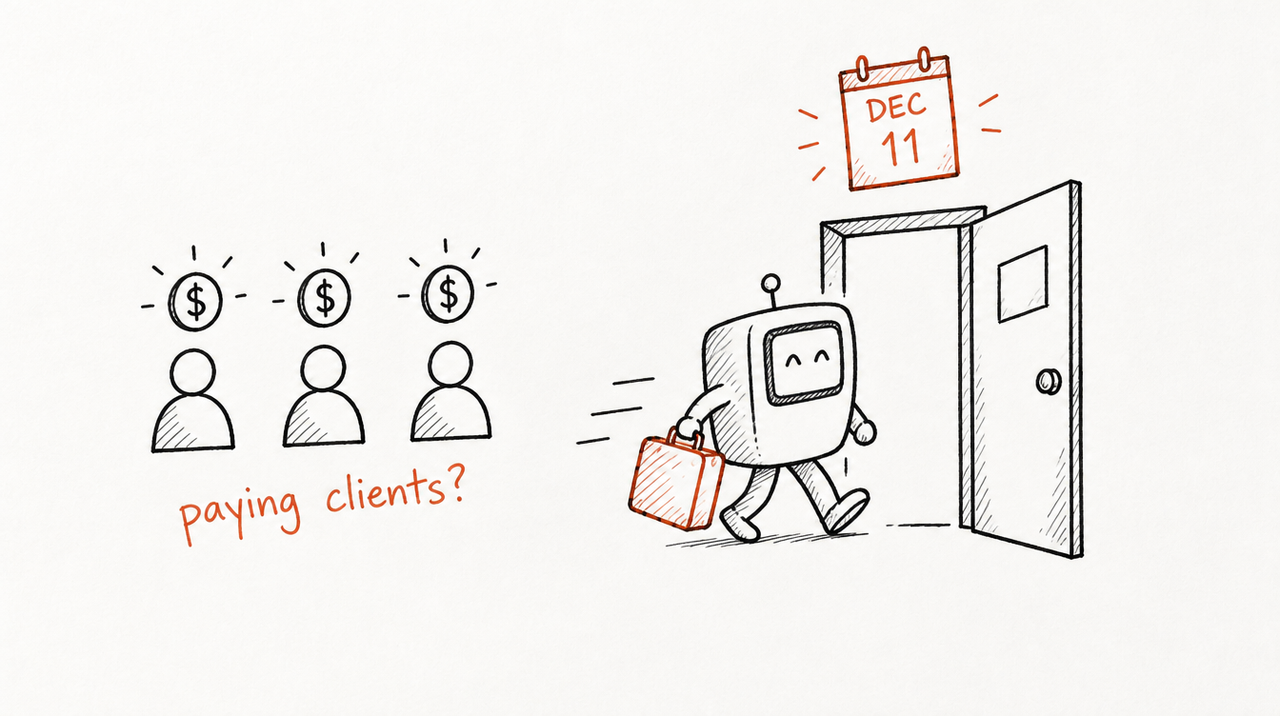
From OpenAI's retirement and migration FAQ, as of October 2026:
- December 11, 2026: scheduled retirement on all ChatGPT plans. Custom GPTs and their GPT pages become inaccessible.
- February 11, 2027: retirement only for Enterprise workspaces with a qualified, approved deferral.
- October 26, 2026 (planned): creation of new custom GPTs ends in Enterprise workspaces.
- September 22, 2026: target date for the migration option in Enterprise workspaces (October 1 for workspaces that opted into delayed banners). The FAQ says this is a target, not a guarantee, and other accounts may get migration at different times.
Some other OpenAI help pages give September 17 for the Enterprise migration start, so OpenAI's own pages don't fully agree, and the FAQ says dates may change. Follow the notice in your own account. Until retirement, existing GPTs keep working.
What carries over to the plugin, and what doesn't?
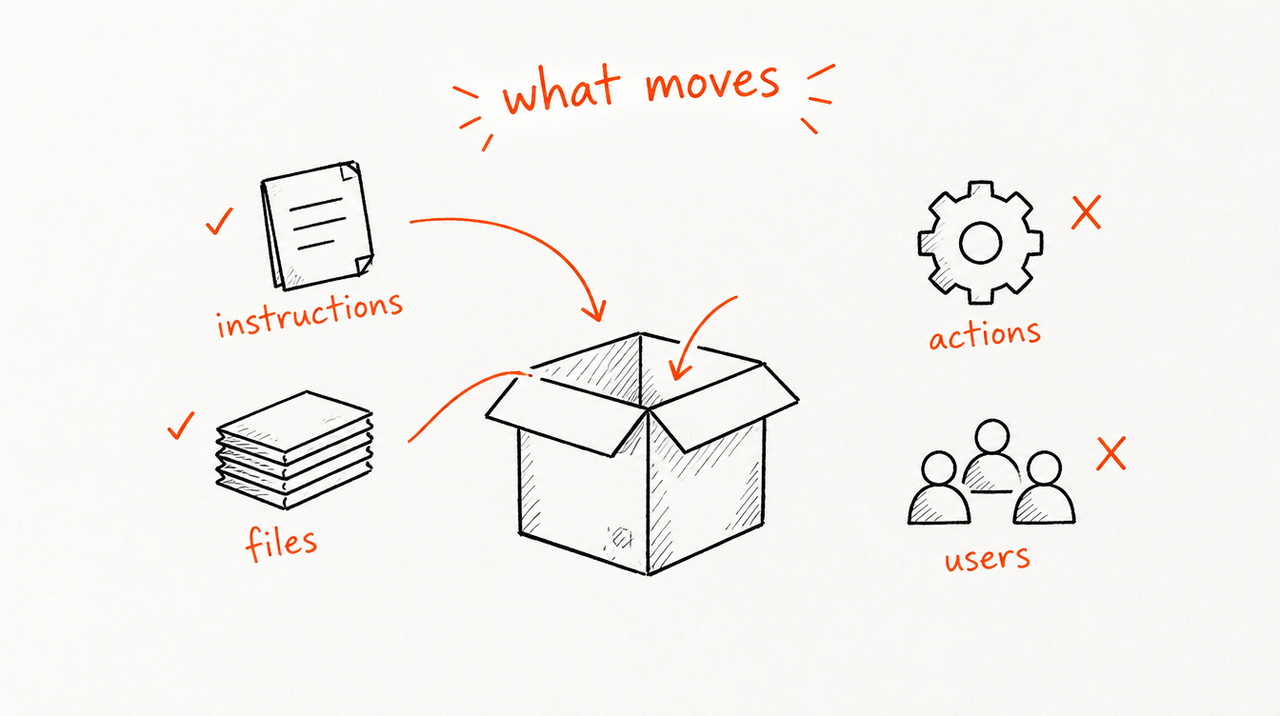
Per the FAQ:
- Instructions: become a skill inside the plugin (a skill here is a set of instructions ChatGPT follows when a request matches).
- Knowledge files: copied into the plugin's reference files.
- Connected apps: added to the plugin as apps.
- Custom Actions: don't transfer. Anything that depends on them stops working until you rebuild the connection, which OpenAI says may need a custom MCP server (a small web service that lets the AI call your tool) and technical setup.
- Sharing settings and users: don't carry over. The plugin starts private and isn't installed for anyone.
- Drafts and the chosen model: don't carry over. Migration uses your last published version.
So the forum question "did your Actions carry over?" has a plain answer: no.
Who can see your instructions? OpenAI's plugins guide says people browsing the directory can review a plugin's description, skills and apps. It doesn't spell out how much of a skill's text they can read. Either way, assume a determined user can draw out much of what the AI reads (more on protecting GPT instructions).
What happens to clients who already paid for your GPT?
Nothing happens to them automatically, and that's the problem. OpenAI's FAQ is explicit: migration doesn't give a GPT's existing users access to the replacement, and access to the original GPT doesn't grant access to the plugin.
Giving it to them is the hard part as of October 2026:
- Personal accounts: a migrated plugin starts private, and making it public needs a separate plugin submission. Public means anyone, not just the people who paid you.
- Business and Enterprise workspaces: the plugins guide covers sharing with members of your workspace, by invite, by workspace link or in the workspace directory. Your clients aren't members of your workspace. (OpenAI had already turned off public link sharing of GPTs from Business workspaces in August 2026, per this forum thread.)
- Specific outside customers: creators in the forum thread report that OpenAI Support told them there's no documented way to grant a migrated plugin to particular external customers. That's second-hand, not an OpenAI statement, but we found nothing on OpenAI's help pages that contradicts it.
And OpenAI never handled your billing: if clients pay you through Stripe, Gumroad or an invoice, those charges carry on after December 11 unless you change them.
Your options for keeping paying clients
- Migrate to OpenAI's plugin and re-share it. Choose Migrate to plugin in My GPTs when it appears, test, then share. Fits when every client is already in your ChatGPT Business or Enterprise workspace. Limitation: no documented way to reach specific paying customers outside it, no billing, and Actions must be rebuilt.
- Move it to a Claude Project or Claude Skill. A Project is a Claude workspace with its own instructions and files; a Skill is a folder of instructions and files Claude uses when a task matches. Limitation: Anthropic lets you share a Project only with members of your own Claude Team or Enterprise organization (sharing guide), and Skills are shared view-only with colleagues in your organization (Skills sharing). For an outside client you'd send the Skill as files: they keep them, and need a new copy after every update. ChatGPT clients can't use either.
- Host your playbook and let clients connect to it. Your instructions and files stay on a server, and each client adds it once to the ChatGPT or Claude account they already have. Access follows payment: remove a client and it stops answering them. This is what ExpertRelay does. Limitation: a monthly cost, ChatGPT clients need Plus or Pro, and it hosts instructions and files, not custom Actions or your own code. The files stay private, but useful answers can still reveal parts of how you think.
Side by side
- OpenAI plugin: ChatGPT only; shares inside your workspace or publicly. Limitation: no per-client access for outside customers.
- Claude Project: Claude only; shares inside your Claude organization. Limitation: clients would need to join it.
- Claude Skill sent as files: Limitation: the client owns a copy, you can't switch it off, and updates mean resending.
- Hosted playbook (ExpertRelay): the client's own ChatGPT, Claude or Cursor; per-client access; one update reaches everyone. Agencies pay $99 a month for the agency plan plus $49 a month per client they turn it on for, with a 14-day free trial. Creators pay one flat plan, $29 a month (Starter, 200 customer runs) and keep their sales with no percentage taken; their customers pay once or by subscription, and access ends when a subscription ends or a purchase is refunded. Stripe's processing fees still apply. Limitation: monthly cost; no custom Actions.
Prices as of October 2026. Agencies charge their own clients however they already do (retainer or a higher tier); ExpertRelay doesn't bill an agency's clients.
When you don't need to pay for anything
Stick with the free route if:
- The GPT was free and public and you're happy for anyone to use the replacement: migrate and submit the plugin.
- Every client already works inside your ChatGPT or Claude workspace, as in a fractional role: migrate or rebuild there and share inside the workspace.
- You have one or two clients who don't mind receiving files and a new copy when things change.
Paying for hosting makes sense when outside clients pay you for access, or are split between ChatGPT and Claude.
What to do this week

- List everyone who pays for access. Which GPT, how they pay, and which AI app they use.
- Export everything while you can still edit. Copy instructions and conversation starters, download knowledge files, and note what each Action did. Migration makes the GPT read-only.
- Save a few real prompts and answers to test the replacement against.
- Decide where clients will use it: a shared plugin, a Claude workspace, or their own ChatGPT or Claude through a hosted tool.
- Tell clients before the date, with what changes, what they need to do and whether billing changes. Test the replacement first.
If your clients pay for access and sit outside your workspace, see how ExpertRelay works for agencies. Selling to customers instead of clients? See the creator plans. Both are free to set up and test.
FAQ
What happens to people who paid for my custom GPT when it retires?
They lose access on December 11, 2026 (February 11, 2027 only for Enterprise workspaces with an approved deferral). OpenAI's migration doesn't give existing users access to the replacement plugin, so you have to give paying clients a new way in yourself.
Can I share a migrated plugin with my paying customers?
Not selectively, as of October 2026. Plugins share inside a Business or Enterprise workspace, or publicly after a submission. Creators on OpenAI's forum report that Support said there's no documented way to grant a plugin to specific outside customers.
Do custom GPT Actions carry over to plugins?
No. OpenAI's FAQ says custom Actions don't transfer; rebuilding them may need a custom MCP server and technical setup.
Can I move my custom GPT to Claude and share it with clients?
You can rebuild it as a Claude Project or Skill, but those share only inside your own Claude organization. Outside clients would need the files, or a hosted tool they connect to their own Claude.
Is there a way for clients to use my GPT's replacement in both ChatGPT and Claude?
Yes, if the playbook is hosted and each client connects it to the app they use. With ExpertRelay, clients connect from Claude, ChatGPT (Plus or Pro) or Cursor, and you control each client's access.


