OpenAI is retiring custom GPTs. According to its retirement FAQ, custom GPTs are scheduled to retire on December 11, 2026, across all ChatGPT plans, and their GPT pages will become inaccessible after that date. OpenAI's recommended replacement is a ChatGPT plugin, and it's building a migration flow to move each GPT into one.
The interesting part is what a GPT becomes. In OpenAI's planned migration, a GPT's instructions turn into a skill inside the new plugin, and its knowledge files become the plugin's reference files. That's the same idea as a Claude Skill: instructions and reference material that the AI uses when a task calls for them.
This guide covers the dates, what moves over and what doesn't, your options, and how to keep the people who use your GPT.
What changes, and when
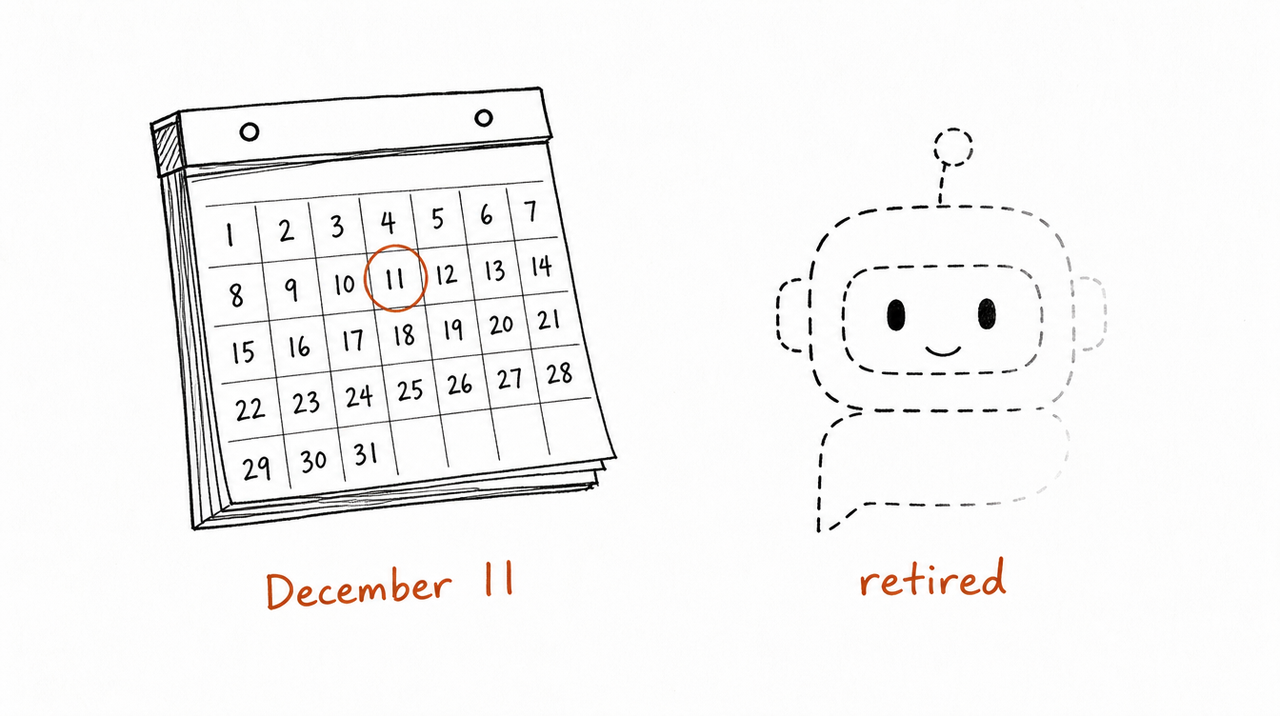
- Already: personal accounts (Free, Go, Plus, Pro) can no longer create or publish new GPTs. Existing ones still work and can be edited.
- September 22, 2026: target date for the migration option in Enterprise workspaces. It may reach other accounts at different times.
- October 26, 2026: planned end of new GPT creation in Enterprise workspaces.
- December 11, 2026: scheduled retirement. Custom GPTs and their pages become inaccessible.
- February 11, 2027: retirement for Enterprise workspaces with an approved deferral only.
Three things don't change: your existing GPTs keep working until the retirement date, your past conversations with GPTs stay accessible after it, and GPTs you only use (but didn't create) are the creator's to migrate, not yours. OpenAI says dates may change and that each account's in-product notice is the one to follow.
What moves to the plugin, and what doesn't
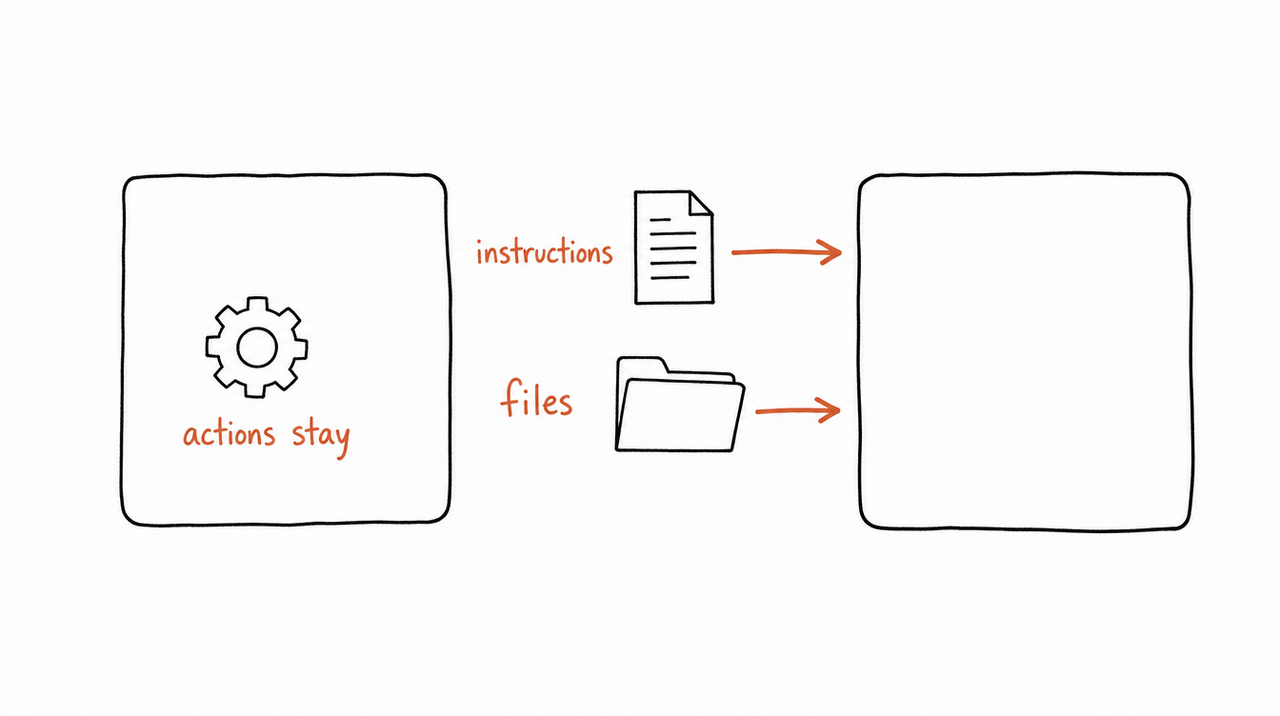
- Instructions: become a skill inside the plugin.
- Knowledge files: copied into the plugin's reference files.
- Connected apps: added to the plugin as apps.
- Custom actions: don't transfer. Rebuilding them may need a custom MCP server.
- Chosen model: doesn't carry over.
- Sharing settings and users: don't carry over. The plugin starts private; going public needs a separate plugin submission.
- The original GPT: stays usable until retirement, but becomes read-only.
Migration uses your GPT's latest published version; drafts don't transfer. So finish and publish any edits first (publishing doesn't mean sharing publicly).
Your three options
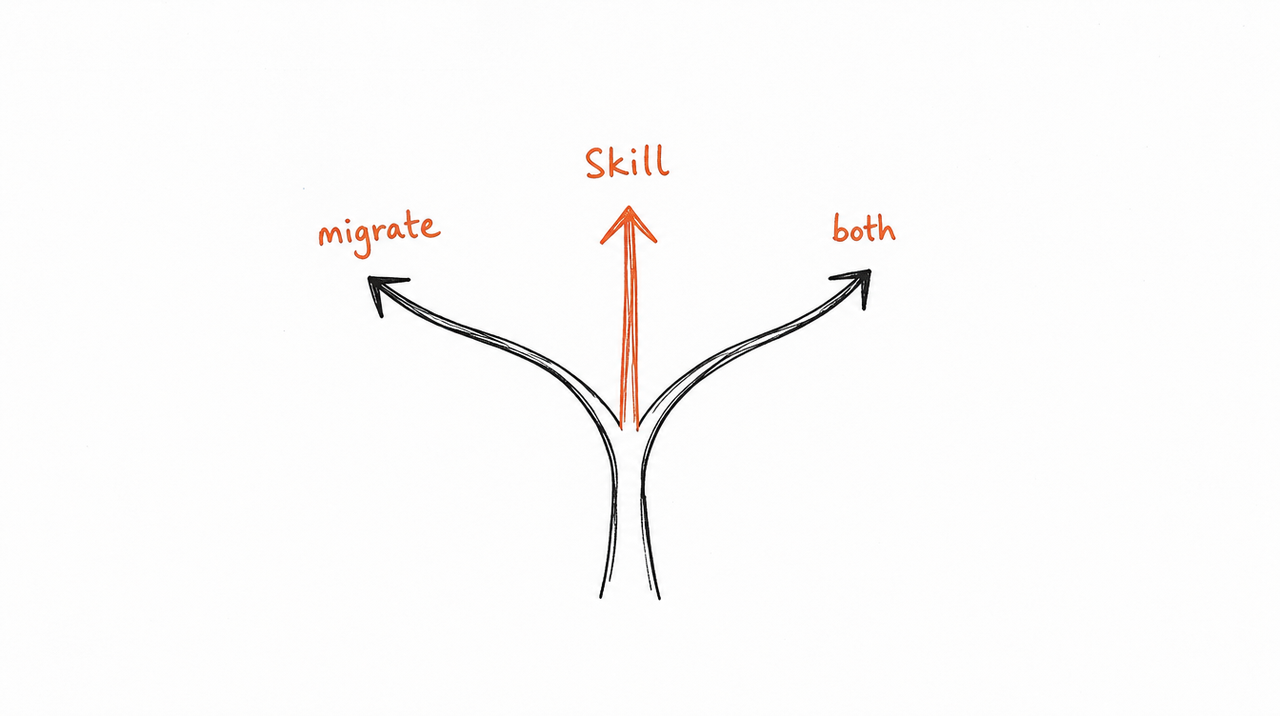
- Use OpenAI's migration. When it reaches your account, go to My GPTs and choose Migrate to plugin. Best if everyone who uses your GPT is on ChatGPT and you're happy to keep it there.
- Rewrite it as a Claude Skill. Your instructions and files map almost one to one onto a SKILL.md and its reference files. Best if your users are on Claude, or if you want the method to work outside one app.
- Do both. Since both end up as a skill with instructions and reference files, keeping one master copy of your method and producing both from it is less work than it sounds.
Whichever you choose, OpenAI's own advice applies: save a few familiar prompts now so you can compare the replacement's answers with your GPT's.
Step by step: turning a GPT into a Skill
Want the folder built for you? Paste your GPT into our free custom GPT to Claude Skill converter: it keeps your instructions word for word, turns your description and conversation starters into the Skill's description, puts your knowledge files beside SKILL.md, and tells you what didn't come across. No account needed. The steps below are what it does, plus the parts only you can do: trimming the instructions, replacing actions and testing.
- Copy everything out while you can still edit. Open your GPT in the builder and save its instructions, conversation starters and knowledge files. After migration the original is read-only, and after December 11 it's gone.
- Write the description. A GPT has a name for people; a Skill needs a description for the AI, saying what it does and when to use it. Your conversation starters are a good source for the "when".
- Turn the instructions into SKILL.md. Keep your rules, steps and output format. Cut anything that explains general knowledge the AI already has.
- Move the knowledge files into reference files beside SKILL.md, and point to each one from SKILL.md so the AI knows when to read it.
- Replace custom actions with a connector. If your GPT called another service, the equivalent in Claude is an MCP connector (what an MCP server is).
- Test with your saved prompts, plus at least one hard case, and compare the answers with the GPT's.
How to build a Claude Skill from your course walks through the SKILL.md step in detail.
If people use your GPT: keeping them
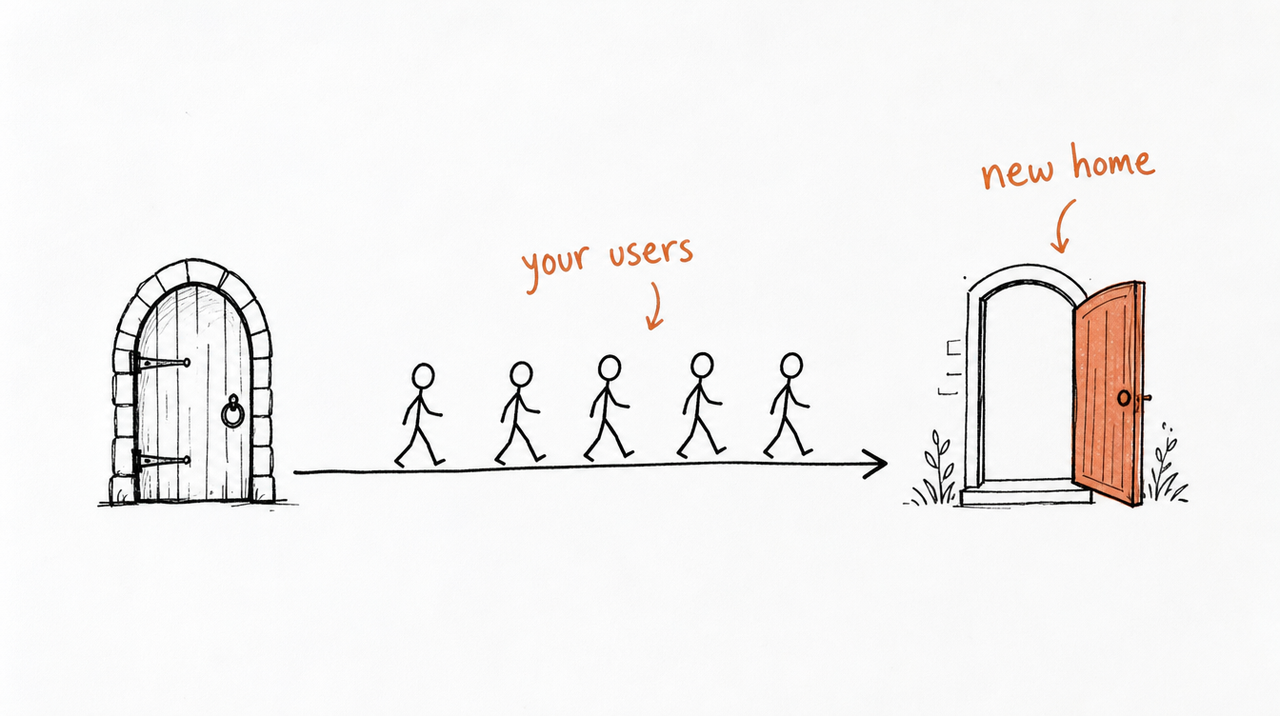
This is the part that catches creators out. Migration doesn't carry over your GPT's sharing settings, and access to the old GPT doesn't give anyone access to the new plugin. Every user has to find and install the replacement, and a public plugin needs its own submission process.
So plan the move like a product launch:
- Tell your users early, with the date and what they'll need to do.
- Have the replacement ready and tested before you announce it.
- Give them one place to switch to, not a set of instructions per app.
If you sold access to your GPT, or included it with a course or membership, this is also the moment to decide where your method should live. With expertrelay, your method runs as a Skill on our server and each customer connects it once to Claude, ChatGPT or Cursor. Access follows their purchase, and your next update reaches everyone without another migration.
See how selling a Skill works →
FAQ
Are custom GPTs going away?
Yes. OpenAI plans to retire them on December 11, 2026 (February 11, 2027 for Enterprise workspaces with an approved deferral) and recommends moving to ChatGPT plugins.
Will I lose my conversations with GPTs?
No. OpenAI says existing conversations stay accessible after retirement, with nothing to do on your side.
Can I still create a custom GPT?
Not on a personal account: Free, Go, Plus and Pro can no longer create or publish new GPTs. Business, Enterprise and Edu workspaces can, subject to their settings, until creation ends (October 26, 2026 is the planned date for Enterprise).
What happens to GPTs made by other people?
Their creators decide on a replacement. You can't migrate a GPT you only use, and access to it doesn't give you access to its replacement, so check the GPT's notice and its creator's guidance.
Is there a quick way to turn my GPT into a Claude Skill?
Yes. Our free custom GPT to Claude Skill converter takes your GPT's name, description, instructions, conversation starters and knowledge files and gives you a Skill ZIP to upload to Claude. It doesn't rewrite your instructions, and custom actions still need rebuilding.
Will the plugin work exactly like my GPT?
Not necessarily. OpenAI says a migrated plugin may respond differently, the model choice doesn't carry over, and custom actions need rebuilding. Test it with familiar prompts before switching.


