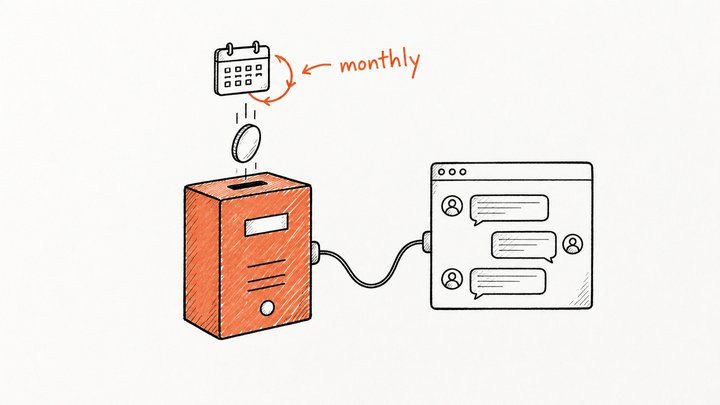
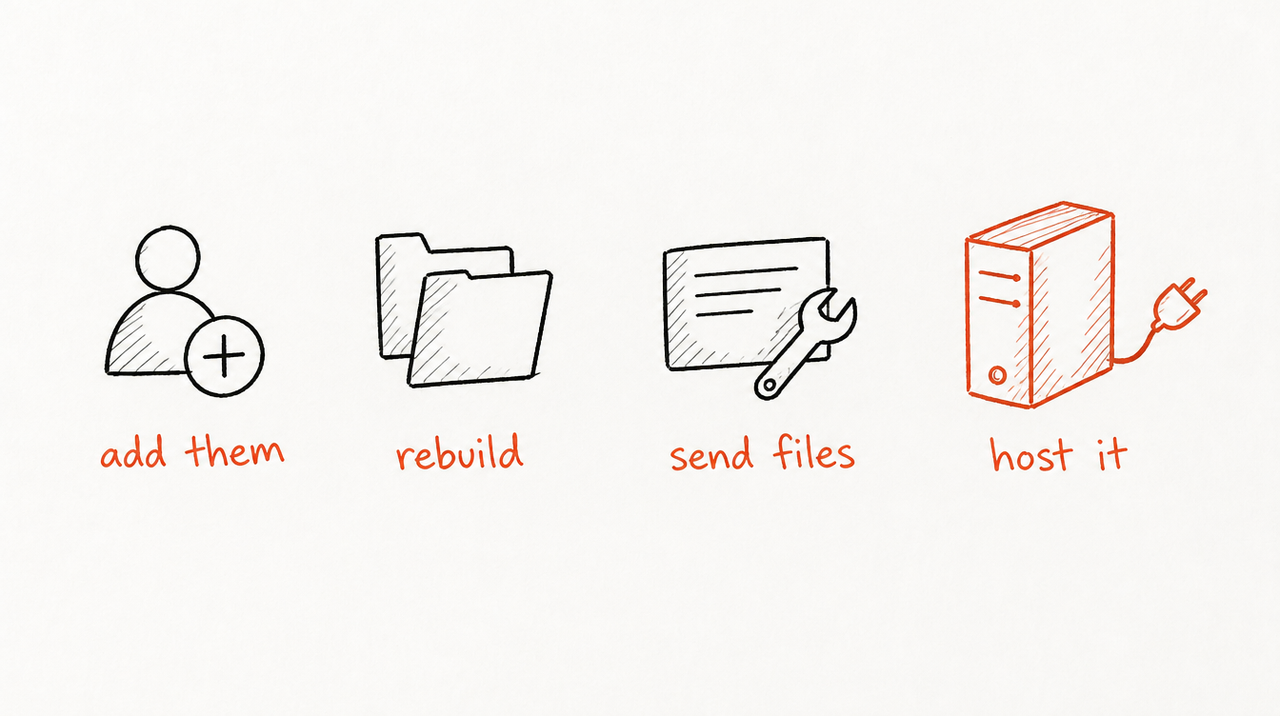
No. As of October 2026, Claude only lets you share a Project with members of your own Claude Team or Enterprise organization, so a client with their own Claude account, or on ChatGPT, can't be added (Anthropic). To give an outside client the Project, you either bring them into your organization as a paid member, rebuild the Project in their account, turn it into a Skill and send the files, or host it so they use it from their own Claude or ChatGPT without seeing your instructions.
Below: what a shared Project does and doesn't share, and the catch with each route.
What Claude's Project sharing allows (as of October 2026)
- Plans: Team and Enterprise only. Free, Pro and Max users can create Projects (free accounts up to five) but can't share them (What are projects?).
- Who you can share with: people in your organization, added by name or email. On Enterprise you can also add a group, but only people who belong to the organization get access (Manage project visibility and sharing).
- Two permission levels: a view-and-use level, where members see the instructions and files and chat in the Project but can't change it, and Can edit, where they can change the instructions, files and member settings.
- Two visibility settings: private (only invited members) or public, meaning everyone in your organization can see and use it.
There's no guest or link option.
Do shared Claude Projects share chats or memory?
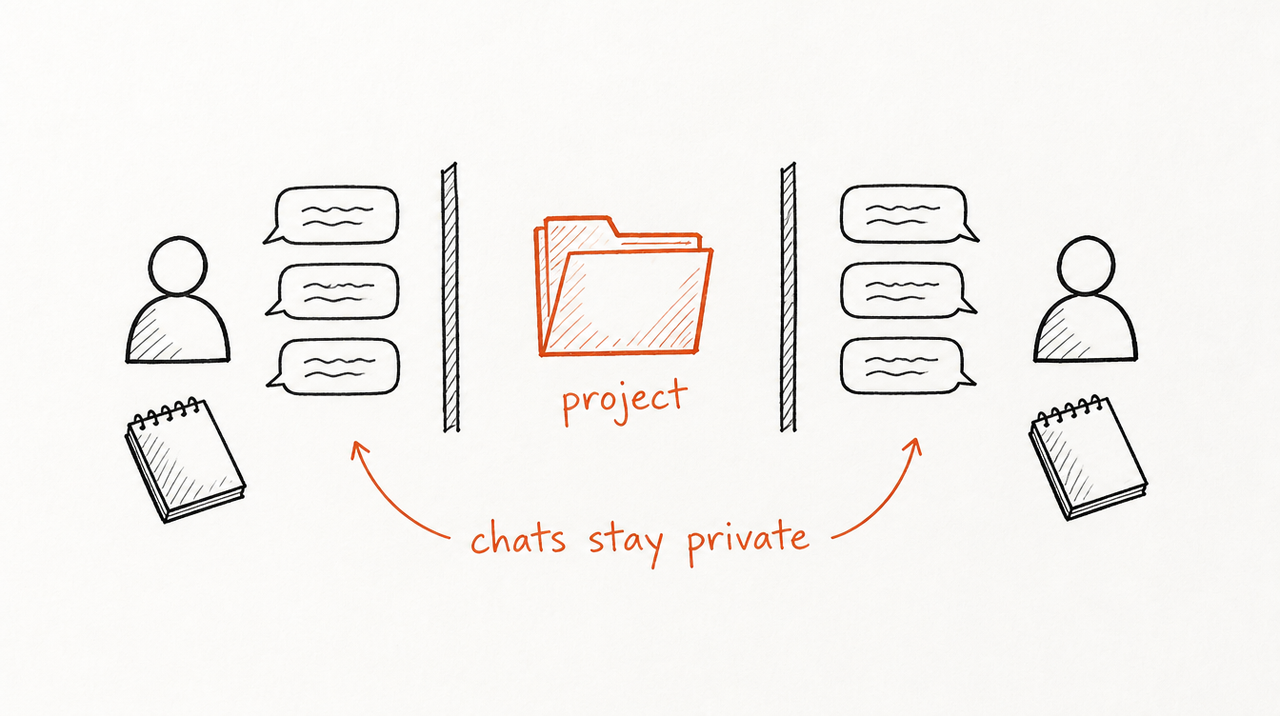
Not chats. Each member's chats inside a shared Project stay private to them unless they share a chat on purpose, which creates a one-off snapshot link (Anthropic). What members share is the Project itself: the instructions and the files.
Memory works the same way. Each Project has its own memory space, kept apart from other Projects and from chats outside it, and in a Team or Enterprise organization memory is managed per person; owners can't read a member's memories (Use Claude's chat search and memory).
So a client added to a Project wouldn't see your team's conversations. They would see the instructions.
Can I share a Claude Project with someone outside my organization?
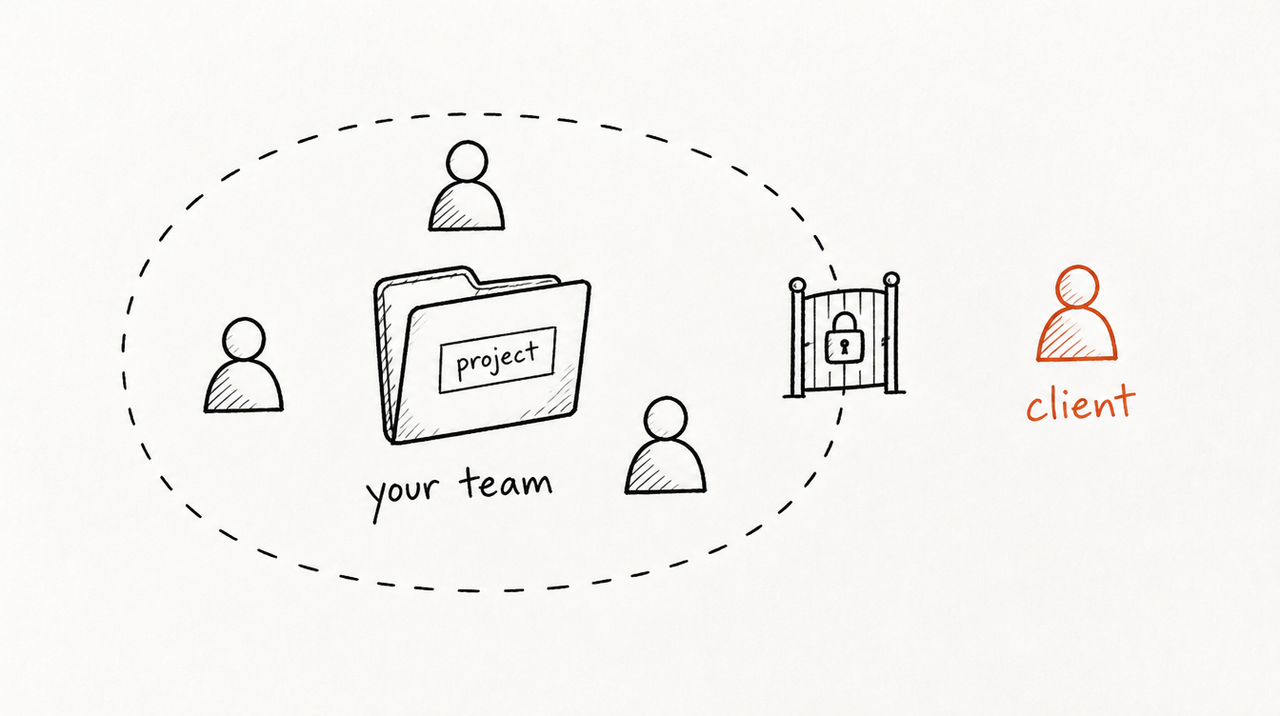
Not directly. Say you run a paid-ads agency and built a Project for one client, Acme: your weekly review checklist in the instructions, Acme's brand guide and last quarter's reports in the files. Acme's marketing lead asks, "Can we use that too?" She has her own Claude account at Acme, or uses ChatGPT, and Claude's Share box won't find her. Here are your four options.
Four ways to give an outside client your Claude Project
1. Add the client to your Team plan
You buy a seat in your own Claude organization and invite the client contact, then share the Project with them.
- Cost: a Standard Team seat is $25 a month billed monthly or $20 billed annually, as of October 2026, with a two-seat minimum for the plan (Claude pricing).
- What they see: the Project's instructions and files, and every other Project your team has set to public for the whole organization. Private Projects stay hidden unless you invite them.
- What they don't see: your team's chats in the Project, or anyone's memory.
- Updates: immediate. Change the instructions and they're working from the new version.
- Limitation: the client joins your workspace. They read your instructions word for word, see anything set organization-wide by mistake, and their chats about their business sit in your account. Many clients' contracts or security teams won't allow that.
2. Recreate the Project in the client's own Claude account
You copy the instructions into a new Project in their account and upload the files. Claude has no export or copy button for this, so it's done by hand.
- Cost: nothing extra; the client needs any Claude plan, including free.
- Who owns it: the client, with their chats in their own account.
- Updates: manual. Every improvement you make, someone pastes in again.
- Limitation: you've handed over the instructions, which is often the part they pay you for. Fine for a handover, not for a playbook you use across ten clients.
3. Turn the Project into a Claude Skill and send the files
A Skill is a folder of instructions and files Claude loads when a question calls for it (what Claude Skills are). Your Project instructions become the Skill's main file; the client uploads it and can use it in any chat, not only one Project.
- Cost: nothing extra.
- Updates: you send a new version; they re-upload.
- Limitation: same as recreating the Project. The client has every file and can forward it, and you can't take it back. Skills have their own sharing routes (a Git repo, a plugin marketplace), covered in how to share a Claude Skill with clients.
4. Host it, so the client connects from their own Claude or ChatGPT
Your instructions stay on a server. The client adds the tool to the AI app they already use by pasting a link (Claude calls this a custom connector), asks as usual, and gets answers built from your instructions without ever receiving them.
- Cost: with ExpertRelay, $49 per client per month, paid by the agency. No setup fee and the first 14 days are free (card required). You charge clients however you already do, inside the retainer or a higher tier.
- Where it works: the client's own Claude, ChatGPT or Cursor, in about two minutes. ChatGPT clients need Plus or Pro; there's also a web page for anyone whose AI app can't add it.
- Updates: improve it once and every client gets the new version on their next question.
- Ending access: remove a client and it stops answering at once, and their seat comes off your bill. They keep their own chats; they never had the files.
- Their numbers: it can read the client's own ad accounts (Google, Meta, LinkedIn, TikTok, Microsoft and more), Google Analytics 4, Shopify and HubSpot, read-only, and never changes a campaign, budget or record.
- Limitation: it costs money every month, and the Project has to become a Skill first (option 3). It suits a review you repeat across clients more than a one-client Project full of that client's documents. And useful answers can reveal parts of how you think: the files stay private, but nothing stops a client piecing your approach together from answers.
Side by side
- Client sees your instructions: Team seat, yes. Recreated Project, yes. Skill files, yes. Hosted, no.
- Works if the client uses ChatGPT: Team seat, no (they'd use Claude). Recreated Project, no. Skill files, only where their ChatGPT workspace has Skills turned on. Hosted, yes (Plus or Pro).
- Updates reach the client automatically: Team seat, yes. Recreated Project and Skill files, no. Hosted, yes.
- You can end access: Team seat, yes, by removing them. Recreated Project and Skill files, no. Hosted, yes.
- Client's chats live in: Team seat, your account. The other three, their own account.
- Cost to you: Team seat, $20 to $25 a month per contact. Recreated Project and Skill files, nothing. Hosted, $49 per client a month with ExpertRelay.
When adding the client to your Team plan is fine
- You're effectively one team: an embedded contractor, a sister company, or a client whose staff work alongside yours every day.
- Nothing in the instructions is proprietary: a report template or brand voice notes they could have written themselves.
- The client is happy for their chats to sit in your account: and their contract, legal or security team agrees.
- It's one or two people: a seat is cheap and needs no setup.
Likewise, if the engagement is ending and the client is meant to own the work, recreating the Project in their account (option 2) is the right answer, and it's free. Hosting earns its cost when the instructions are what clients pay for and you serve several clients with the same playbook.
How agencies share a Project's playbook with clients using ExpertRelay
Turn the Project's instructions into a Skill (Claude will help, free), upload it to ExpertRelay, and invite each client. Once you verify a domain such as ai.youragency.com, invite pages and connections use your name. Each client gets their own access, with 300 reviews a month. It isn't for website chat widgets or automations that change campaigns, and it doesn't host code you wrote yourself. If you're still deciding between formats, see Custom GPT vs Claude Project vs Skill for clients.
See how ExpertRelay works for agencies →
FAQ
Can I share a Claude Project with someone who isn't in my organization?
No. As of October 2026, Project sharing works on Team and Enterprise plans and only reaches members of your organization. For an outside client, add them as a paid member, recreate the Project in their account, send it as a Skill, or host it.
Can I share a Claude Project on the Pro or free plan?
No. Free, Pro and Max users can create Projects but not share them. Sharing needs a Team or Enterprise plan.
Can other members see my chats in a shared Claude Project?
No. Chats in a shared Project are private to each member unless you share a specific chat, which creates a snapshot link.
Do Claude Projects share memory between members?
No. Each Project has its own memory space, and in an organization memory is managed per person. Members share the Project's instructions and files, not each other's memory.
Can a client copy my Claude Project instructions?
Yes, if they can open the Project. Even view-only members see the instructions and files. Keeping them private means the client uses the Project's playbook through a hosted tool instead.
How do I give a client on ChatGPT my Claude Project?
Claude Projects don't open in ChatGPT. Rebuild it as a project in their ChatGPT account, or host it as a tool that works in both Claude and ChatGPT.