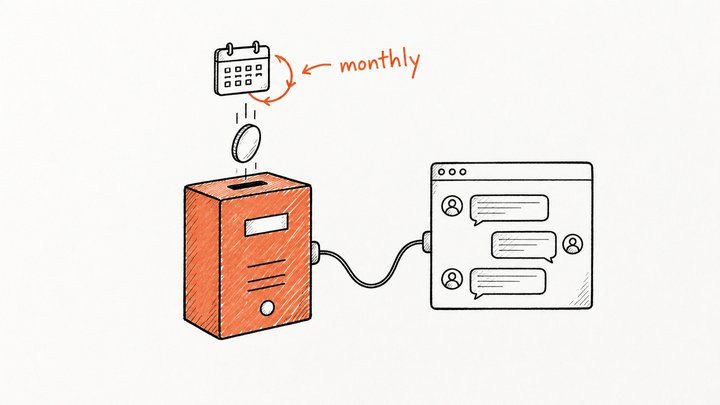
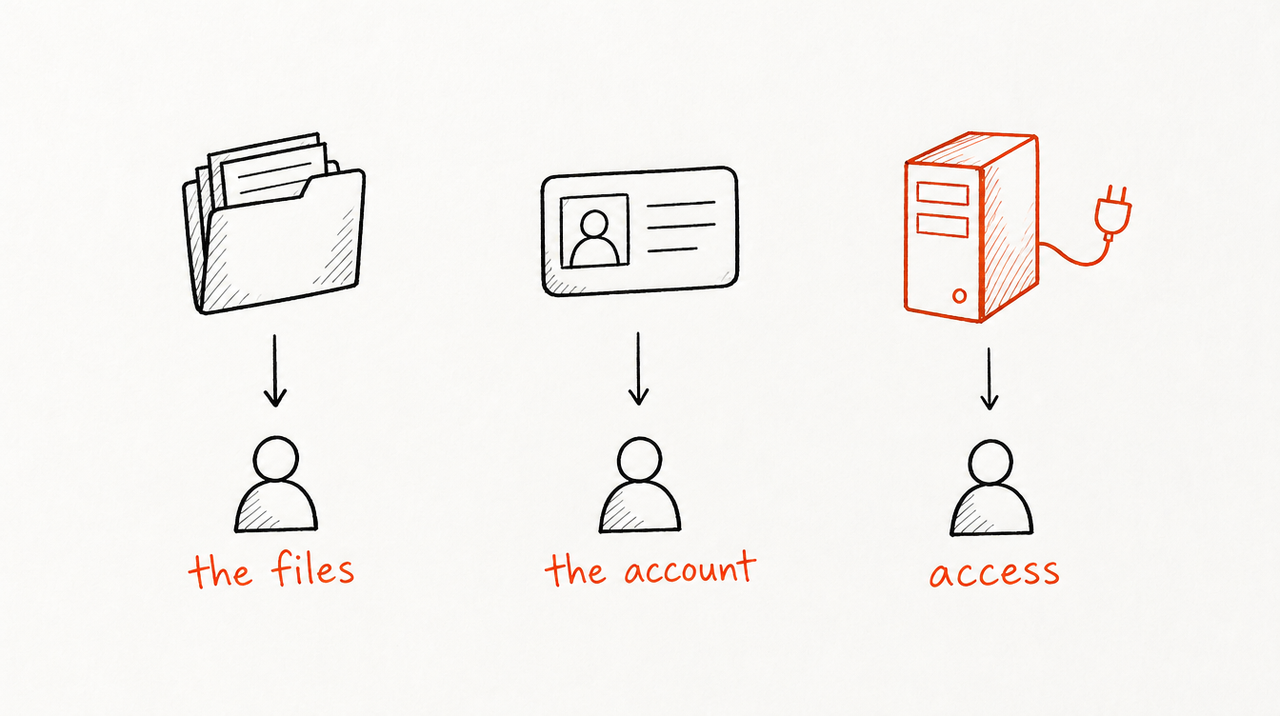
It depends on what you hand over: the files, the account, or only access. If the client gets the files, or you build it in their account, they own it; if they only get access to a tool you host, you keep the playbook and they keep the answers, so decide which one in the contract before you build.
One builder wrote on OpenAI's community forum that after building a custom GPT for a client, they had to "re-build it all over again on the client's side". In the AI Automation Society on Skool, Simon Knudsen asked, after testing an n8n workflow on his own keys: "how do you usually handle the switch to the client's credentials?"
What exactly are you handing over?
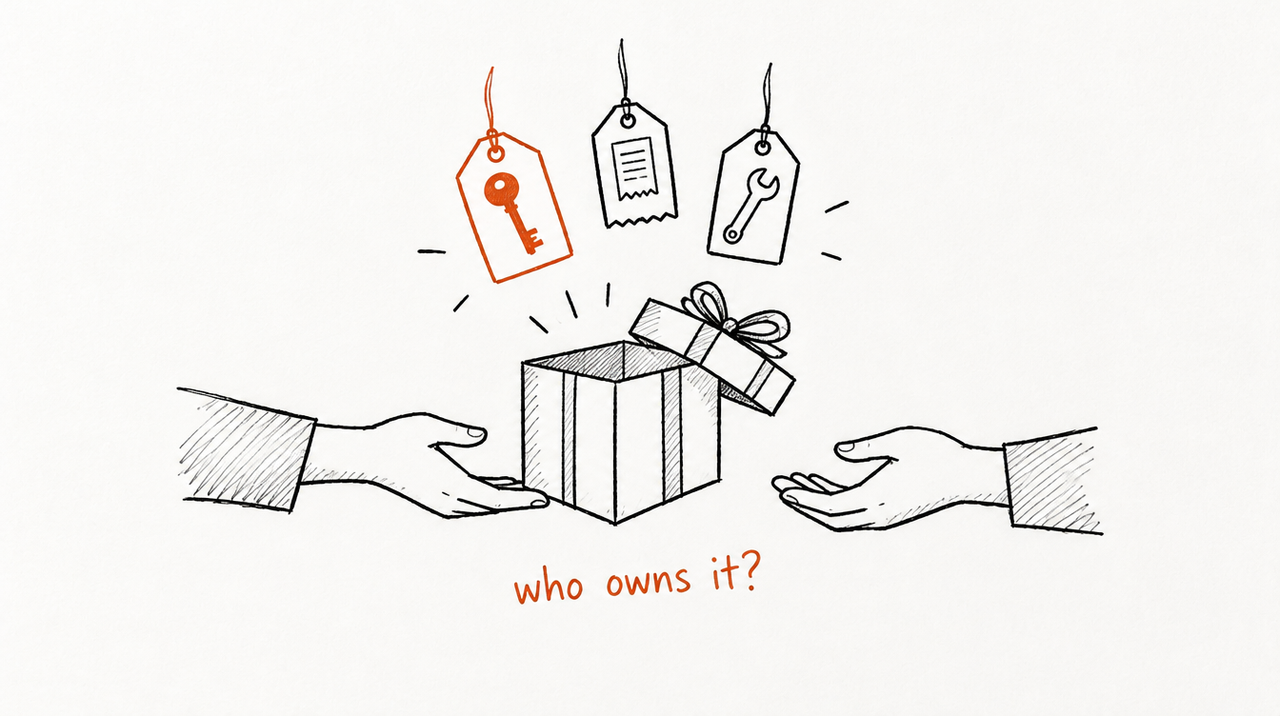
An AI assistant or workflow you build for a client is really three things, and each can belong to someone different:
- The playbook: the instructions, prompts, knowledge files and workflow logic. This is your know-how written down.
- The account it runs in: a ChatGPT or Claude workspace, an n8n instance, an OpenAI or Anthropic API account. Whoever owns the account holds the API keys and gets the usage bill.
- The outputs: the answers, reports and chat history the client produces by using it.
Say you run a paid-media agency and you've built an assistant that reviews a client's ad account the way your team does. The client asks it, between weekly calls: "CPA is up 22% this week, should we cut spend?" That same assistant can be handed over in three very different ways.
Model 1: Hand over the files, or build it in the client's account
You build it, then give the client the prompts, files or exported workflow, or you build it inside their account from the start.
- Who owns the instructions and files: the client, in practice. They have a full copy.
- Whose API keys and usage bill: the client's. They create keys in their own OpenAI or Anthropic account, or connect their own credentials in n8n, and the usage goes on their card.
- Who can update it: the client, and you only while they give you a login.
- When the client leaves: they keep everything and can hand it to the next agency.
- Limitation: you lose control of the playbook. They can copy and reuse it, and later fixes don't reach them unless you're invited back in.
If you go this way, build in the client's account from day one and test with their keys, not yours. That avoids the double build the forum poster describes. For n8n, the n8n docs note that an exported workflow file includes credential names and IDs, and that HTTP Request nodes imported from cURL may contain authentication headers, so check the file before you send it.
Model 2: Can you transfer or share the account instead?
The tool lives in your account and you try to move it to the client, or let them in. It's usually the messiest option: AI platforms aren't built for moving a tool between two unrelated companies.
- Custom GPTs: OpenAI's help page on GPTs in Enterprise and Edu workspaces describes workspace owners reassigning a GPT to another member of the same workspace. We found no supported way to move a GPT from your account to a client's separate account, and the forum threads asking for it don't show one. Custom GPTs are also being retired on December 11, 2026, according to OpenAI's retirement FAQ (as of October 2026), so a handover built on one has a short life. More in our post on the retirement.
- Claude: Projects can be shared only with members of your own Claude Team or Enterprise organization (Claude help), and Skills are shared view-only with colleagues in your organization (Claude help). A client in their own organization can't be added.
- Who owns the instructions and files: whoever owns the account, which is often unclear.
- Whose API keys and usage bill: the account owner's, often yours, passed on as an expense.
- Who can update it: both of you, which is the problem when something breaks.
- When the client leaves: you untangle shared logins, rotate keys and separate chat history.
- Limitation: "transfer" often turns out to mean rebuilding.
Model 3: Keep it hosted and license access
You keep the instructions and files on a service you control. The client uses the tool and gets the answers, but never receives the files. Access is a license tied to the engagement, like a software seat.
- Who owns the instructions and files: you. The client owns their own data and the outputs, if the contract says so.
- Whose API keys and usage bill: yours, or your host's. You price it into the retainer instead of passing on a variable API bill.
- Who can update it: you, once, for every client.
- When the client leaves: access ends. They keep the reports and chats they already have.
- Limitation: the client depends on you, and some clients (and their procurement teams) want to own what they paid for. Useful answers also reveal parts of how you think; hosting keeps the files private, but it can't stop someone piecing your approach together from the answers.
ExpertRelay is one way to run this model. You pay $49 per client per month, with no setup fee and the first 14 days free, and you charge your clients however you already do, such as in the retainer or a higher tier. Each client gets their own access and uses it from their own Claude, ChatGPT or Cursor account (ChatGPT clients need Plus or Pro), or from a web page in the browser. From their invite page, the client connects their own ad accounts (Google, Meta, LinkedIn, TikTok, Microsoft and more), Google Analytics 4, Shopify or HubSpot, read-only: reviews never change a campaign, a budget or a record, and store and CRM numbers arrive as totals, never customer details. Remove a client and access ends at once: it stops answering and stops reading their accounts, and their seat comes off your bill. The client keeps their own chats.
Its limits: each client gets up to 300 reviews a month, it hosts instructions and files, not code you wrote, and it isn't built for website chat widgets or automations that change campaigns.
When is handing over the files the right call?
Hand over the files, or build in the client's account, when:
- The client paid for a build, not a service: a fixed-fee project with no retainer behind it.
- The client has people to maintain it: an in-house team that will own changes after model updates.
- Their rules require it: data and tools must sit in the client's own accounts for security or procurement reasons.
- It isn't your playbook: a generic inbox-sorting or lead-routing workflow that doesn't contain the judgment you sell.
For sharing Claude-based tools specifically, see how to share a Claude Skill with clients.
What should the contract say?
Whichever model you pick, write it down before you build. At minimum, cover:
- Playbook vs outputs: who owns the instructions, prompts, files and workflow logic, and who owns the answers, reports and chat history. A common split is that the agency keeps the playbook and the client owns its data and the outputs.
- Credentials: whose accounts and API keys the tool runs on, who holds them, that the client connects their own accounts where possible, read-only where possible, and that keys are revoked at the end.
- Usage costs: who pays the model or API bill, whether it's included in the retainer or passed through, and any monthly cap.
- Termination: what happens on the last day: access ends, what the client keeps, and whether they can buy the files for a handover fee.
- No reverse engineering: the client won't try to extract, copy or rebuild the instructions from the tool, or share access outside its own team.
This is a checklist, not legal advice. Have a lawyer check the wording for your country before you use it. For pricing the access itself, see how to charge clients for Claude Skills.
If model 3 fits your agency, see how ExpertRelay works for agencies →
FAQ
Who owns a custom GPT I build for a client?
In practice, whoever's account it lives in controls it, and the contract decides who owns the instructions. We found no supported way to move a GPT from your account to a client's separate account, and custom GPTs are being retired on December 11, 2026 (as of October 2026).
Should I use my API key or the client's when I build an AI tool for them?
Use the client's if you're handing it over, ideally from the first test. Use your own only if you host the tool and price the usage into your fee, and don't share one key across clients.
Who pays the OpenAI or Anthropic bill for a client's AI assistant?
Whoever's account it runs on. If you hand it over, the client pays the usage directly; if you host it, you pay and build the cost into the retainer. Put the answer, and any cap, in the contract.
How do I give a client an n8n workflow without sharing my accounts?
Export the workflow, have the client import it into their own n8n and connect their own credentials. Check the file first: n8n's docs say exported files include credential names and IDs, and HTTP nodes from cURL may carry authentication headers.
What happens to the AI tool when the client cancels?
If they have the files, they keep it. If you host it and license access, access ends and they keep the outputs and chats they already have. Either way, write it into the termination clause.