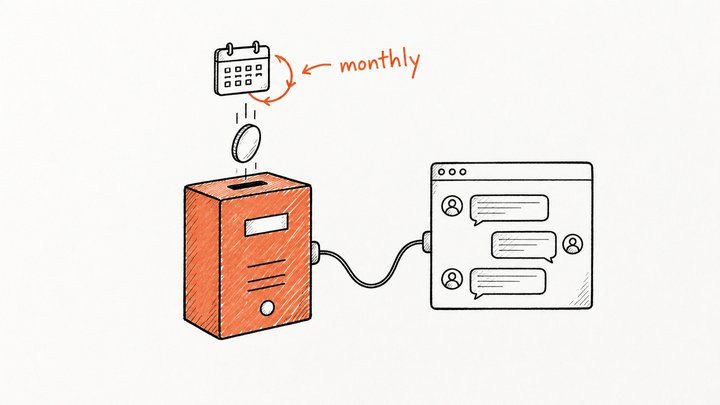
Yes, Claude can read and analyze Meta Ads and Google Ads accounts today: Google publishes a free, read-only server for its Ads API, Meta hosts an official one that can also create and edit campaigns, and data connectors such as Windsor.ai and Supermetrics cover both. For client accounts, start read-only, keep each client in its own connection, and go through the platforms' official routes instead of a bot clicking around Ads Manager, because that's what their terms restrict.
This guide is for agencies running paid media for several clients: the options as of October 2026, what Meta's and Google's terms say, and the problems that only show up with twenty accounts instead of one.
What are the ways to connect Claude to Meta Ads and Google Ads?
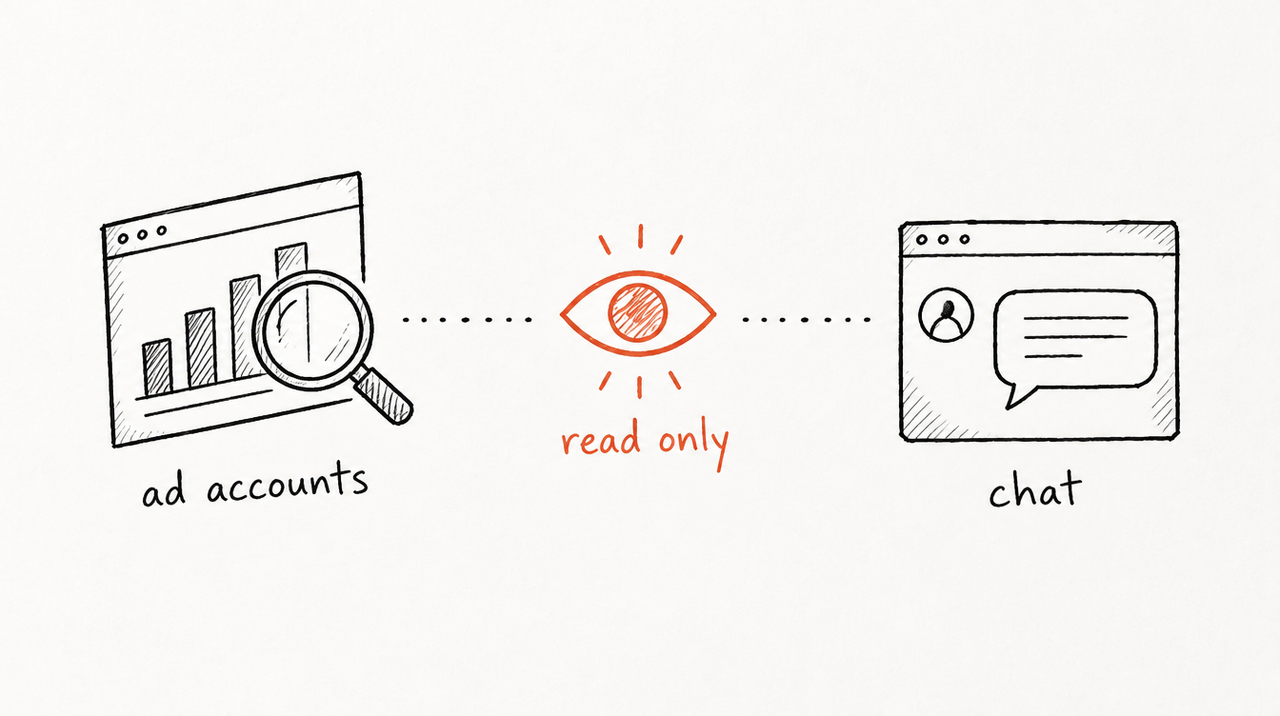
There are four routes. Several use an MCP server, which is a small program that lets Claude read data from another app, and sometimes act in it. In Claude these show up as connectors.
- Google's official Google Ads MCP server: open source and, in Google's words, "strictly read-only": it can't change bids, pause campaigns or create assets. It lists the accounts your login can reach and runs reports (Google's setup guide). Limitation: it's developer work. You need a Google Cloud project with Google Ads API access, and you run the server on your own machine or on Cloud Run.
- Meta's official Ads MCP server: hosted by Meta at mcp.facebook.com/ads. Its tools cover reporting, but also creating and editing campaigns, ad sets and ads, plus catalogs and tests (Meta's overview). Meta's setup page gives steps for Claude Code and ChatGPT. Limitation: it is built to make changes, and the permissions it lists include ads_management, so read the consent screen before you connect a client's account.
- Third-party data connectors (Windsor.ai, Supermetrics, Improvado): one connection that pulls from many ad platforms. Windsor.ai says its connector is in Claude's directory, has a free plan for one data source, and can also "create, pause or re-budget campaigns" with your approval (Windsor.ai). Supermetrics' MCP works with Claude and ChatGPT and is included in its plans with Data API access (Supermetrics). Improvado puts one endpoint in front of its whole connector catalog (Improvado's comparison). Limitation: another tool holding your clients' data, and some can make changes.
- Exporting reports and pasting them in: download a CSV from Ads Manager or Google Ads and attach it to a chat. Limitation: it's manual, it goes stale the moment you export, and it's easy to attach the wrong client's file.
For a wider list of what Claude can connect to, see the best Claude connectors, and for the plain-words version of what these servers are, what is an MCP server.
Should Claude be able to change campaigns, or only read them?

For client accounts, read-only is the safer default. A tool that can only read can tell you something wrong; it can't spend a client's money doing it. A tool that can write can pause the wrong ad set, raise a budget on a misread number, or act on a vague instruction typed at 11pm.
Some practical rules:
- Grant the smallest permission that answers the question. If the job is "why did CPA jump?", nothing needs write access.
- Keep changes in the ad platform. Let Claude recommend; let a person make the change in Ads Manager or Google Ads, where the change history shows who did it.
- If you do allow writes, require approval per change. Windsor.ai, for example, asks before every change.
Can using Claude on Meta Ads or Google Ads get an account banned?
We found no rule from Meta or Google that bans using Claude or other AI assistants with your ad accounts. What their terms restrict is how you get at the data and what you do with it:
- Meta: its Terms of Service (section 3.2) say you may not access or collect data from its products using automated means without prior permission. A browser bot clicking through Ads Manager fits that description; the official API and Meta's own MCP server are the permitted routes. For apps built on its API, Meta's Platform Terms (section 7.e) let it suspend or remove an app and account if it believes the terms were broken, with or without notice.
- Google: the Google Ads API policies forbid, among other things, scraping and giving end users headless programmatic access to modify Google Ads accounts without Google review. Violations can lead to non-compliance fees and downgraded API access.
So the honest answer: reading reports through an official route is the low-risk path. The risky paths are scraping the interface, using tools you can't vet, and letting an AI make fast unsupervised changes. Nobody can promise an account won't be restricted for other reasons, such as ad content or billing.
What changes when you manage many client accounts?
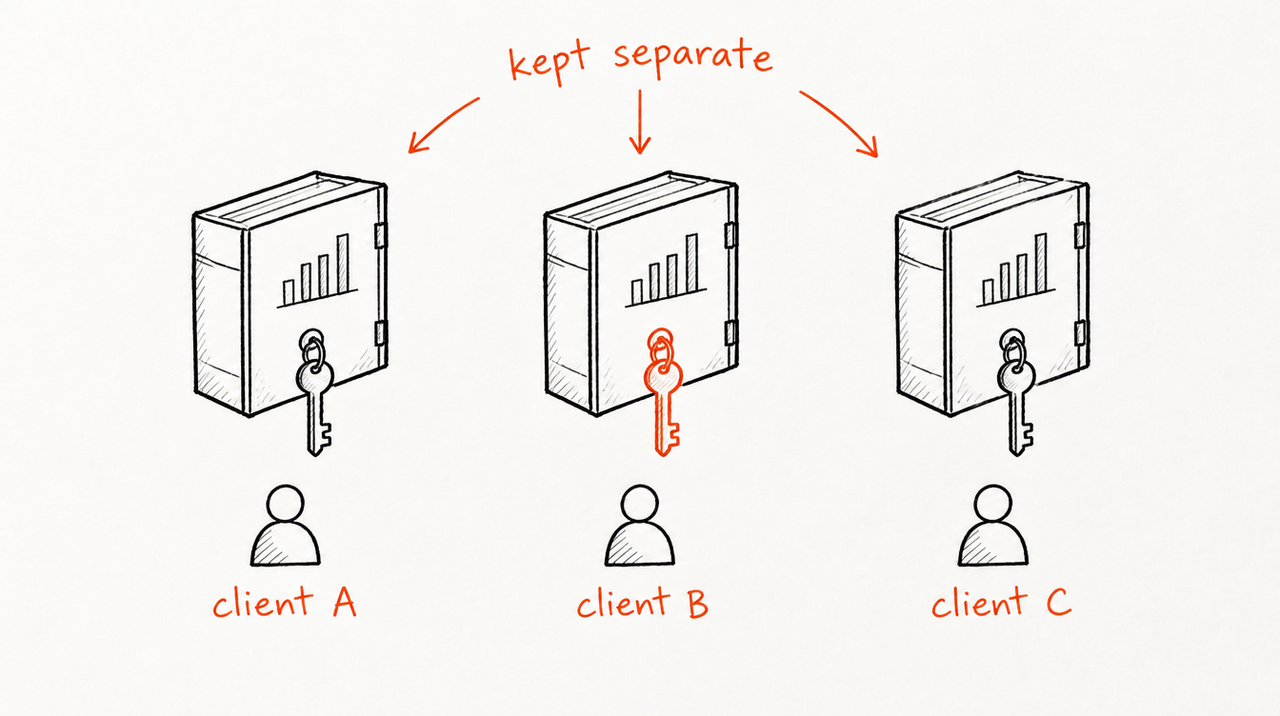
Every option above was designed for one advertiser looking at their own account. Agencies hit four problems on top.
One login sees every client
If you connect with your agency login or a Google Ads manager account, the connection can reach every account under it. Google's server, for instance, lists all accounts "accessible to the authenticated user". That's convenient for your team, and exactly why you can't hand that connection to a client.
Keeping each client separate
In one chat, Claude can pull client A's data while you're asking about client B. Use one chat per client, name the account ID in your question, and never attach exports from two clients to the same conversation.
Who holds the credentials
The connection belongs to whichever Claude account added it. When an account manager leaves, check their connections the same way you'd remove their access in Business Manager and Google Ads. Google's policy also gives end-advertisers the right to have their accounts disconnected from a tool within three business days of asking.
Giving clients the answers without giving away your playbook
This is the one most agencies run into. Say a client messages between weekly calls: "CPA is up 22% this week, should we cut spend?" If you give them a connector to their own account, they get raw numbers and a generic AI answer, not your judgment. If you share the prompts or files your team uses, they have your playbook. And Claude's own sharing stops at your organization: Projects and Skills can only be shared with members of your own Claude organization, not with clients. More on that in how to share a Claude Skill with clients.
How do agencies give clients answers from their own ad accounts?
This is the gap ExpertRelay is built for. You turn one review your team already does, such as "what changed, and should we act?", into a tool each client uses inside their own ChatGPT, Claude or Cursor. The review reads that client's own ad accounts, read-only, and answers with your playbook. The client never receives the files behind it.
Back to the CPA question. Instead of a generic answer, the review checks what your team would check first: the offer changed four days ago, and this account usually takes six to eight days for conversions to come in. So it says it's too early to cut, when to look again, and what information is still missing.
- Ad platforms: Google Ads, Meta Ads, LinkedIn Ads, TikTok Ads, Microsoft Ads, Pinterest, Snapchat, Reddit and X, among others, read-only. It never changes a campaign, a budget or a setting.
- Beyond the ad account: Google Analytics 4, Shopify and HubSpot, so a review can check whether a CPA rise shows up in site sessions, store sales or new deals before anyone touches the budget. Shopify and HubSpot arrive as totals, never customer details.
- One client, one access: each client connects only their own accounts, so one client's access doesn't reach another's. Setup takes about two minutes; ChatGPT users need Plus or Pro, and there's a web page for clients whose AI app can't add it.
- You stay in control: remove a client and access ends at once, including reading their accounts. Improve the review once and every client gets the new version on their next question.
- Price: $49 per client per month, no setup fee, first 14 days free (a card is needed to start the trial). Up to 300 reviews per client a month, and you can set a lower cap. You bill your clients however you already do.
Limitation: it doesn't run or change campaigns, it isn't a reporting dashboard, and it doesn't connect to CRMs or analytics tools. A useful answer can also reveal parts of how you think; the files stay private, but someone could piece parts together from many answers.
When you don't need ExpertRelay
If you have one in-house account, or only your own team wants to ask Claude about accounts it manages, you don't need us. Use Google's read-only server, Meta's official server, or a data connector like Windsor.ai or Supermetrics. If you check in weekly, attaching an exported report to a chat is free and works fine.
ExpertRelay is for the agency case: many clients, each asking their own AI, each needing your answer from their own account without seeing anyone else's or getting your playbook.
See how it works for agencies →
FAQ
Can Claude connect to Meta Ads Manager?
Yes. Meta hosts an official Ads MCP server that works with Claude, and data connectors such as Windsor.ai and Supermetrics also connect Meta Ads to Claude. Meta's server can create and edit campaigns, so check what permissions you grant.
Is there a Google Ads MCP server for Claude?
Yes. Google publishes an open-source Google Ads MCP server that is read-only. It needs a Google Cloud project with Ads API access and runs on your machine or on Google Cloud Run.
Can Claude run or manage my Meta ads for me?
Some tools let it make changes, including Meta's own server and Windsor.ai with your approval. For client accounts, letting Claude recommend and a person make the change is safer.
Will Meta ban my ad account for using Claude?
We found nothing in Meta's terms that names AI assistants. They prohibit automated access or data collection without permission, so use the official API or Meta's own server rather than a bot clicking through Ads Manager.
How can an agency give each client AI answers from their own ad account?
Each client needs a connection that reaches only their own account, plus your review on top. ExpertRelay does this read-only from the client's own ChatGPT, Claude or Cursor, for $49 per client per month.