The Meta Ads MCP server is Meta's own hosted connection, at https://mcp.facebook.com/ads, that lets Claude, ChatGPT, Claude Code or Perplexity report on your ad accounts and also create and edit campaigns, ad sets, ads, audiences and catalogs. Setting it up takes a few minutes: you add that address as a custom connector and sign in with Facebook; you don't need a developer app, API keys or code.
This guide covers the setup in each app as of October 2026, what the server can read and change, and what to think about before an agency points it at client accounts.
What is the Meta Ads MCP server?
An MCP server is an address you add to Claude or ChatGPT so it can read another system, and sometimes act in it. Meta launched its version on April 29, 2026, as an open beta of what it calls Meta ads AI connectors (Meta’s announcement). Meta hosts it, so there's nothing to install, and its help page warns you may not have every tool yet (Meta Business Help Center).
What it can do, grouped as in Meta’s developer overview:
- Reporting (read): spend, impressions, CTR, CPC, CPM and conversions by campaign, ad set or ad, plus opportunity score, anomalies, trends and benchmarks (reporting tools).
- Ads (read and write): list your ad accounts and Pages, create campaigns, ad sets, ads and creatives, edit existing ones, turn paused items on and boost Instagram posts (ad creation and management tools).
- Custom audiences (read and write): create, update and delete audiences, including uploading hashed customer lists (same page).
- Catalogs (read and write): create catalogs and add, edit or delete products, product sets and feeds (catalog tools).
- Signals (mostly read): pixel datasets and Event Match Quality, plus tools that create or delete pixel event rules (signals tools).
- Tests, logs and help: A/B tests and lift studies (test tools), the account's activity log (activity log), delivery errors and Help Center search.
So it is not a read-only reporting connector. Meta says new campaigns, ad sets and ads start paused and the AI app asks before turning them on; edits to live items aren't described that way.

How to set up the Meta Ads MCP server
What you need: a Facebook login with access to the ad accounts (through a business portfolio, formerly Business Manager), and an AI app Meta lists as supported: ChatGPT, Claude, Claude Code or Perplexity. Every one of them uses the same address:
https://mcp.facebook.com/adsIn Claude (web and desktop)
Custom connectors work on Free, Pro, Max, Team and Enterprise; Free accounts can have one custom connector (Claude’s help page).
- Go to Customize → Connectors.
- Click + Add, then Add custom connector.
- Name it (for example, Meta Ads), paste
https://mcp.facebook.com/adsand click Continue. - Keep the detected sign-in settings (or choose Use your own OAuth client if you have your own Meta app) and click Add.
- Click Connect. Claude opens Facebook Login for Business; sign in and approve the permissions it asks for.
- In a chat, check it's on under + → Connectors, then ask: “List my ad accounts.”
On Team and Enterprise, an owner adds it first under Organization settings → Connectors (Add → Custom → Web), then each member clicks Connect and signs in with their own Facebook login.
In Claude Code
Add it as a remote HTTP server, then sign in from the /mcp menu, which opens the Facebook login in your browser (Claude Code docs).
claude mcp add --transport http meta-ads https://mcp.facebook.com/ads

# then, inside Claude Code:
/mcp
If you use your own Meta developer app, Meta's command adds its app ID: claude mcp add --transport http --client-id <META_APP_ID> meta-ads https://mcp.facebook.com/ads (Meta’s get-started page).
In ChatGPT
Full support, including actions that change things, is for ChatGPT Business, Enterprise and Edu on the web; on Business only admins and owners can add servers. Pro can connect them read-only, enough for reporting. OpenAI's page doesn't mention Plus (OpenAI’s help page).
- On chatgpt.com, go to Plugins, click + and choose Add custom MCP server.
- Enter a name and, under Connection, the server URL
https://mcp.facebook.com/ads. - Choose OAuth. With your own Meta app, put its app ID in Advanced OAuth Settings as the OAuth Client ID.
- Tick the risk warning, click Create as a plugin, then install it and sign in with Facebook.
- In a new chat, type @, pick the plugin and ask your question.
Building your own app instead? Since July 16, 2026, any developer can use the server through their own Meta app (Meta’s developer blog). Tokens need at least ads_mcp_management plus ads_read or ads_management; system-user tokens must be Employee-role, not Admin (Meta’s get-started page).
Read or write: deciding what the AI may change in client accounts
Meta's server can spend money: ads_activate_entity turns a paused item on, and ads_update_entity edits things already running. Decide what it may touch before anyone connects a client account. There are three places to set limits:
- Meta's own rules (the strongest): in Meta Business Suite, go to Settings, then Ads MCP server under Integrations, pick the ad account or catalog, and set actions such as Create campaigns or Edit or set budget to Blocked, or block budgets above an amount. Meta's server enforces these whatever the AI app does (Meta Business Help Center). No setting there means you don't have the feature yet.
- The permissions you grant: with your own app or token,
ads_readinstead ofads_managementkeeps it to reading. - The AI app: Claude asks before using a tool unless someone chose “Allow always”, and you can switch tools off; ChatGPT confirms write actions. Useful, but a tired person clicking Allow is the weak point.
A sensible start: block campaign creation and budget changes, let the AI read and recommend, and make changes yourself in Ads Manager.
On bans: Meta's help page says using its MCP server on its own doesn't put an account at risk; bans come from policy violations. More in how to connect Claude to client Meta and Google Ads accounts safely.
Using the Meta Ads MCP across many client accounts
Say you run Meta ads for 14 clients, and each client has given your agency's business portfolio partner access to their ad account. Here's how the official server copes.
One login reaches every client, and that's fine for your team
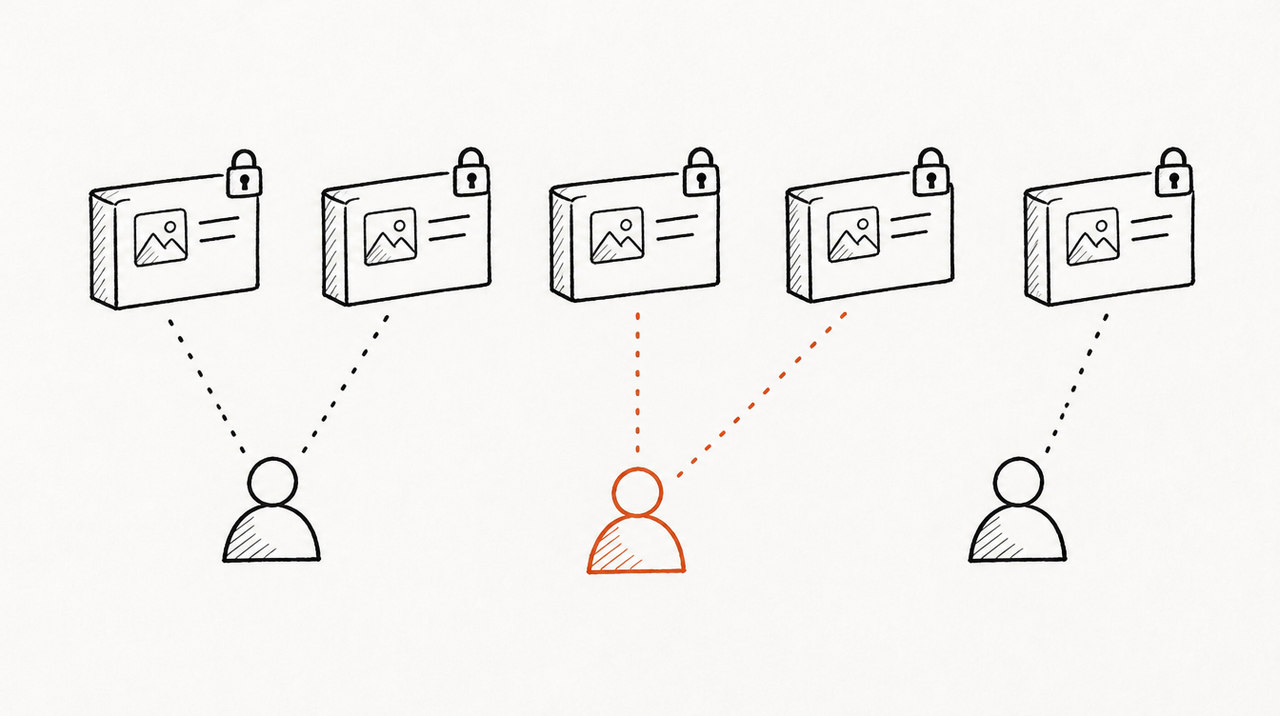
The server lists every ad account your login can access, so a media buyer who connects once can ask about any of the 14. Name the ad account in every question and keep one chat per client, so numbers don't drift between accounts.
Who sees which client follows Business Manager
Each person connects with their own Facebook login, so their AI reaches only the ad accounts they're assigned in the business portfolio. Remove someone there and their AI loses it too.
Rules belong to the client, with a partner layer for you
Whoever has full control of the client's portfolio sets the ads MCP server rules. When a client shares an ad account with you as a partner, you can set your own rules on it too, and they apply only to people in your business. So you can block budget edits for your team even if a client left everything allowed.
Clients who want their own access
A client can connect the same server with their own login and ask about their own account. They get a general-purpose answer, not your agency's way of reading the numbers, and by default the same power to edit.
Meta is one platform
Meta's server only sees Meta, so “did the CPA rise show up in Google Ads or GA4?” means juggling several servers. And if you build your own app to reach other businesses' accounts, Meta requires app review and Advanced Access on ads_mcp_management (Meta’s developer blog).
Official server, third-party server or ExpertRelay
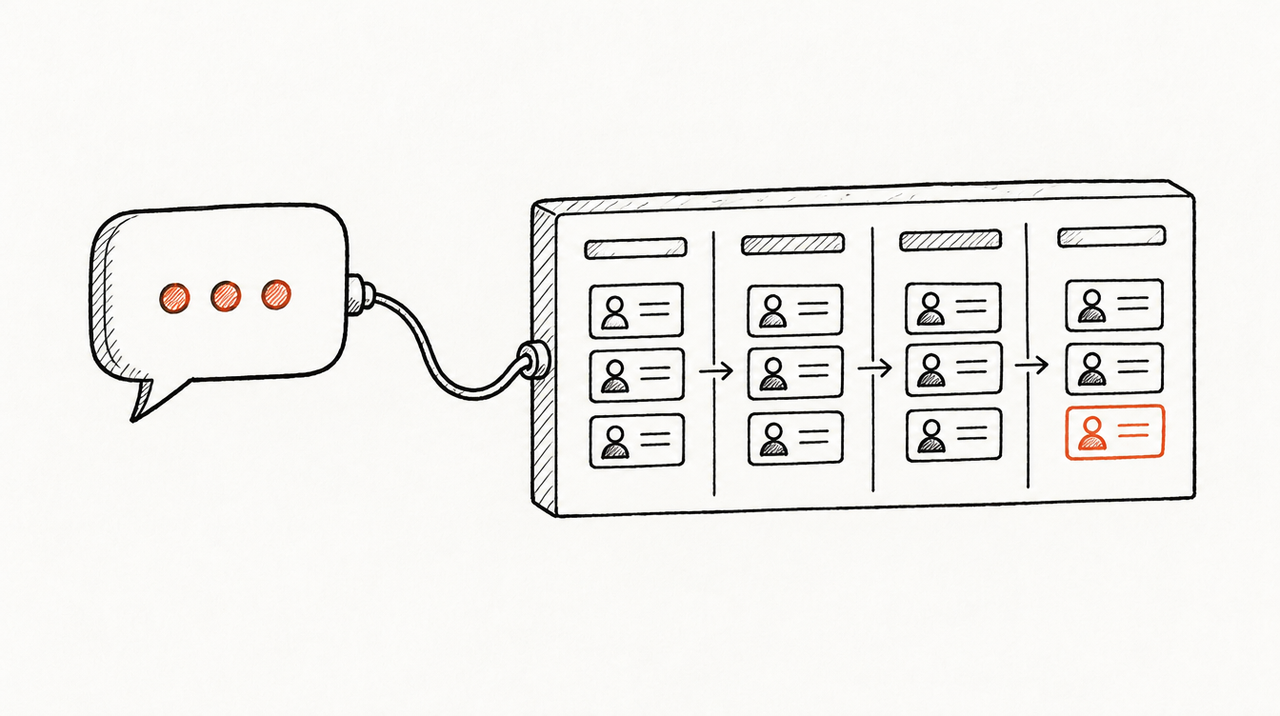
- Meta's official Ads MCP server: free, hosted by Meta, the most Meta tools, and the only option here that can create and edit campaigns, with Meta's rules to limit changes. Limitation: Meta only, it can change live accounts unless you set rules, and every team member and client sets it up separately.
- Third-party hosted servers (data connector companies): one connection that reads many ad platforms. Limitation: another company holds your clients' data, pricing often grows with sources or accounts, and you need to check what each one can change.
- ExpertRelay: your agency's own hosted MCP server for the team. The agency signs in to Meta once with a login that already sees its clients' accounts and assigns each account to a client, next to Google Ads, GA4, HubSpot, LinkedIn, TikTok, Shopify and others. For Meta it reads daily spend, impressions, clicks, conversions, leads and pixel purchases by campaign and ad set, plus reach and frequency. Your team asks “compare all clients, biggest drops first” (
compare_clients) or runs one of your playbooks on one client. Members' AI reaches only their clients; every call is logged. $99 a month for the agency (up to 25 clients), plus $49 a month per client who wants their own AI access; 14 days free. Limitation: read-only, so it can't create, pause or edit anything; it returns totals and daily rows, not raw API access, creatives, audiences or search terms; and you can't add your own code or other MCP servers.
If your team mostly asks “what changed across our clients this week and why”, see how the agency MCP server works.
When the official server is enough
- One brand or a few accounts: connect it and ask.
- You want the AI to build or edit campaigns: only Meta's server does that. Set Meta's rules first.
- You're technical and want full control: your own Meta app and tokens, the full tool list, and rules set in bulk through the Marketing API.
FAQ
What is the Meta Ads MCP server URL?
https://mcp.facebook.com/ads. The same address works in every supported app.
Do I need a Meta developer app or API access to use it?
No. Add the address as a custom connector and sign in with Facebook. A developer app is only needed if you want your own app ID, tokens or system users.
Can the Meta Ads MCP change or pause my campaigns?
It can create and edit campaigns, ad sets, ads, audiences and catalogs, and turn paused items on. New items start paused. To stop changes, block those actions under Settings, then Ads MCP server, in Meta Business Suite.
Does the Facebook Ads MCP work with ChatGPT Plus?
OpenAI lists custom MCP servers with full support for Business, Enterprise and Edu, and read-only connections for Pro. Its page doesn't mention Plus, so check your settings.
Can an agency use one Meta Ads MCP connection for all its clients?
Yes, for your team: it lists every ad account your login can reach. Name the account in each question and set rules first.
Will connecting Claude to Meta Ads get my account banned?
Meta says using its MCP server on its own doesn't put an account at risk. Bans come from policy violations, not from the connection.


