A Claude Skill is a folder of instructions that teaches Claude how to do one specific job your way. Anthropic's own definition: Skills are "folders of instructions, scripts, and resources that Claude loads dynamically to improve performance on specialized tasks."
The important word is dynamically. You don't paste a Skill into the chat. Claude keeps a one-line summary of every Skill you've added, and reads the full instructions only when your request matches one. If you've spent years refining how you do a task, a Skill is how you hand that method to Claude so it follows it every time.
How a Skill works
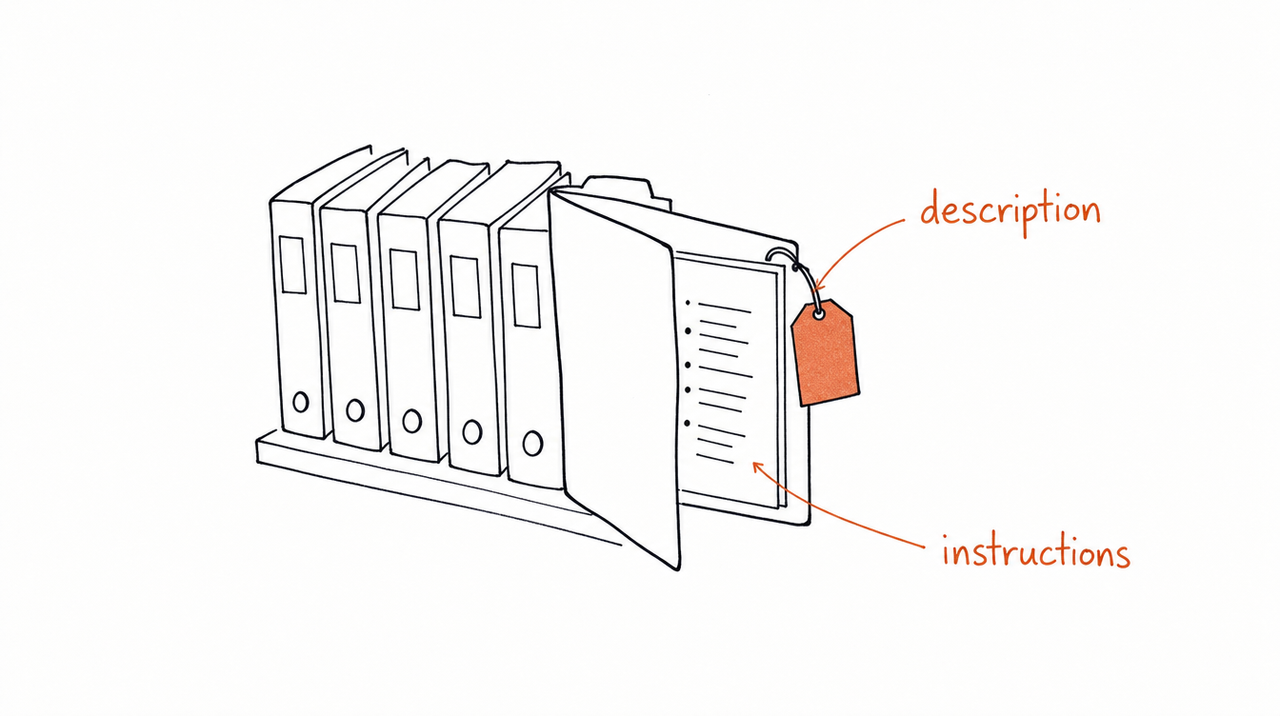
Every Skill is a folder with one required file, SKILL.md. The file starts with two fields, a name and a description, followed by the instructions in plain text. The folder can also hold reference files (a checklist, a style guide, examples) and scripts Claude can run.
Claude reads a Skill in three stages, so you can add many without slowing it down:
- Summary. The name and description, always, at the start of every chat. About 100 tokens per Skill.
- Instructions. The rest of SKILL.md, when your request matches the description. Under 5,000 tokens.
- Extras. Reference files and scripts, only the ones the task needs. Nothing until used.
That makes the description the most important line you write. It's what Claude matches your request against, so Anthropic's guidance is that it must say both what the Skill does and when to use it. "Scores a business offer" is too thin; "Scores a business offer against five criteria; use when someone asks to review, audit or improve an offer" tells Claude when to reach for it.
An example: a course framework as a Skill
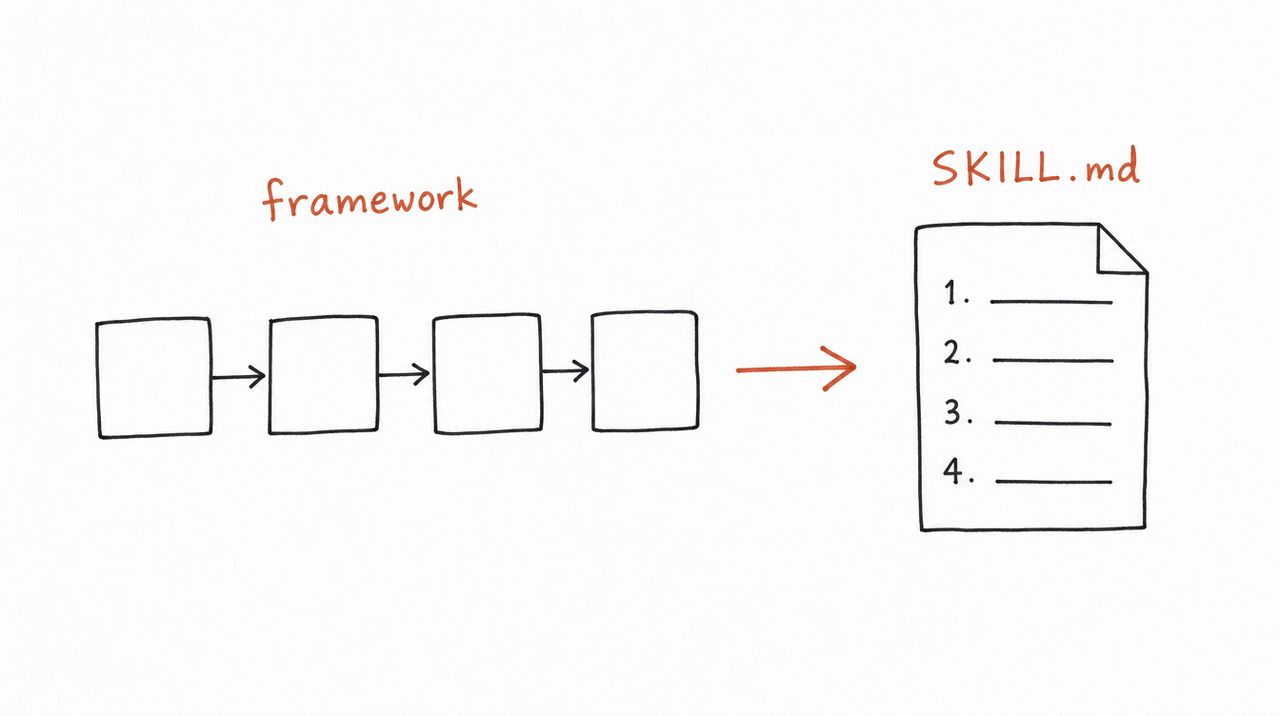
Say week 2 of your course teaches a five-part way to score an offer. Written as a Skill, it could look like this:
---
name: offer-audit
description: Scores a business offer against five criteria and names the weakest one. Use when someone asks to review, audit, score or improve an offer.
---

# Offer audit

## What you need first
Ask for the offer in the customer's words: who it's for, the problem, the promise, the price, and the proof. Don't score until you have all five.

## Score each criterion from 1 to 5
1. Audience: is it one specific buyer?
2. Problem: is the pain urgent and concrete?
3. Promise: is the outcome measurable?
4. Proof: is there evidence a stranger would believe?
5. Price: does it match the size of the outcome?

## What to return
A table of the five scores, the total out of 25, the weakest criterion, and one rewrite for it.
If the offer is missing a criterion entirely, say so instead of guessing.
Three things make this work. The description says when to use it. The instructions ask for the inputs before judging, which is what you'd do in a live session. And the last line tells Claude when not to answer, so it doesn't invent a score for something that isn't there.
Skills vs Projects, custom instructions and connectors
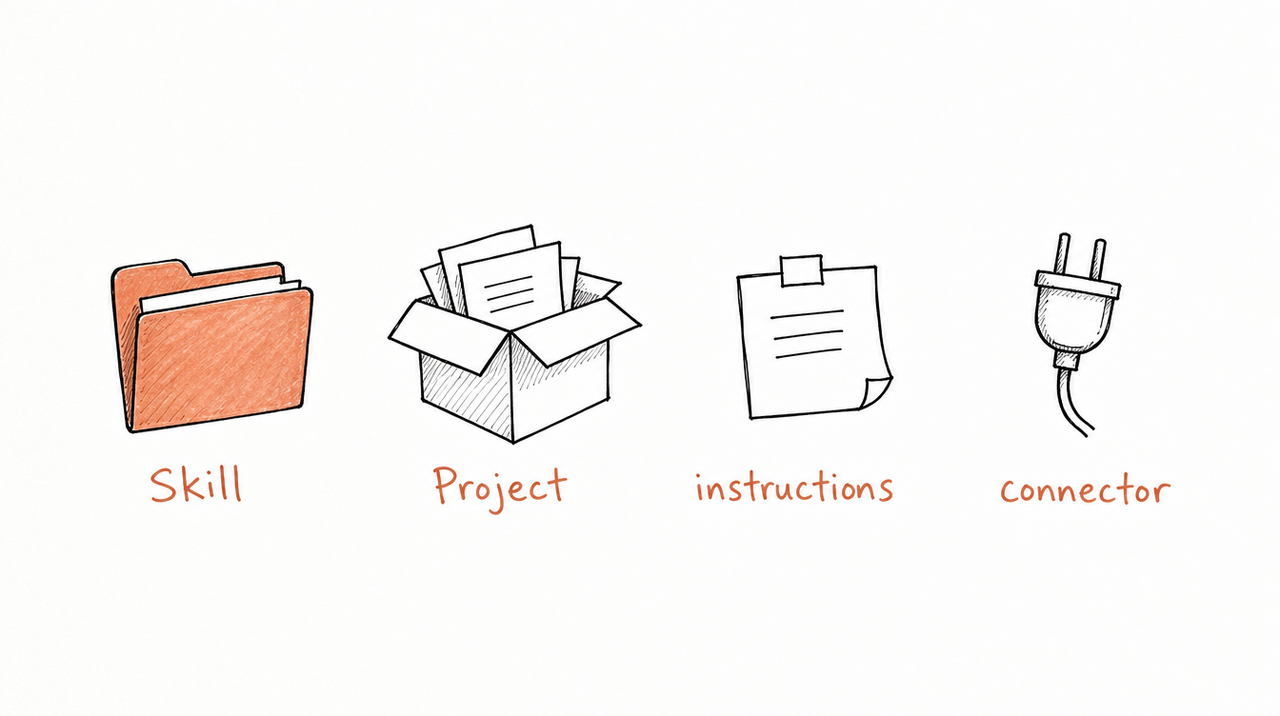
Claude has four ways to give it more context, and they solve different problems.
- Skill: steps for one job, plus files and scripts. Used only when a request matches, in any chat. Best for a method you repeat: an audit, a review, a report.
- Project: background documents for one workspace. Always on inside that Project. Best for material for one client or one piece of work.
- Custom instructions: general preferences. Always on, in every chat. Best for tone, format and who you are.
- Connector (MCP): access to an outside app or data. Used when Claude needs that app. Best for reading your CRM, calendar or ad account.
Skills and connectors work well together. As Anthropic puts it, MCP gives Claude the access and the Skill teaches it how to use that access. A connector can pull last month's ad results; a Skill tells Claude how you judge them.
Where Skills work and how to add one
Skills are available on every claude.ai plan, Free included, as long as code execution is turned on. Anthropic also ships ready-made Skills for Word, Excel, PowerPoint and PDF files, already on with nothing to set up.
To add your own in claude.ai:
- Turn on Code execution and file creation under Settings > Capabilities (on Team and Enterprise plans, an owner enables it in Organization settings).
- Put your SKILL.md, and any files it refers to, in one folder and zip it.
- Go to Customize > Skills, click +, then Create skill > Upload a skill, and choose the zip.
On Free, Pro and Max plans the Skill is yours alone. On Team and Enterprise plans you can share it with specific colleagues or submit it to your organization's library, and owners can provision Skills for everyone.
Skills also work outside claude.ai, but each place keeps its own copy:
- Claude Code: Skills are folders on your computer (
~/.claude/skills/for you,.claude/skills/for a project) or come bundled in plugins. - Claude API: you upload Skills through the Skills API, and everyone in the workspace can use them.
A Skill added in one place doesn't appear in the others, so upload it wherever you need it.
What this means if you teach a method
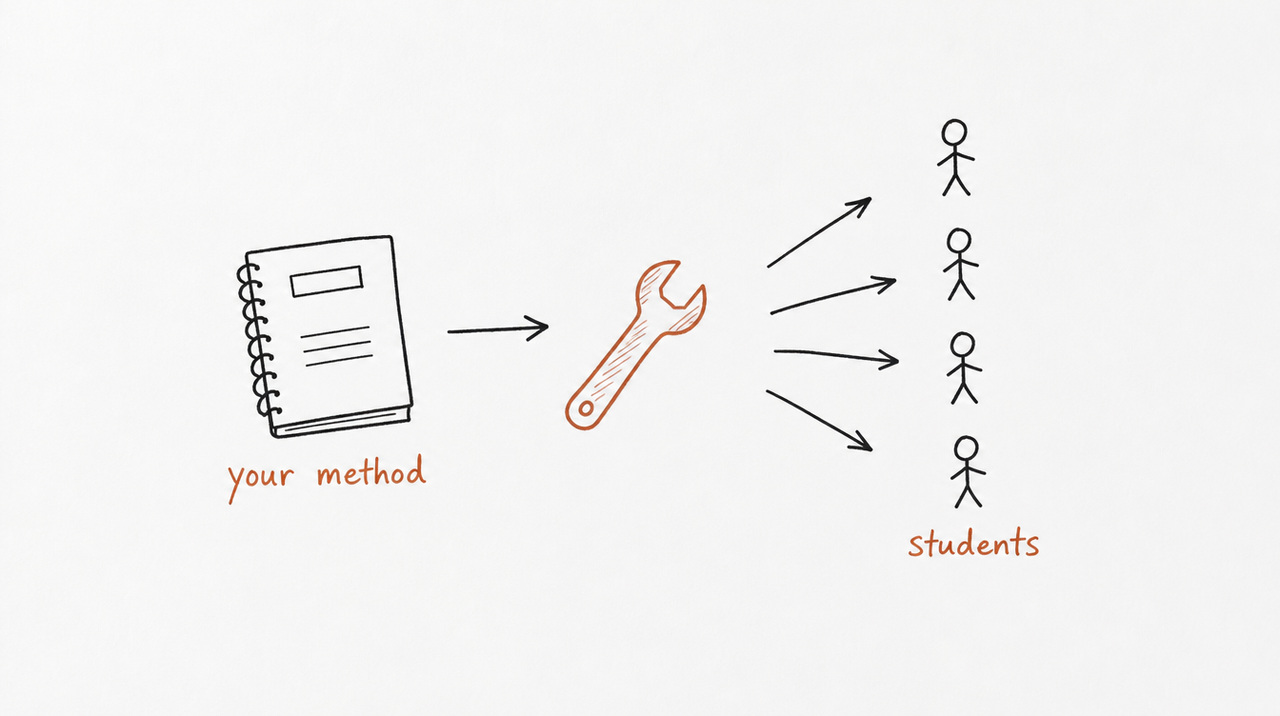
If you run a course, a coaching program or a consultancy, your material is already full of Skills. Every framework you teach (a scoring rubric, a review checklist, a launch process) is a repeatable job with inputs, steps and a result. That's exactly the shape a Skill needs.
The catch is the step after writing it. A SKILL.md file is plain text: if you hand it to customers, they own your method, and every improvement means asking them to reinstall. (We cover this in Is there a Claude Skills marketplace?)
expertrelay takes the other route. Upload your lessons and frameworks, and it finds the jobs your customers could run with your method. You review each one before anyone can use it. Customers then use those Skills from Claude, ChatGPT or Cursor without downloading anything, while your instructions stay private.
FAQ
How does Claude know which Skill to use?
It compares your request with the description of every Skill you've added, then loads the one that fits. A vague description is the most common reason a Skill doesn't trigger.
How can I teach Claude a Skill?
Write a SKILL.md with a name, a description that says what it does and when to use it, and the steps. Zip the folder and upload it under Customize > Skills.
Are Claude Skills free?
The feature is available on every plan, including Free, with code execution turned on. Anthropic's Word, Excel, PowerPoint and PDF Skills come included; most community Skills are free too.
What Skills should I add first?
Start with a task you do every week the same way: a report format, a review checklist, a client email. If you can explain the steps to a new hire, you can write them as a Skill.
Is a Skill the same as a prompt?
No. A prompt lasts one conversation. A Skill stays available in every chat and loads only when the task matches, with its own files and scripts.


