The hard part of a good Claude Skill isn't the file format. It's having a method that actually works, explained clearly enough that someone else can follow it. If you teach a course, you've already done that part. Your lessons hold the steps, your examples show what good looks like, and your students' questions are the exceptions.
This guide turns one lesson into a working Skill in five steps, using Anthropic's own guidance (The Complete Guide to Building Skills for Claude and its Skill authoring best practices). The running example is a lesson on writing weekly client reports, from the Facebook ads course we use in our demo. If you're new to Skills, read What are Claude Skills? first.
Step 1: Pick a lesson that's shaped like a Skill
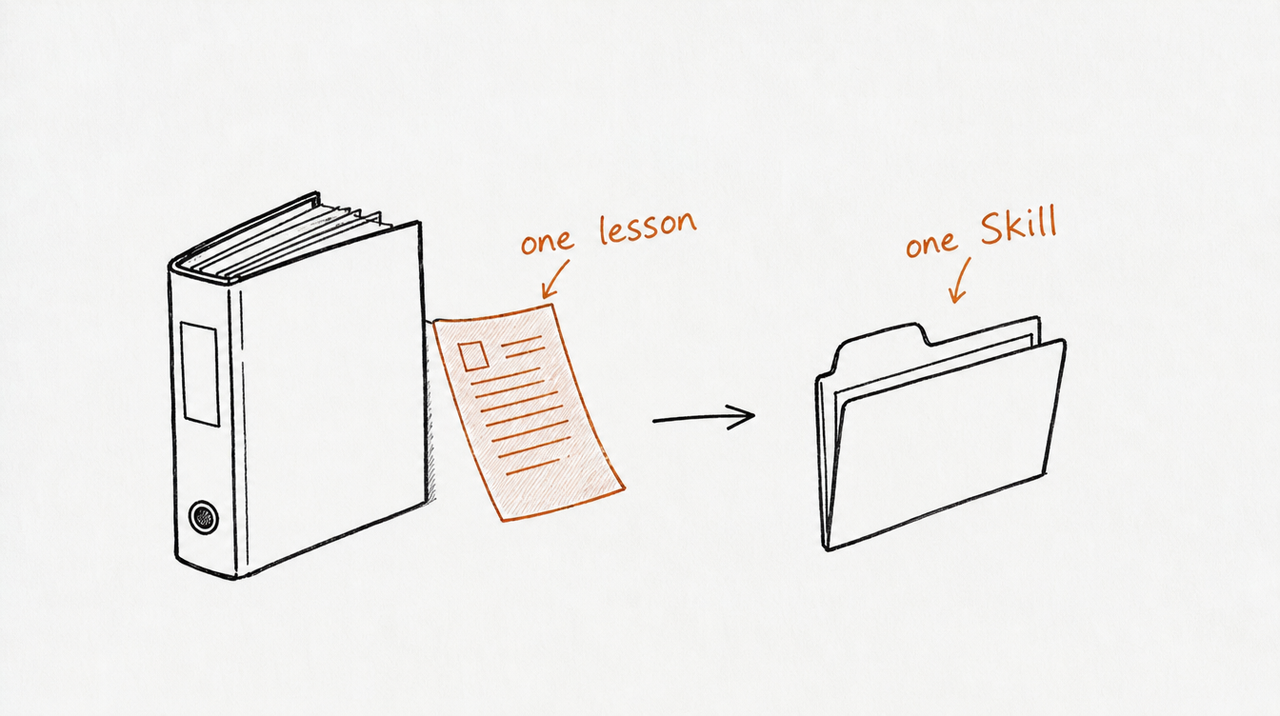
A Skill does one repeatable job. The best lessons to start with already have three things: an input (what the student brings), a method (the steps or rules), and an output (the thing they produce).
Good first Skills:
- A scoring rubric or audit
- A checklist or review
- A template or report format
- A decision rule with thresholds
Poor first Skills:
- A mindset or motivation lesson
- A broad course overview
- A story-led lesson with no steps
- A whole module at once
Before writing anything, Anthropic's guide recommends naming two or three concrete situations the Skill should handle. For our example lesson: "write this week's report for a client", "turn these numbers into a client update", and "the client had a bad week; draft the email".
Step 2: Turn the lesson into a SKILL.md
Go through the lesson and pull out every rule a student has to follow. Most will be sentences you said out loud:
- "Wins first, then losses, then the one change, then when we'll next look at this together." Becomes: four parts, in that order.
- "I send the weekly report every Monday before 10am in the client's time zone, and I keep it under 200 words." Becomes: under 200 words.
- "I never put cost per result in the report subject line; I put the one change there instead." Becomes: subject line = the one change.
- "Default to the plain version." Becomes: no jargon; say what a metric means.
- "If there is no win this week, […] you say so honestly and you find the smallest true thing." Becomes: no inflated wins.
Then write the file. Anthropic's rules for the top two fields: a name of up to 64 lowercase letters, numbers and hyphens (it can't contain "claude" or "anthropic"; a verb ending in -ing is the suggested style), and a description of up to 1,024 characters, written in the third person, saying what the Skill does and when to use it.
---
name: writing-client-reports
description: Writes the weekly client report for an ad account in four parts (wins, losses, the one change, next review date). Use when asked for a client update, a weekly report, or an email summarising ad results.
---

# Weekly client report

## Ask for these first
The client's name, this week's results and last week's, the one change made, and the next review date.

## Write it like this
1. Subject line: the one change made this week. Never a metric.
2. Wins. If there's no real win, say so and name the smallest true good thing.
3. Losses, in plain words, before the client finds them.
4. The one change, and why.
5. The date of the next review.

## Rules
- Under 200 words.
- No jargon: "what you paid for each customer", not "CPA".
- Match the client's tone. See examples.md.
Notice what's missing: an explanation of what a client report is, or why clarity matters. Anthropic's advice is to assume Claude is already smart and add only what it doesn't know. Your rules are what it doesn't know.
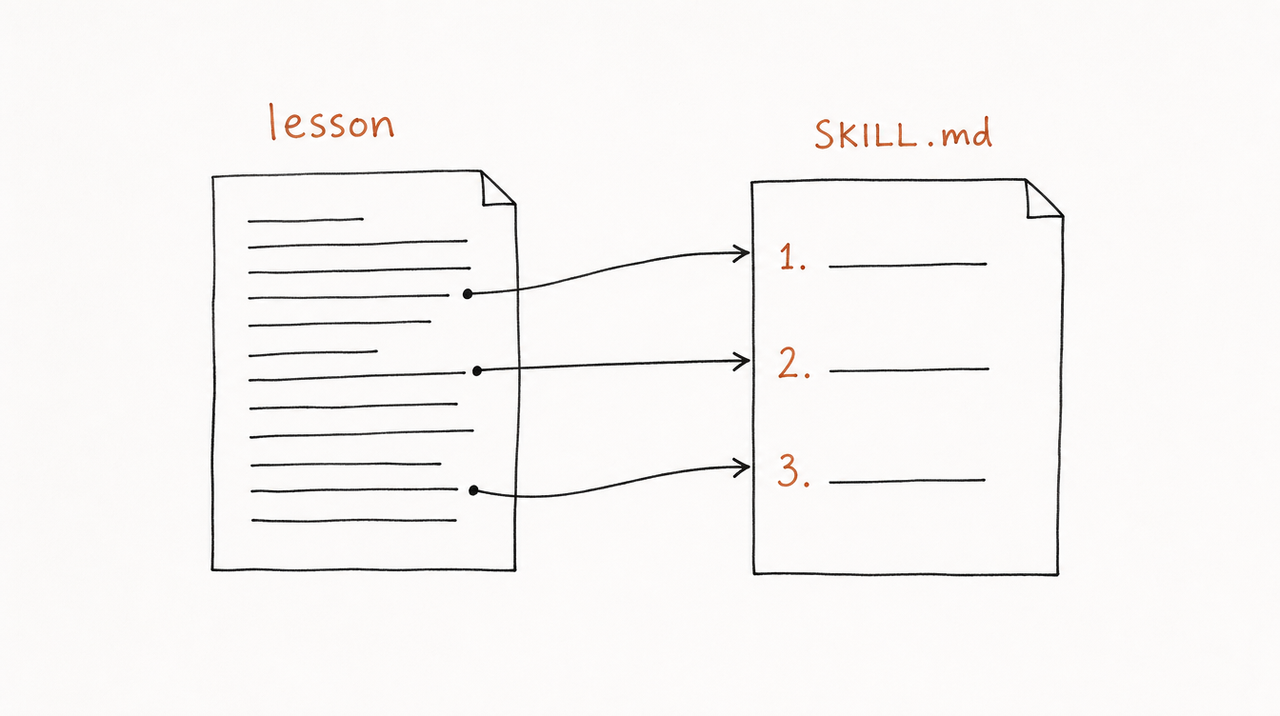
Step 3: Put examples and detail in separate files
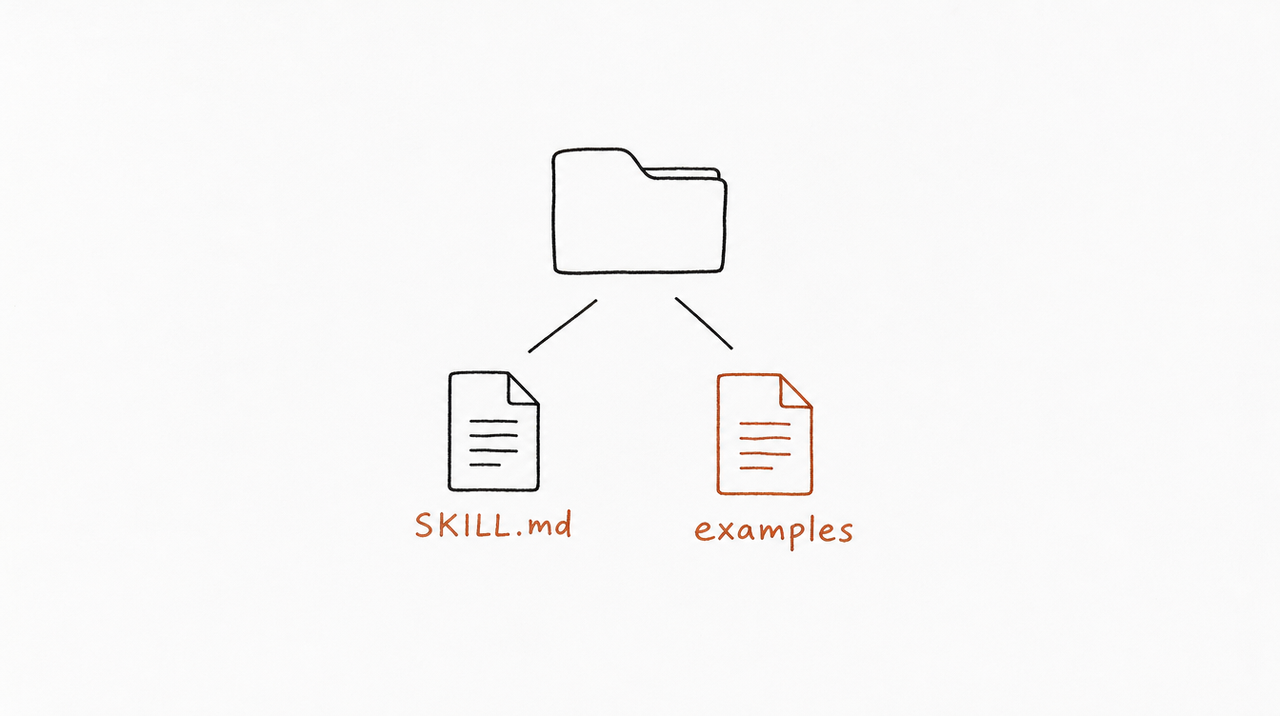
Keep SKILL.md short and move the rest into files beside it. Claude reads those only when a task needs them, so they cost nothing until used. Anthropic's limits: keep the SKILL.md body under 500 lines, and link every extra file directly from SKILL.md rather than from another extra file.
writing-client-reports/
├── SKILL.md
└── examples.md   (two or three real reports from the lesson)
Examples are where course material shines. The lesson reads out a full good-week report for a pet supply store, short and upbeat with one small loss mentioned. Paste reports like that into examples.md, and Claude picks up your tone far better than from any description of it.
Step 4: Test it on real cases
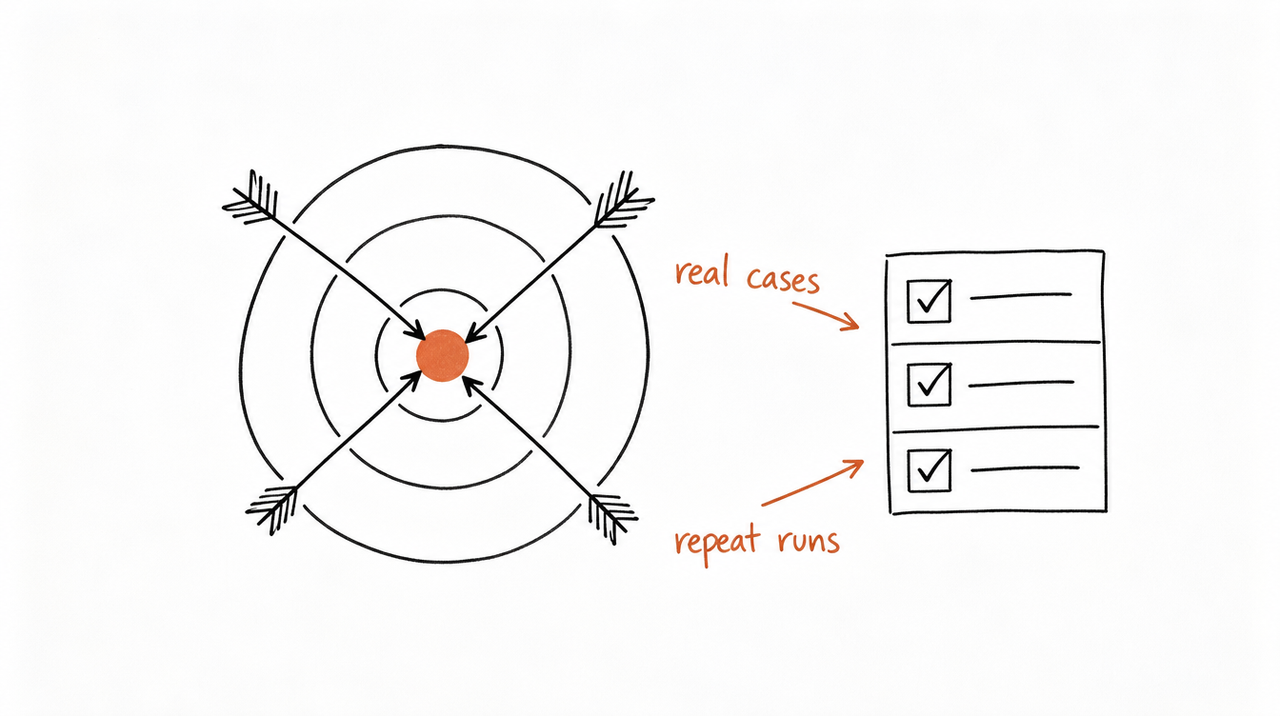
Anthropic's guide suggests testing two things.
Does it switch on at the right time? Write 10 to 20 requests that should use the Skill, including ones worded differently from your description ("can you draft Monday's update for Greenway?"), plus a few that shouldn't. A good target is for it to load on about 90% of the requests that should trigger it.
Does it do the job your way? Run the same request 3 to 5 times and compare the results. Then use real cases: a student's actual numbers, a bad week, a client who wants a table. Check each output against your own rules.
When something's off, fix the Skill, not the prompt. If reports keep running long, the 200-word rule probably needs to move higher. If the Skill doesn't trigger, the description is missing the words people actually use. Anthropic recommends doing this with Claude itself: one chat helps you edit the Skill, a fresh chat tests it.
Step 5: Install it, or give it to students
For your own use in claude.ai: zip the folder (the Skill folder must be at the root of the ZIP, not inside another folder), then go to Customize > Skills, click +, choose Create skill > Upload a skill, and select the ZIP. Try a few prompts that should trigger it, and check Claude's reasoning to confirm it loaded the Skill.
You don't have to write the file by hand. Anthropic notes that Claude can write a properly structured Skill if you simply ask, and its guide expects a first working Skill to take about 15 to 30 minutes with the built-in skill-creator. On Pro, Max and Team plans you can even record yourself doing the task and have Claude propose a Skill from the recording.
Giving it to students is the bigger decision. Hand them the ZIP and they own your method in plain text, and every improvement means asking them to reinstall. Is there a Claude Skills marketplace? covers the alternative: selling access instead of the file.
Common mistakes
- Teaching Claude what it already knows. Cut every paragraph that explains a concept rather than your rule for it.
- A vague description. "Helps with reports" never triggers reliably. Say what it does and the words people use when they need it.
- Writing the description as "I" or "you". Anthropic asks for the third person, because the description is added to Claude's instructions.
- No inputs and no stop rule. Without them, Claude guesses the missing numbers instead of asking.
- One Skill for the whole course. Make one per job. They're easier to test, and Claude picks the right one.
- Dates and "this year" details. Anything that will go stale belongs out of the Skill, or in a clearly marked old-versions section.
- Mixing terms. Pick "cost per result" or "CPA" and use it everywhere.
The shortcut: let expertrelay find the Skills in your course
One lesson by hand is a good way to learn how Skills work. A whole course is a different job. expertrelay reads your lessons, frameworks and worksheets and suggests the Skills inside them, each tied to the material it came from. You review and test every one privately, for free, before anyone can use it.
When you're ready, customers use those Skills from Claude, ChatGPT or Cursor without downloading a file, and your instructions stay private.
FAQ
How long does it take to build a Claude Skill?
Anthropic's guide expects about 15 to 30 minutes for a first working Skill using the skill-creator. Testing it properly on real cases takes longer, and is worth it.
Can Claude write the Skill for me?
Yes. Describe the job and your rules, and ask Claude to create a Skill; it knows the format. Then cut anything it explains that Claude would already know.
Can one Skill cover my whole course?
It's better not to. One Skill per repeatable job triggers more reliably and is easier to test and improve.
How do I know my Skill is working?
It should load on the requests it's meant for, and give consistent results when you run the same request several times. Compare its output with what you'd tell a student.
Do my students need a paid Claude plan to use it?
Skills work on every claude.ai plan, including Free, with code execution turned on. If you deliver it as a connector instead, they add it under Customize > Connectors; Free accounts can have one custom connector.


