Mostly, yes. A Claude Skill is a folder with a SKILL.md file, and that format is now an open standard called Agent Skills. Anthropic developed it and released it openly, and OpenAI says its skills "build on the open agent skills standard." So the same folder can work in Claude, in Codex, and in ChatGPT.
The catch is in the details: where you put the folder, which ChatGPT plans can upload one, and a few Claude-specific things that don't carry over. This guide covers each.
Why the same Skill works in both
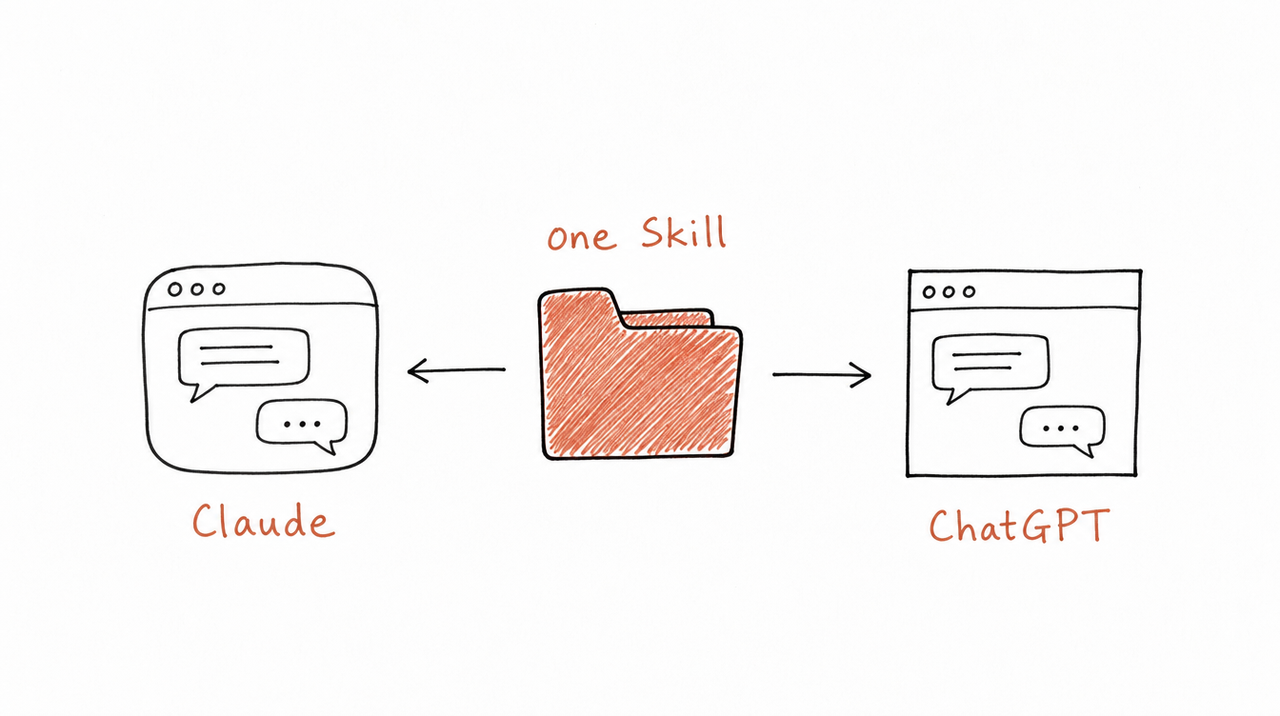
OpenAI's skill format matches Anthropic's at the core:
- A folder with a SKILL.md file. The file must start with a
nameand adescription, followed by the instructions. - Optional extras beside it:
scripts/,references/andassets/. - The same loading method. Both start with each skill's name and description, and read the full instructions only when a task matches. OpenAI calls this progressive disclosure, the same term Anthropic uses.
OpenAI adds one optional file of its own, agents/openai.yaml, for a display name, icon and invocation settings. Claude doesn't need it, so one folder can serve both.
The standard's site, agentskills.io, lists dozens of tools that read it, including Claude, Claude Code, ChatGPT and Codex, Cursor, GitHub Copilot, VS Code and Gemini CLI.
Using a Claude Skill in Codex
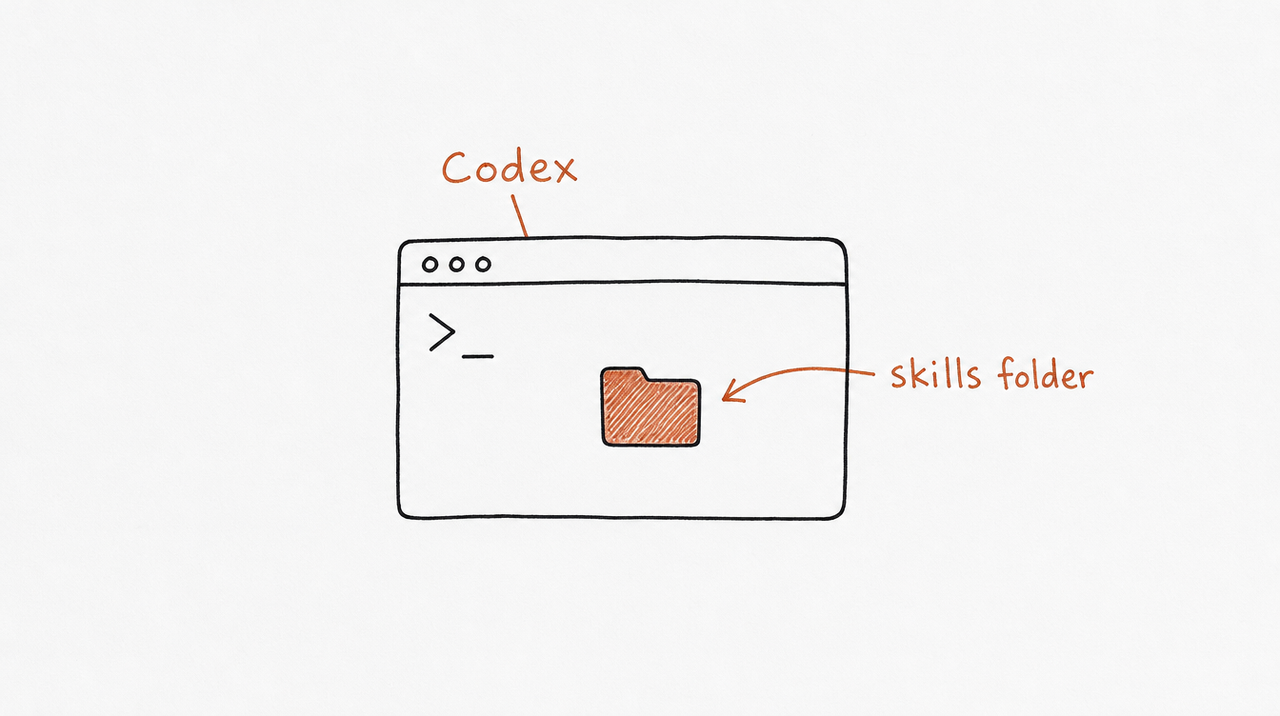
Codex reads skill folders straight from disk. Copy your Skill into one of the folders it scans:
~/.agents/skillsfor your own skills, in any project.agents/skillsinside a repository, to share it with everyone working on that repo
mkdir -p ~/.agents/skills
cp -r my-skill ~/.agents/skills/
Codex picks up new skills automatically; if one doesn't appear, restart it. Then either let Codex choose the skill when your request matches its description, or call it directly: type $ and the skill's name, or run /skills. This works in the ChatGPT desktop app's Codex, the Codex CLI and the IDE extension.
One difference from Claude Code: Claude Code keeps skills in .claude/skills, while Codex reads .agents/skills. If you use both, keep one copy and link it into both folders.
Using a Claude Skill in ChatGPT
ChatGPT has its own Skills page, but who can upload depends on the plan.
On Business, Enterprise, Healthcare and Edu workspaces, you can upload a Skill directly:
- In the sidebar, select Plugins, then the Skills tab.
- Select Create, then Upload from your computer.
- ChatGPT scans the Skill before it's available. Most are ready straight away; some are marked Needs Review, and anything that looks risky is Blocked.
- Use it by describing the task, or type
@and pick the Skill.
Your workspace admin controls whether members can create, upload and share skills, so ask them if the option is missing.
On personal plans (Free, Go, Plus and Pro), OpenAI's Help Center lists personal skills as generally available only on the business plans above. On these plans, skills reach you inside plugins: installable bundles from the plugin directory, which is available across ChatGPT plans. A plugin can hold one or more skills, connected apps, or both.
What to change before you move a Skill
OpenAI publishes a guide for moving Claude Code plugins over, and its advice applies to single Skills too:
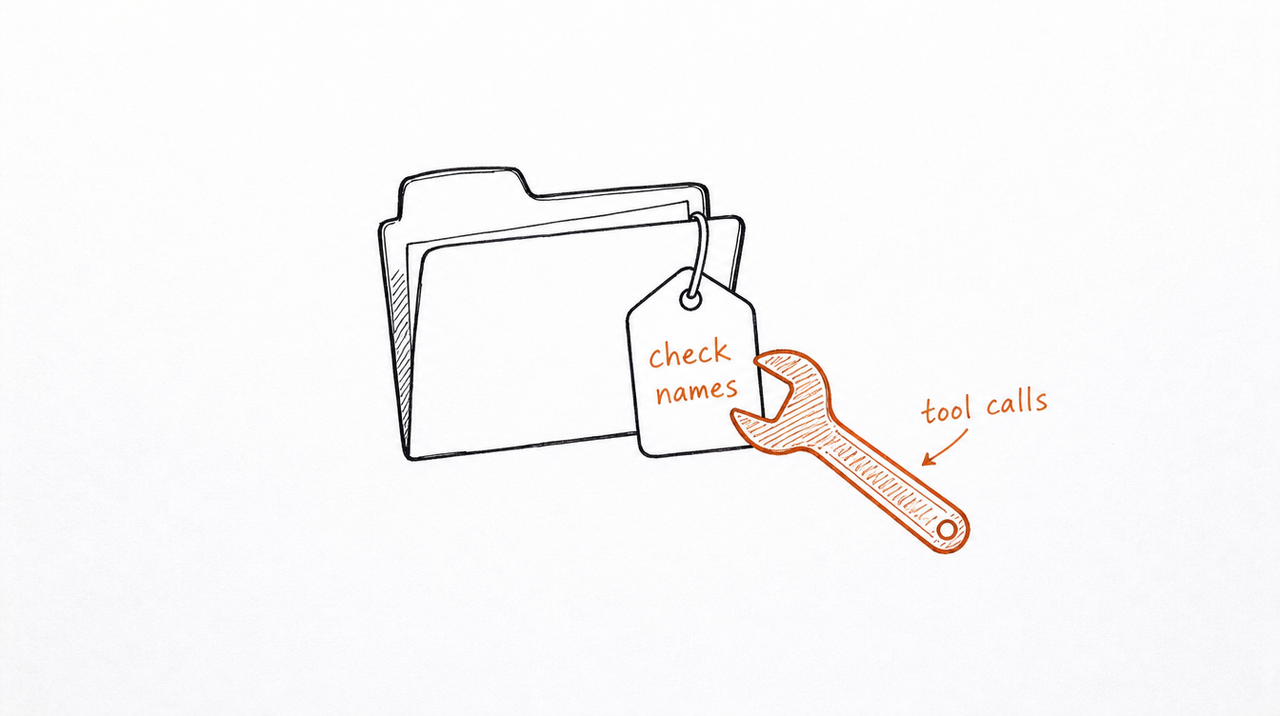
- Remove Claude-specific wording. OpenAI asks for "provider-neutral language, such as 'the model'" instead of "Claude", unless an instruction really is about one product.
- Drop Claude artifacts. ChatGPT doesn't support Claude's live artifacts, so ask for the result as a normal reply or table instead.
- Turn commands and agents into skills. If your Claude Code plugin has slash commands or agent files, OpenAI recommends converting each into a skill.
- Expect listings not to transfer. A Claude marketplace listing or approval doesn't carry over; a public ChatGPT plugin goes through OpenAI's own submission.
Then test it the same way you would in Claude: a few realistic requests, plus one that shouldn't trigger the Skill.
At a glance
- Reads SKILL.md folders: Claude, Codex and ChatGPT all do.
- Where skills live: Claude: Customize > Skills, or
.claude/skillsin Claude Code. Codex:~/.agents/skillsor a repo's.agents/skills. ChatGPT: Plugins > Skills, or inside plugins. - Call one by name:
/in Claude Code,$or/skillsin Codex,@in ChatGPT. - Upload your own: Claude, yes. Codex, copy the folder. ChatGPT, on Business, Enterprise, Healthcare and Edu.
If other people use your Skill
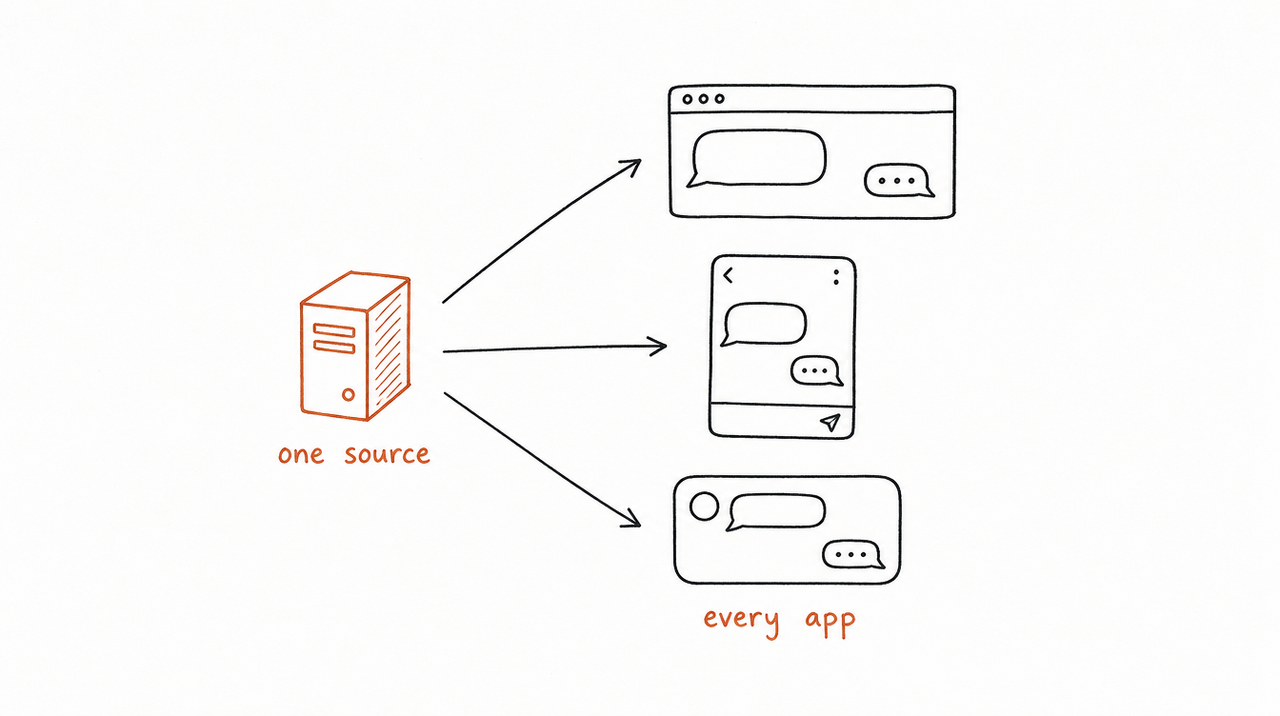
A Skill file works only where someone has installed it, and every app has its own way to install, update and share. If you sell a method, that means a different set of instructions per app, and copies of your files on every customer's machine.
expertrelay takes the other route. Your Skill runs on our server, and each customer connects it once, to Claude, ChatGPT or Cursor. They get the work your method does; your instructions stay private, and an update reaches everyone at once.
See how selling a Skill works →
Moving from a custom GPT instead? See Custom GPTs are being retired: how to move yours to a Skill.
FAQ
Are Codex skills the same as Claude Skills?
They share the same format: a folder with a SKILL.md that has a name and description. Most Claude Skills work in Codex once you copy the folder into ~/.agents/skills.
Can I use Claude Skills in ChatGPT Plus?
Not by uploading the file. OpenAI says personal skills are generally available on Business, Enterprise, Healthcare and Edu. On other plans, skills come inside plugins from the plugin directory.
Do I have to rewrite my SKILL.md?
Usually not. Replace references to Claude with neutral wording, remove anything that depends on Claude-only features such as artifacts, and test it.
What is agents/openai.yaml?
An optional file OpenAI reads for a skill's display name, icon, invocation policy and tool dependencies. Claude doesn't need it.
Who created the Agent Skills standard?
Anthropic developed the format and released it as an open standard. It's maintained in the open at agentskills.io, and OpenAI, Google, GitHub, Cursor and many others support it.


