For your own team's client work, use a Claude Project per client plus a Claude Skill for your review steps, because both can only be shared with people inside your own Claude Team or Enterprise organization. For a tool clients use themselves, a shared Custom GPT only suits free material with nothing proprietary in it, and only until OpenAI retires custom GPTs on December 11, 2026; if you want clients to pay, keep your playbook private and switch off access when they leave, you need a hosted tool they connect to their own ChatGPT or Claude.
Blogs disagree on whether Projects can be shared outside your company and whether GPTs are really going away; below, each answer links to OpenAI's or Anthropic's own help page, as of October 2026. Our guide to Skills vs agents vs Projects covers using these for your own work; this one is about handing your playbook to clients.
Say you run paid media for twelve clients. A client asks, between weekly calls: "CPA is up 22% this week. Should we cut spend?" You'd like their AI to answer the way your team would: check whether the offer changed, whether conversions are still coming in, and say when it's too early to tell. The options differ in who can use that, who can copy it, and who pays.
Can you share a Custom GPT with clients?
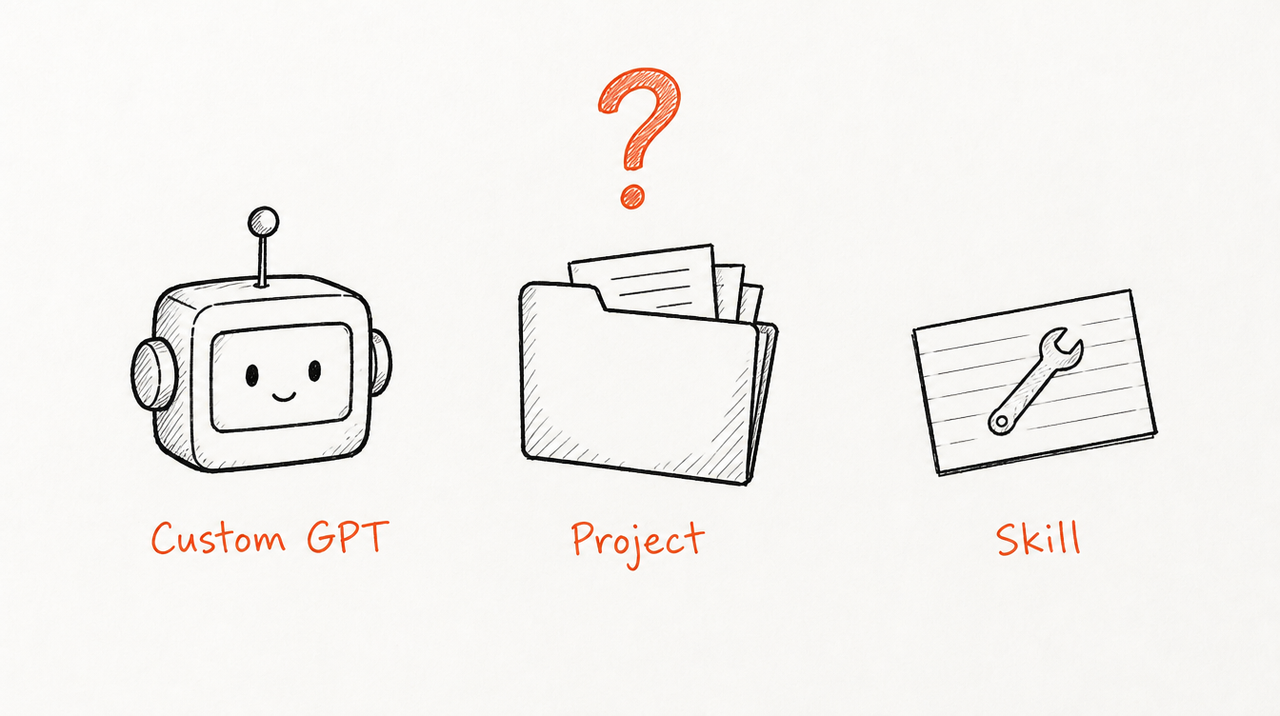
A Custom GPT is a version of ChatGPT set up for one purpose with your instructions, knowledge files (up to 20, per OpenAI's builder guide) and optional tools. OpenAI's sharing guide lists four levels: invite-only (on a personal account, just you), your workspace, anyone with the link, and the GPT Store.
So yes, you can send a client a link, and they can use it from any signed-in ChatGPT account. Three catches. Personal accounts (Free, Go, Plus and Pro) can no longer create or publish new GPTs; existing ones still work and can be edited, and workspaces can still create them if their settings allow. Sharing with specific people only works inside a managed workspace, so for outside clients it's a link anyone can pass on, and you can't remove one client without cutting off everyone. And nothing in the sharing options lets you charge for access. Updates are easy, though: select Update and everyone gets the new version.
Can a client copy a shared Custom GPT's instructions and files?
Not from the settings screen. OpenAI's sharing guide says public links and the GPT Store only allow Can chat, not Can view settings.
But the GPT reads your instructions and files to answer, inside the client's own chat, and OpenAI's help pages don't say that content is protected from being drawn out in conversation. Treat anything you put in a GPT as something a client could read.
Are Custom GPTs being retired?

Yes. OpenAI's retirement FAQ says custom GPTs are scheduled to retire on December 11, 2026 (February 11, 2027 for Enterprise workspaces with an approved deferral), that the change affects all ChatGPT plans, and that GPT pages become inaccessible on the retirement date.
The replacement is a ChatGPT plugin (reusable instructions plus connected apps). For client work, note that a migrated plugin starts private, the GPT's users don't get access, and going public needs a separate submission. OpenAI's plugins guide says Business and Enterprise users can share plugins with members of their workspace. So the link you send clients today has an end date. Custom GPTs are being retired covers the dates and how to move a GPT.
Can you share a Claude Project with a client?
A Claude Project is a workspace with its own chats, instructions and uploaded files, used for every chat inside it. Every plan has Projects, but sharing is a Team and Enterprise feature.
The contested question has a clear answer. Anthropic's sharing guide says you add people from your organization by name or email, and that a "Public" project means everyone in your organization. Even group sharing only reaches people who are members of the project's organization. So a client can use your Project only if you add them to your Claude organization as a member.
Members with Can view "can see project contents, knowledge, and instructions," so a client who joins can read your playbook. Updates reach every member, you can remove anyone from the Share menu, and there's no billing per client.
Can you share a Claude Skill with a client?
A Claude Skill is a folder of instructions, scripts and resources that Claude loads when a request matches, in any chat. Skills work on every plan, with code execution turned on.
According to Anthropic's Skills guide, sharing is again inside your organization: on Team and Enterprise plans you can share a Skill with specific colleagues or groups, or publish it to your organization. Shared Skills are view-only, recipients get your updates automatically, and access ends when someone leaves the organization.
Outside your organization, the only route is to send the Skill as a ZIP file, which the client uploads in Customize > Skills. Then they have your files. Every update is a new ZIP to send, and there's no way to take it back.
What about a hosted tool clients connect to?
The fourth option: your playbook runs on a server, and each client connects it once to the ChatGPT or Claude account they already have. This is what ExpertRelay does for agencies. As of October 2026:
- Who can use it: any client you invite, each with their own access, without joining your organization. Setup takes about two minutes from Claude, ChatGPT or Cursor, and invite pages use your own domain (such as ai.youragency.com) once you verify it.
- Copying: clients never receive the files.
- Updates: improve a review once and every client gets it on their next question.
- Cost: you pay $99 a month plus $49 a month per client and charge clients as you already do, no setup fee, first 14 days free (a card is needed to start), 300 reviews per client a month.
- Switching off: remove a client and access ends at once, and their seat comes off your bill.
Side by side
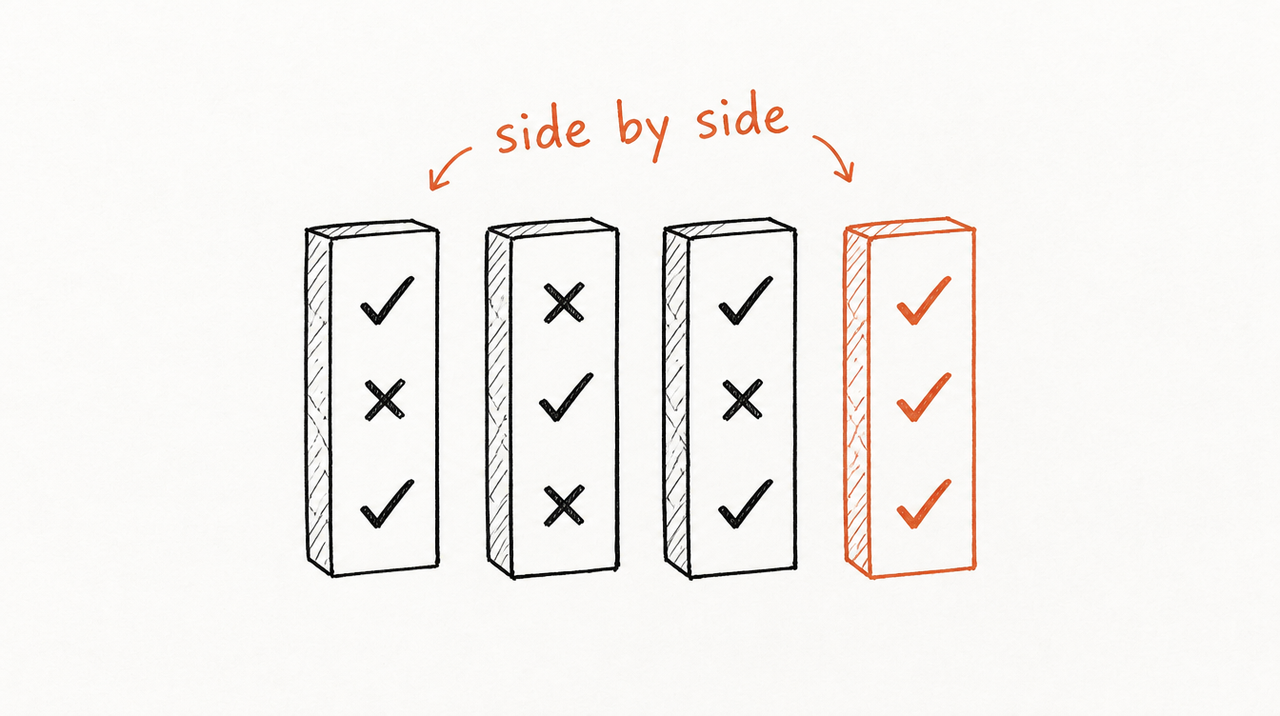
- Custom GPT: link or workspace sharing. Assume clients can draw out the contents. Updates reach everyone. No billing per client. Limitation: retires December 11, 2026, and personal accounts can't create new ones.
- Claude Project: members of your Claude Team or Enterprise organization only. Members can read it. Updates reach every member. No billing per client. Limitation: a client has to join your organization to use it.
- Claude Skill: inside your organization, view-only, with automatic updates; outside it, only as a file the client keeps. No billing per client. Limitation: a file can't be revoked, and every update is a new file to send.
- Hosted tool (ExpertRelay): any client you invite, from their own Claude, ChatGPT or Cursor. They never receive the files. One update reaches everyone. $99 a month plus $49 a month per client. Limitation: it costs money per client; ChatGPT clients need Plus or Pro (others can ask from a web page); it isn't for website chat widgets or automations that change campaigns; and useful answers can reveal parts of how you think, which no host can stop.
Which to use when
- Your team does the work for clients: a Claude Project per client for their brief and past reports, plus a Skill with your review steps, shared inside your Team organization.
- A client works inside your team, as in a fractional engagement: add them to your Claude organization and share the Project.
- The client uses it themselves in ChatGPT and nothing in it is proprietary, such as a brief-intake helper built from a checklist you already publish: a shared Custom GPT is fine for now. Plan its replacement before December 11, 2026.
- The client uses it themselves and you want paid, private access you can switch off, such as your CPA review offered as part of the retainer: a hosted tool clients connect to.
If you're selling a Skill to strangers rather than delivering to clients, how to sell a Claude Skill covers that case.
When the free options are enough
You don't need to pay for hosting if only your team uses the AI and clients see the reports, if what you'd share is something you'd publish on your website anyway, or if you have one or two clients and don't mind sending a new file when the playbook changes.
Paying per client makes sense when the playbook is part of what the client pays you for, or when access should end if they stop paying.
If that's where you are, ExpertRelay runs your review privately, each client connects it once to the AI app they already use, and you add or remove clients any time.
See how it works for agencies →
FAQ
Can I share a Claude Project with someone outside my organization?
No. As of October 2026, Anthropic's sharing guide only covers people in your organization, on Team and Enterprise plans. A client would need to become a member of your Claude organization.
Can clients see the instructions of a Custom GPT I share with them?
Not in the settings, since public links only allow chatting. But OpenAI doesn't say the contents are protected from being drawn out in conversation, so assume a determined client can read them.
Are Custom GPTs going away in 2026?
Yes. OpenAI schedules retirement for December 11, 2026 (February 11, 2027 for Enterprise workspaces with an approved deferral) and recommends ChatGPT plugins instead.
Can I charge clients for a Custom GPT or Claude Project?
Not through either product; neither has billing per user. You'd charge on your own invoice, and a GPT link can be passed on.
What's the best way to give each client AI that uses my agency's playbook?
If clients use it themselves and you want it private and paid, a hosted tool each client connects to their own ChatGPT or Claude. If only your team uses it, a Claude Project plus a Skill is enough.


