Short answer: a Skill teaches Claude how to do a job, a Project gives it background for one piece of work, a subagent is a separate helper that takes a task off Claude's hands, and a connector lets it reach your other tools. They aren't alternatives. Most real setups use two or three together.
Here's what each one is, a side-by-side comparison, and a simple guide to which you need.
The four, in plain words
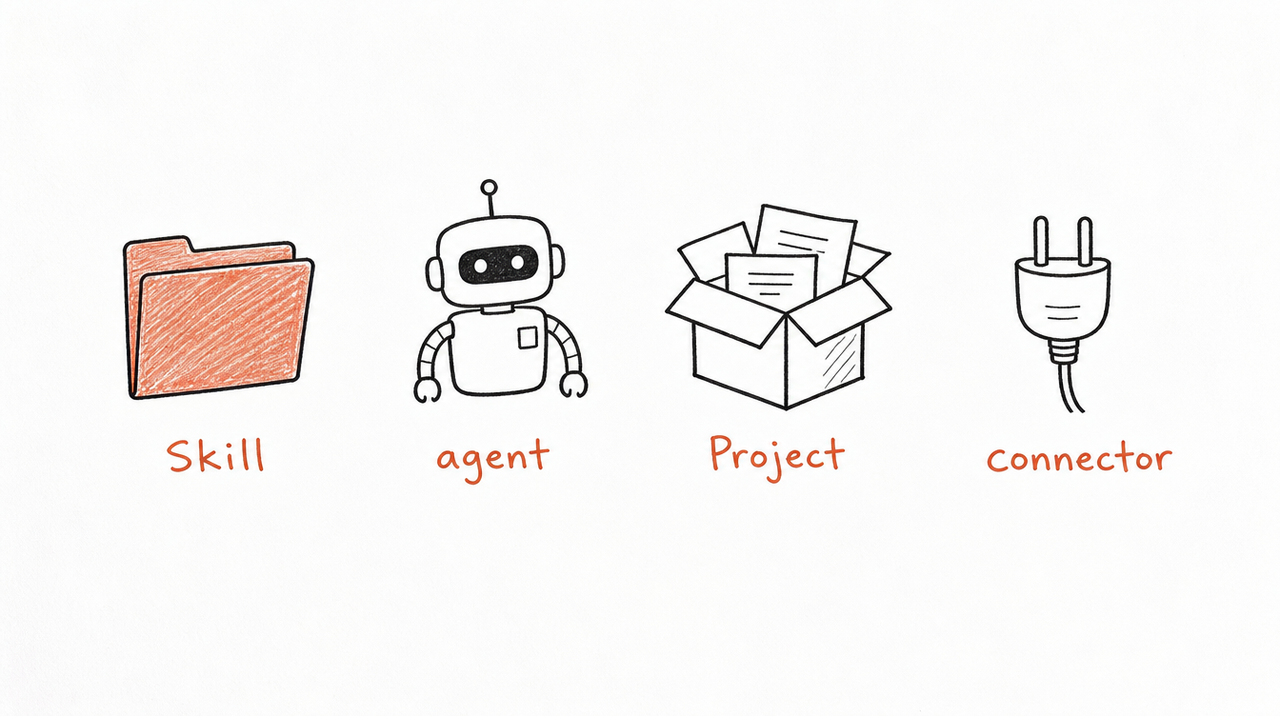
Skill. In Anthropic's words, "folders of instructions, scripts, and resources that Claude loads dynamically to improve performance on specialized tasks." A Skill holds a method: the steps, rules and output for one job. Claude reads it only when your request matches, in any chat. (What are Claude Skills?)
Project. "Self-contained workspaces with their own chat histories and knowledge bases." You upload documents and write instructions once, and every chat inside that Project uses them. Projects are on every plan; Free accounts can create up to five, and Team and Enterprise members can share them with colleagues.
Subagent. In Claude Code, a subagent is a "specialized AI assistant" that "runs in its own context window with a custom system prompt, specific tool access, and independent permissions." Claude hands it a task (research, a review, a test run) and gets back the result, so the main conversation stays uncluttered. When people say "Claude agents", this is usually what they mean.
Connector. A connection to another app, built on MCP. It gives Claude access, such as reading your calendar or ad account, rather than know-how. (What is an MCP server?)
Side by side
- Skill: gives Claude a method for one job. Used when a request matches, in any chat, picked by its description. Works in claude.ai, Claude Code and the API; shared with a team on Team and Enterprise plans.
- Project: gives Claude background for one piece of work. Always on inside that Project, which you open yourself. Works in claude.ai; shared with a team on Team and Enterprise plans.
- Subagent: gives Claude a separate helper. Used when Claude hands off a task, picked by its description. Works in Claude Code; shared through the project's files.
- Connector: gives Claude access to another app. Used when Claude needs that app, once you turn it on for the chat. Works in claude.ai, the desktop app and Claude Code; an owner adds it for an organization.
Skills and subagents are both chosen by their description, so the description is the line worth writing carefully in either.
Which to use when
- You keep explaining how you do something (a review, a report, a scoring method): write a Skill.
- You keep re-uploading the same background (a client's brief, a product's docs): make a Project.
- A task would flood the conversation (reading 40 files, reviewing work with fresh eyes, several checks at once in Claude Code): use a subagent.
- Claude needs live data from another tool (your CRM, ad account, calendar): add a connector.
A worked example: an agency runs a monthly ad review for each client. A Project per client holds that client's brief and past reports. A connector pulls the current numbers from the ad account. A Skill holds the agency's review method, the thresholds and the report format. The same Skill works in every client's Project, so the method stays consistent while the background changes.
What about Custom GPTs?
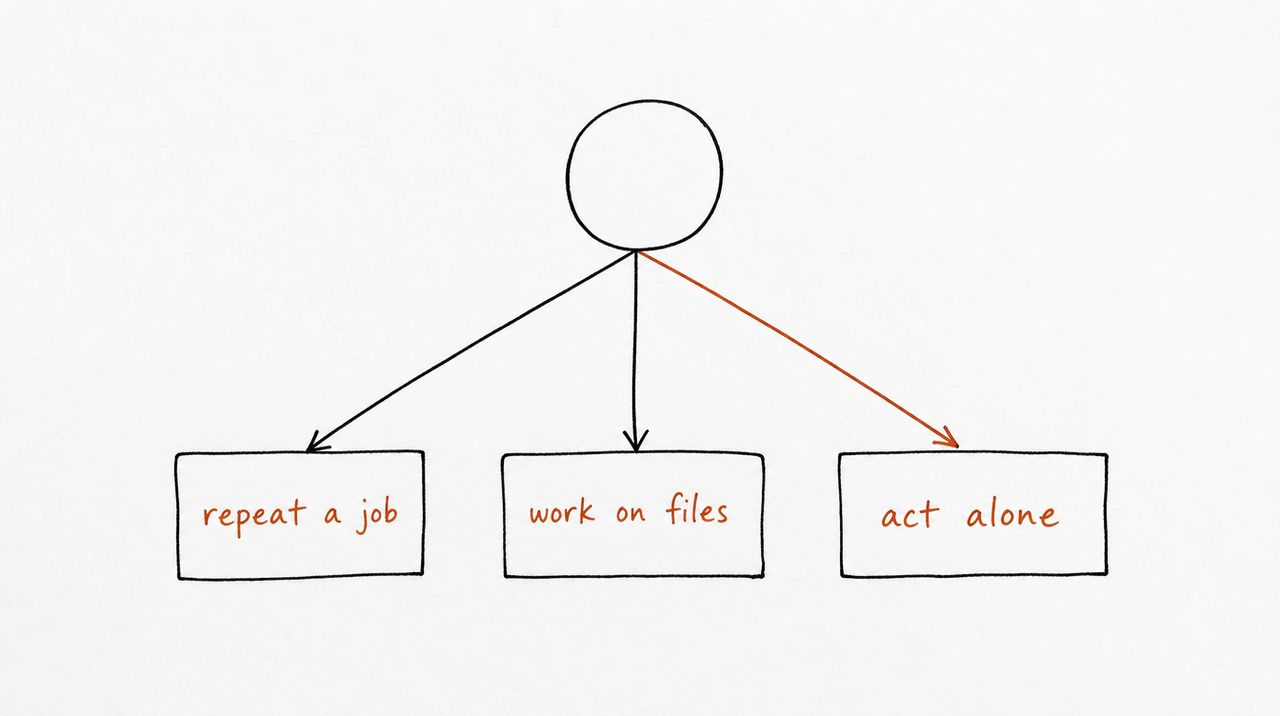
A Custom GPT bundles instructions, up to 20 knowledge files, and optional tools into one assistant inside ChatGPT. That makes it closest to a Claude Project with instructions: background plus behavior, used for every chat with that GPT.
But Custom GPTs are on their way out. OpenAI's help page now says it plans to retire them and recommends moving workflows to ChatGPT Plugins, which bring reusable instructions and connected apps together. Personal accounts (Free, Go, Plus and Pro) can no longer create or publish new GPTs. They're scheduled to retire on December 11, 2026, across all ChatGPT plans (February 11, 2027 for Enterprise workspaces with an approved deferral). Custom GPTs are being retired covers the details and how to move yours. Existing GPTs keep working until then.
If you built a GPT around your method, this is a good moment to rewrite it as a Skill. A Skill isn't tied to one assistant: it applies in any chat where the job comes up, and delivered as a connector it reaches ChatGPT and Cursor users too.
Where selling a method fits
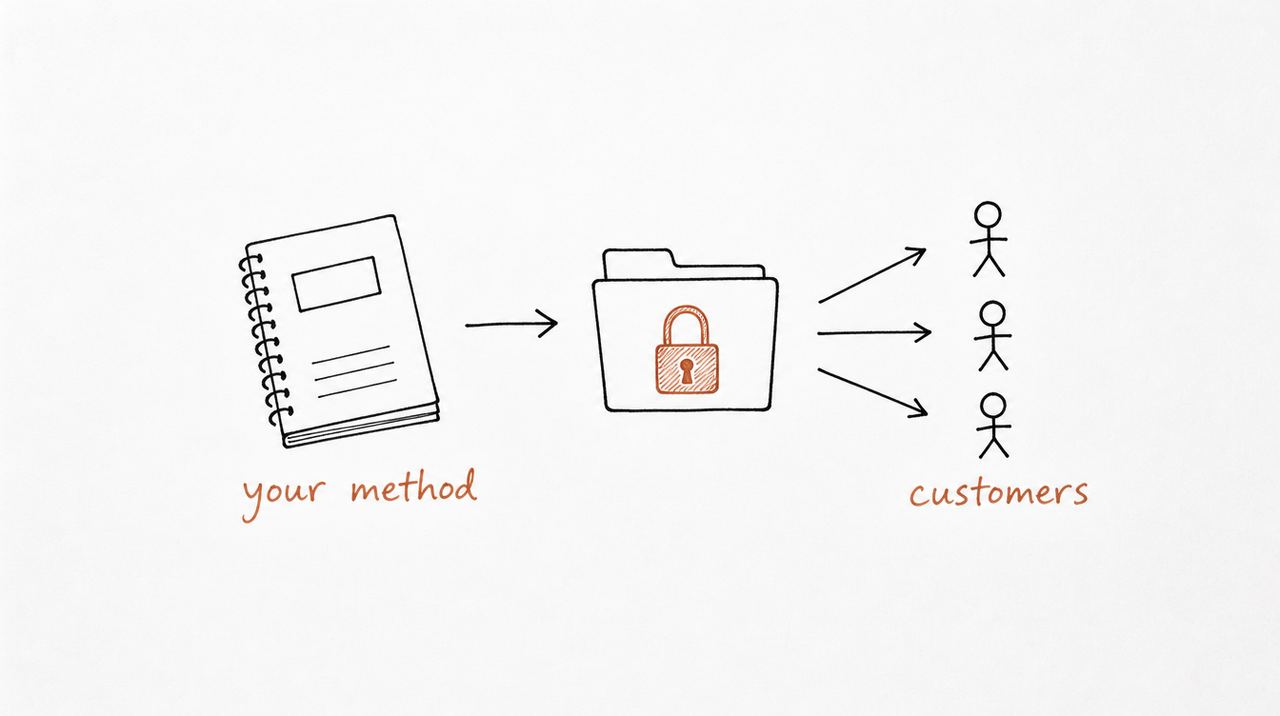
Of the four, the Skill is the one that holds what you know. Projects hold someone's documents, connectors hold access, and subagents hold a task. That's why a Skill is the natural product if you sell expertise: it's your method, packaged so an AI applies it the way you would.
expertrelay delivers a Skill as a connector: your customer adds one link to Claude, ChatGPT or Cursor, and your method runs privately on our server. They get the Skill's work inside their own chats and Projects, and you keep the instructions. (How to add an MCP server to Claude shows the customer's side.)
FAQ
Is a Claude Skill the same as an agent?
No. A Skill is instructions Claude follows in your conversation. A subagent is a separate helper with its own conversation, instructions and tool permissions, which reports back when it's done.
Can I use Skills inside a Project?
Yes. Project knowledge is always on inside that Project, while Skills load whenever a request matches, in any chat, including chats in a Project.
Are subagents available in claude.ai?
Subagents as described here are a Claude Code feature, set up as files in your project or your user folder.
Custom GPT vs Claude Project: which is better?
They do a similar job: instructions plus knowledge files for one assistant or workspace. The bigger difference now is that OpenAI is retiring Custom GPTs, while Claude Projects are available on every plan.
What is replacing Custom GPTs?
OpenAI recommends ChatGPT Plugins, which combine reusable instructions with connected apps, and plans a migration flow for existing GPTs.


