The Google Analytics MCP server is Google's free, open-source program that lets Claude, Gemini CLI and other AI assistants read your GA4 data: account and property details, standard reports, funnel reports and realtime numbers. It is read only and runs on your own computer, and setting it up takes a Google Cloud project with two Analytics APIs turned on, Google credentials that can see your properties, and one config entry in Claude.
Below is the exact setup as of October 2026, checked against Google's GitHub repository, then what changes when the properties belong to fifteen clients.
What is the Google Analytics MCP server?
An MCP server is something you add to Claude or ChatGPT so it can read another system. Google's one for Analytics is a small Python package called analytics-mcp. It calls the Google Analytics Admin API and the Data API on your behalf,.
Google's developer page says the server is available for read requests only and can't edit your Analytics configuration or settings. The code asks Google for the analytics.readonly scope and nothing broader. The repository still calls it experimental, and the package was at version 0.7.0 in October 2026.
These are the tools it gives Claude in the current code:
- get_account_summaries: every Analytics account and property your credentials can see.
- get_property_details: one property's settings.
- list_google_ads_links: which Google Ads accounts are linked to a property.
- list_property_annotations: notes left on dates in GA4.
- get_custom_dimensions_and_metrics: a property's custom dimensions and metrics.
- run_report: a standard report with any dimensions, metrics, date ranges and filters.
- run_funnel_report: a funnel report, step by step.
- run_realtime_report: what's happening on the site in the last minutes.
- run_conversions_report: a conversions report (it uses the Data API's alpha version).
The README lists seven of these; list_property_annotations and run_conversions_report are newer and only show in the source code so far.
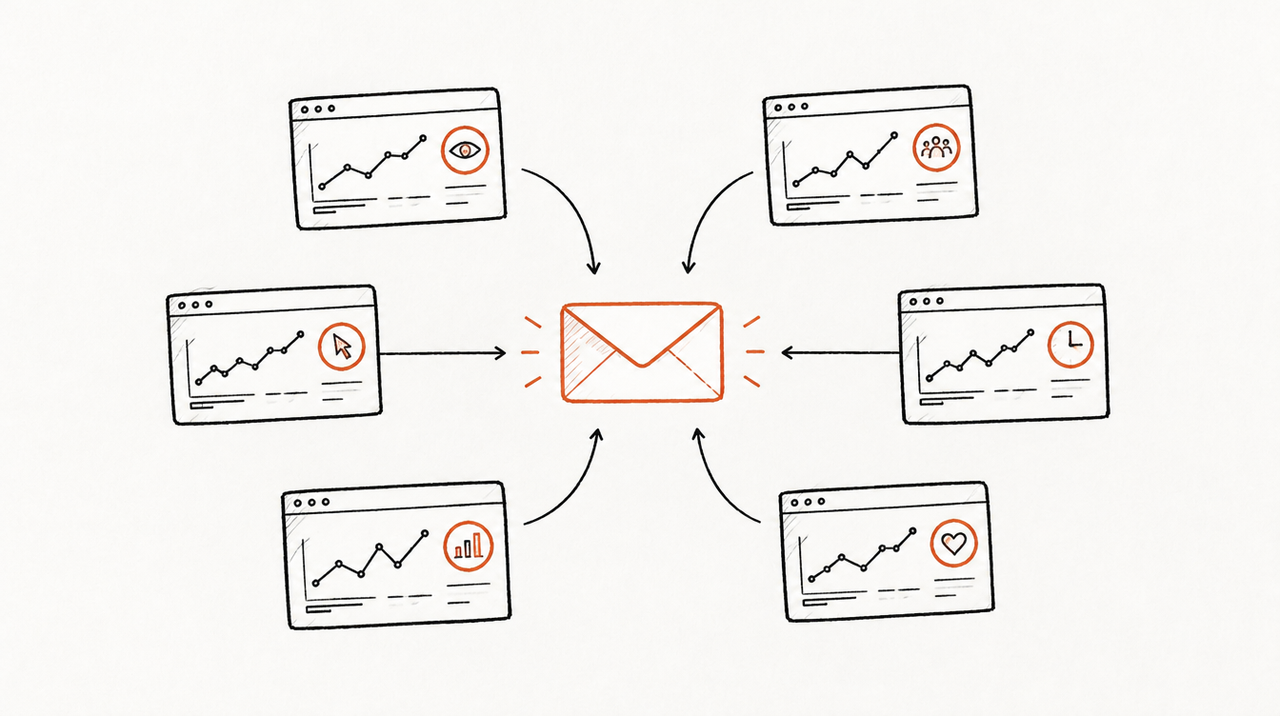
What it can't do: create or change anything, read Google Ads spend or campaigns (it only shows which Ads accounts are linked), or go past the Data API's quotas, which for a standard property are 200,000 tokens a day and 40,000 an hour.
Is there a hosted Google Analytics MCP server?
Not from Google, as of October 2026. The Analytics MCP page points only to the GitHub install, and Google Analytics isn't on Google Cloud's list of products with remote MCP servers. It runs on the same computer as Claude Desktop, Claude Code or Gemini CLI.
That matters for two places: Claude in the browser, and ChatGPT, which connects to MCP servers by URL. To use the official server there, you'd have to host it yourself behind a web address with sign-in in front of it. Third-party companies sell hosted GA4 servers for this reason.
How to set up the Google Analytics MCP server in Claude, step by step
You need:
- Python 3.10 or newer and pipx, which runs the package without installing it by hand.
- The gcloud CLI, to create your credentials.
- A Google Cloud project. You only switch on two APIs in it.
- A Google login with access to the GA4 properties you want to read. Viewer access is enough, since the server only reads.
Step 1: Turn on the two Analytics APIs
In your Google Cloud project, enable the Google Analytics Admin API and the Google Analytics Data API.
Step 2: Create Application Default Credentials
The server signs in with Google's Application Default Credentials (ADC), a credentials file on your computer. The credentials must include the read-only Analytics scope. The README gives two ways to make them.
Option A, your own Google login. Create an OAuth client of type desktop or web (Google's Manage OAuth Clients page shows how), download its JSON, then run:
gcloud auth application-default login \
  --scopes https://www.googleapis.com/auth/analytics.readonly,https://www.googleapis.com/auth/cloud-platform \
  --client-id-file=YOUR_CLIENT_JSON_FILE
Option B, a service account. Your login needs the Service Account Token Creator role on that service account (Google's impersonation guide), and the service account's email needs access to the GA4 properties. Then run:
gcloud auth application-default login \
  --impersonate-service-account=SERVICE_ACCOUNT_EMAIL \
  --scopes=https://www.googleapis.com/auth/analytics.readonly,https://www.googleapis.com/auth/cloud-platform
gcloud then prints Credentials saved to file: [PATH_TO_CREDENTIALS_JSON]. Copy that path; the config needs it.
Step 3a: Add it to Claude Code
This is the README's command. Replace the path and your Google Cloud project ID:
claude mcp add analytics-mcp \
  --scope user \
  -e "GOOGLE_APPLICATION_CREDENTIALS=PATH_TO_CREDENTIALS_JSON" \
  -e "GOOGLE_PROJECT_ID=YOUR_PROJECT_ID" \
  -- pipx run analytics-mcp
--scope user makes it available in every project on your computer.
Step 3b: Add it to Claude Desktop or Gemini CLI
The README gives this block for Gemini CLI's ~/.gemini/settings.json. Claude Desktop reads the same mcpServers format: open Settings, then Developer, then Edit Config, which opens claude_desktop_config.json (~/Library/Application Support/Claude/ on a Mac, %APPDATA%\Claude\ on Windows), as described in the MCP project's guide.
{
  "mcpServers": {
    "analytics-mcp": {
      "command": "pipx",
      "args": ["run", "analytics-mcp"],
      "env": {
        "GOOGLE_APPLICATION_CREDENTIALS": "PATH_TO_CREDENTIALS_JSON",
        "GOOGLE_PROJECT_ID": "YOUR_PROJECT_ID"
      }
    }
  }
}
Save the file and quit Claude Desktop completely, then open it again. The README's text also recommends a GOOGLE_CLOUD_PROJECT variable while its example uses GOOGLE_PROJECT_ID; adding both with the same project ID does no harm. And Claude Desktop may not find pipx on its own, so if the server doesn't start, put the full path from which pipx in command. In Gemini CLI, type /mcp to check that analytics-mcp is listed.
Step 4: Try it
Ask "List my GA4 properties", then a real question: "Compare sessions and key events by default channel group for the last 28 days against the 28 before, for the property with 'Acme' in the name."
Using the Google Analytics MCP across many client accounts
The official server handles more of the agency case than you might expect. get_account_summaries lists every account and property your credentials can see, so if your agency login has been added to each client's GA4, Claude sees all of them and you pick a client by name in the prompt. Quotas are counted per property, so one busy client doesn't use up another's.
Say you look after 15 clients' GA4 properties from one agency login, and on Monday you ask: "Which clients lost more than 20% of paid search sessions last week?" Claude has to list the properties, then run a report for each of the 15. That works, but it's 15 or more tool calls in one chat, and next Monday you ask again in different words.
The harder parts are about people and access, not reports:
- One credentials file sees every client. Whoever has the config on their laptop reaches every property that Google identity can see.
- Limiting a teammate means a separate Google identity. To keep a freelancer to three clients, give them their own login or service account that's only been added to those three properties, and their own setup.
- Every person repeats the setup. Python, pipx, gcloud and a credentials file on each computer, kept safe like a password.
- Clients wanting their own access would set up the same thing with their own login.
- GA4 is one source. To see Google Ads spend next to GA4 key events you add Google's separate Google Ads MCP server, with its own Cloud setup and developer token, and the same again for Meta. For the ban and safety questions around ad accounts, see how to connect Claude to client Meta and Google Ads safely.
Where ExpertRelay fits
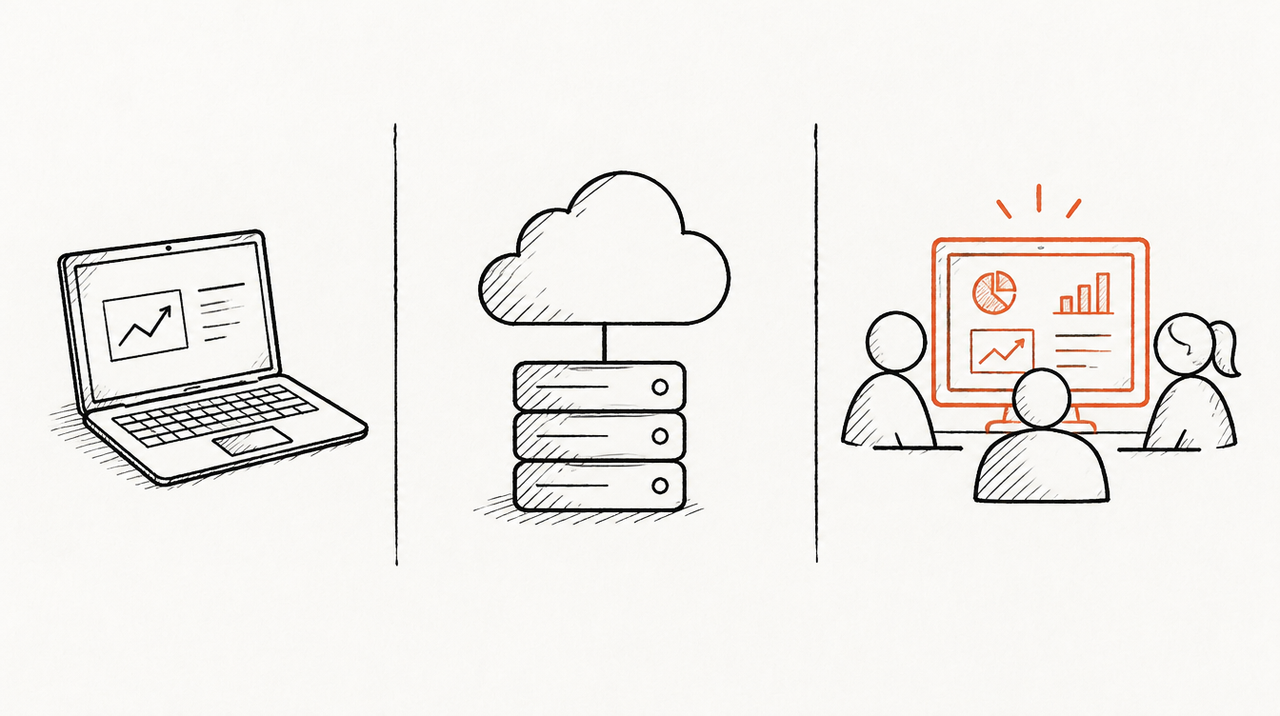
ExpertRelay gives an agency its own hosted MCP server for the team, plus one for each client if you want it. There's nothing to install or host: you add the address in Claude (Customize, Connectors, Add custom connector) or in ChatGPT (Settings, Connectors, Create, where the plan allows custom connectors), and each person signs in with their own login.
For GA4 there's no Google sign-in and no Cloud project. The agency gets its own Google service-account email, and each client adds it as a Viewer on their GA4 property, like adding a colleague. ExpertRelay then reads sessions, users, new users, engaged sessions, conversions and revenue per day by default channel group, plus totals by landing page. Daily figures go back 30 days, and totals compare the last 14 days with the 14 before. Google Ads, Meta Ads, Search Console, HubSpot and other sources connect to the same clients.
The team server's tools work across clients: compare_clients puts every client side by side with the biggest drops first, get_client_numbers gives one client's totals per source with the change, and run_for_client runs one of the agency's own playbooks on one client's data. Team members' AI reaches only the clients they work with; owners and admins see all. Client accounts are read only, every call is logged, and turning the server off signs everyone out.
Official server vs. hosted servers vs. ExpertRelay
- Google's official Google Analytics MCP server: free, open source, read only, and can run any Data API report, funnel or realtime query. Limitation: it runs on each person's own computer with a Cloud project and a credentials file, works in Claude Desktop, Claude Code and Gemini CLI but not ChatGPT without hosting it yourself, and doesn't know which teammate should see which client.
- A third-party hosted GA4 server: a company runs the server and gives you a URL and a Google sign-in. Limitation: another company holds access to your clients' data, plans and limits vary, and some are built around one advertiser rather than an agency's client list.
- ExpertRelay: the agency's own server with every client's GA4 and ad platforms side by side, access per teammate, a server per client if you want it, and your playbooks. $99 a month for the agency (whole team, up to 25 clients), $49 a month per client who gets their own AI, 14 days free. Limitation: it reads daily rows and totals, not raw API access, so you can't ask for any dimension GA4 has, it can't change anything, you can't add your own code or other MCP servers, and ChatGPT custom connectors depend on the ChatGPT plan.
When the official server is enough
- One property, or a handful you check yourself. You set it up once and it costs nothing to run.
- You need any dimension or report GA4 has. Funnels, realtime, custom dimensions, page paths, events: the official server's
run_reportreaches far more than a fixed set of totals. - You're technical and fine running it locally. If you already use Claude Code or Gemini CLI, it's one command.
FAQ
Is there an official Google Analytics MCP server?
Yes. Google publishes google-analytics-mcp on GitHub and links to it from its Analytics developer site. It is free, runs locally, and is labelled experimental.
Can the GA4 MCP server change my Analytics settings?
No. Google says it handles read requests only and can't edit configuration or settings, and it asks for the read-only Analytics scope.
Does the Google Analytics MCP work with ChatGPT?
Not directly. ChatGPT connects to servers by URL, and Google's runs on your computer, so you'd have to host it yourself or use a hosted server.
Can I use one Google Analytics MCP setup for all my clients?
Yes, if one Google login or service account has access to every client's property. Everyone using that setup sees every client, though.
Can the Google Analytics MCP server read Google Ads data?
Only which Google Ads accounts are linked to a property. For spend, clicks and campaigns, add Google's Google Ads MCP server as well; GA4 still gives you what those clicks did on the site.
If your team wants every client's GA4, Google Ads and Meta numbers in Claude or ChatGPT without a credentials file on each laptop, see the agency's own MCP server or ExpertRelay for agencies. For the basics of what these servers are, read what is an MCP server.


