An MCP server is a small program that lets an AI app use something it wasn't built with: your calendar, a database, a design file, a company's own tool. MCP stands for Model Context Protocol, an open standard Anthropic released in November 2024 for connecting AI assistants "to the systems where data lives."
The MCP project's own comparison is the easiest way in: think of MCP like a USB-C port for AI apps. Before USB-C, every device needed its own cable. Before MCP, every AI app needed its own custom connection to every tool. Now a tool builds one MCP server, and any app that speaks MCP (Claude, ChatGPT, Cursor and others) can use it.
How it works
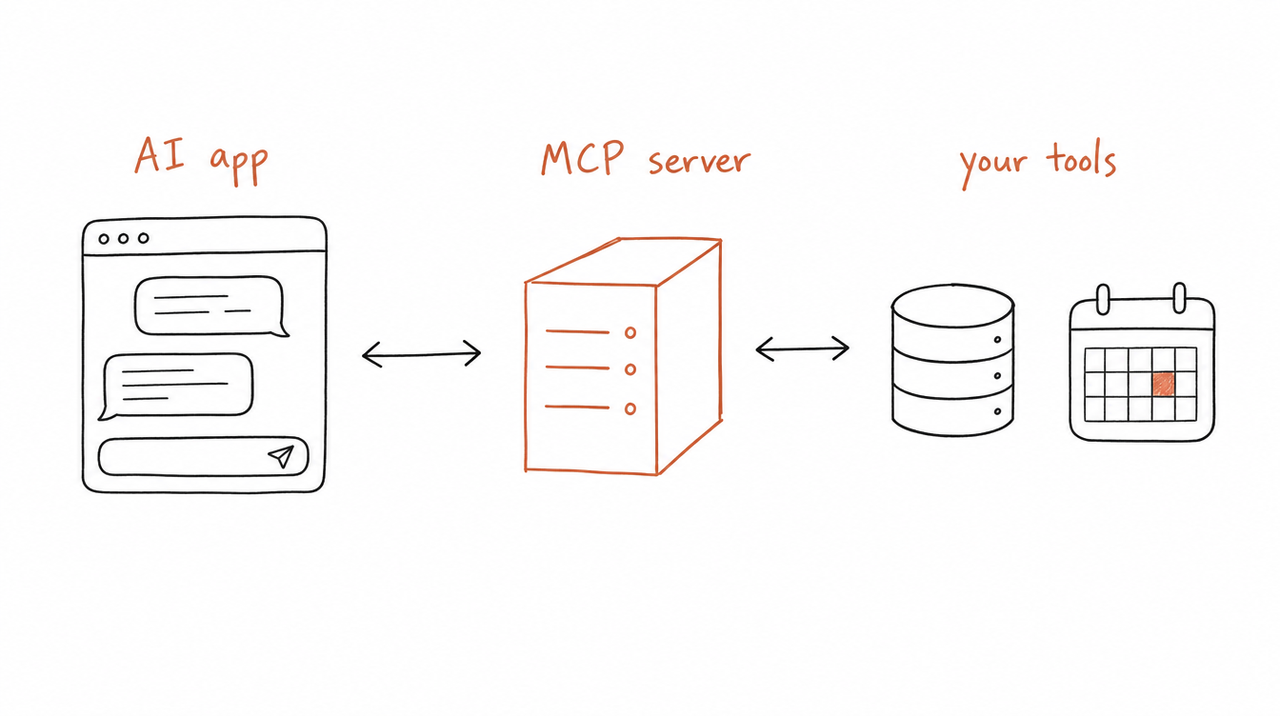
There are two sides. The AI app (Claude, ChatGPT, Cursor) is the client. The MCP server is the program that knows how to work with one tool or data source. When you connect them, the server tells the app what it can do, and the app uses that whenever your request needs it. You don't program anything; the AI reads the server's descriptions and decides.
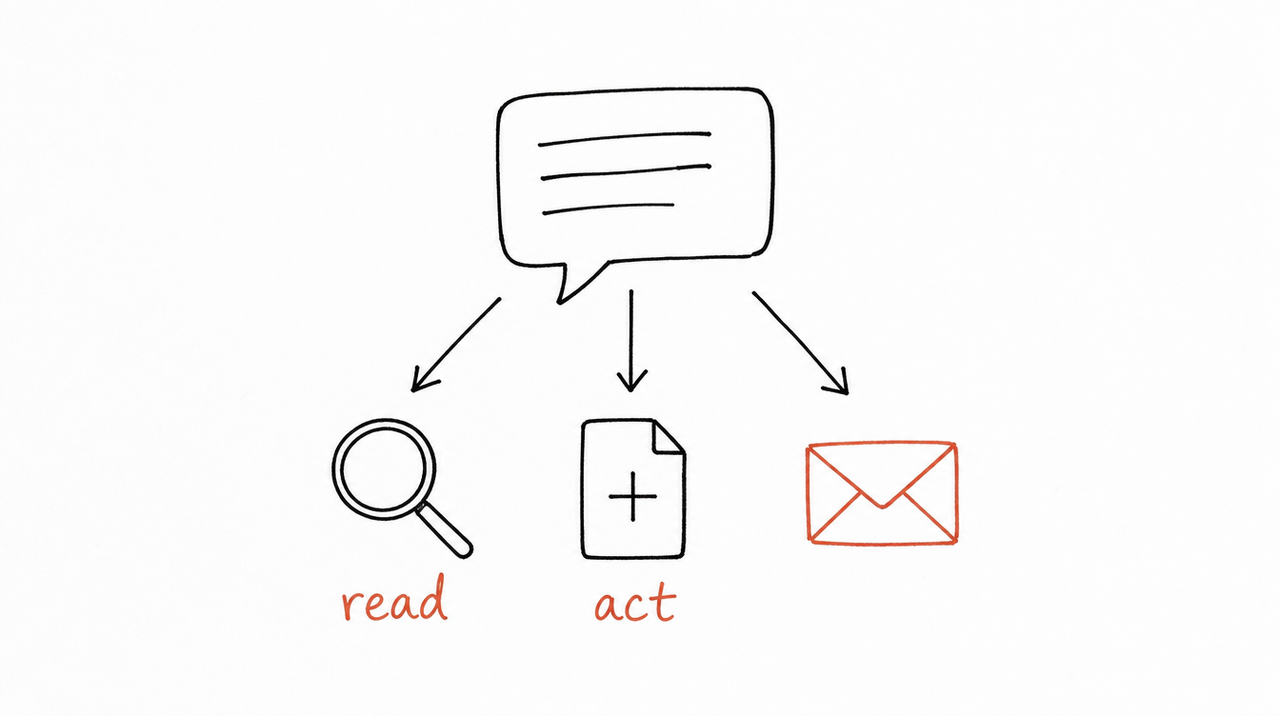
A server can offer three kinds of things:
- Tools: actions the AI can take, such as searching flights, sending a message or creating a calendar event. The AI decides when to use them, based on your request.
- Resources: information the AI can read, such as a document, a knowledge base or your calendar. The app decides when to include them.
- Prompts: ready-made instructions for a job, such as "Plan a vacation" or "Summarize my meetings". You decide, by picking one.
Because tools can change things (send, edit, book), apps can ask for your approval before the AI uses one.
Servers run in one of two places. A local server runs on your own computer, which suits your files or developer tools. A remote server runs online and you connect it with a URL, which is how you connect an online service.
What you can do with one
The MCP project's own examples give a sense of the range:
- An assistant reads your Google Calendar and Notion, so it can plan around your real week.
- Claude Code builds a web app from a Figma design.
- A company chatbot answers questions from several internal databases at once.
- An AI creates a 3D model in Blender and sends it to a 3D printer.
Everyday servers are simpler: one for your files, one for a database, one for GitHub, Slack or your calendar. Several can work together in one request. The MCP docs walk through a trip planner that checks your calendar, searches flights and checks the weather through three different servers, asking before it books anything.
MCP vs an API, and MCP vs a Skill
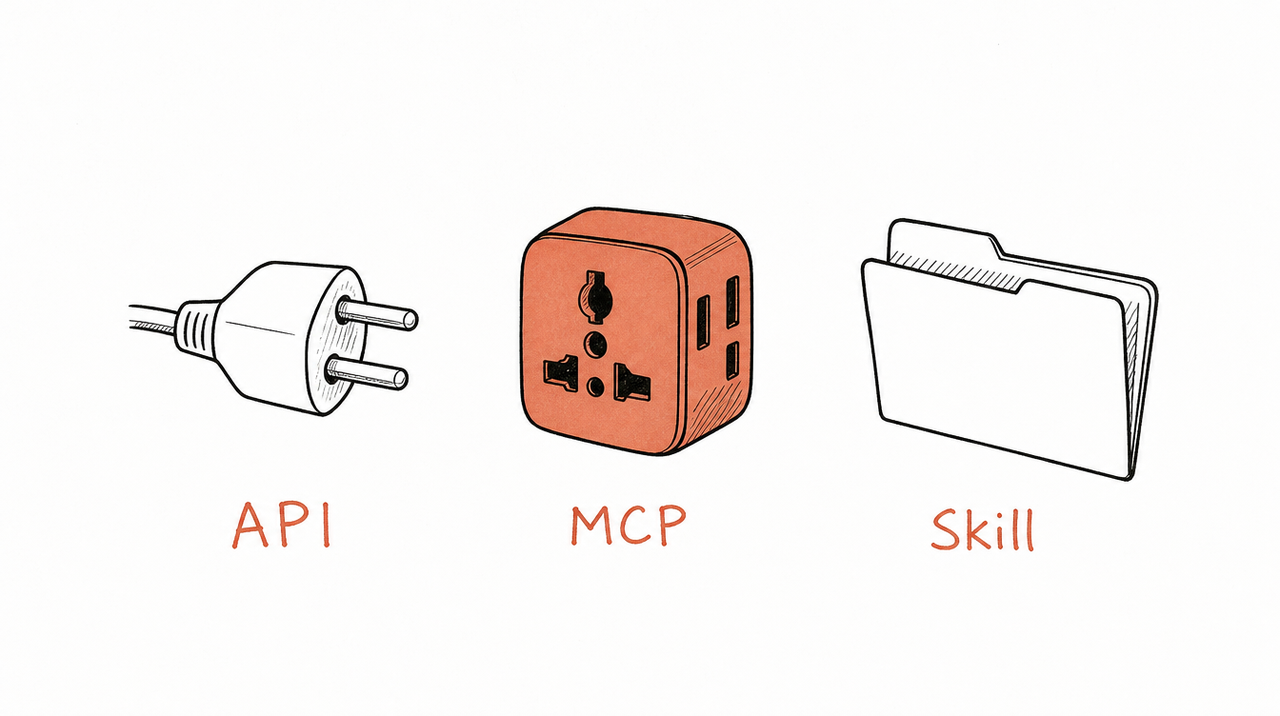
An API is how one piece of software talks to another, and every API is different. Before MCP, connecting an AI app to a tool meant writing custom code for that one API. As Anthropic put it when announcing MCP, "every new data source requires its own custom implementation." An MCP server describes what a tool can do in one standard way, so any MCP app can use it without new code.
A Skill is different again. A Skill is instructions: how to do a job your way. An MCP server is access: the ability to reach a tool or data. They work well together. A connector can pull last month's ad results; a Skill tells the AI how you judge them. (What are Claude Skills? covers Skills in more depth.)
- API: gives the AI nothing on its own; a developer has to wire it in. Example: a CRM's API.
- MCP server: access to a tool or data, in a form any MCP app understands. Example: a CRM's MCP server.
- Skill: a method, with steps, criteria and what good output looks like. Example: your account-review checklist.
Which apps support MCP
AI assistants like Claude and ChatGPT support MCP, and so do developer tools like Visual Studio Code and Cursor, according to the MCP project. The setup differs by app and plan: in Claude you add a server as a connector on any plan, and in ChatGPT through developer mode on paid plans. How to add an MCP server to Claude (and ChatGPT) has the step-by-step for each.
Is it safe?
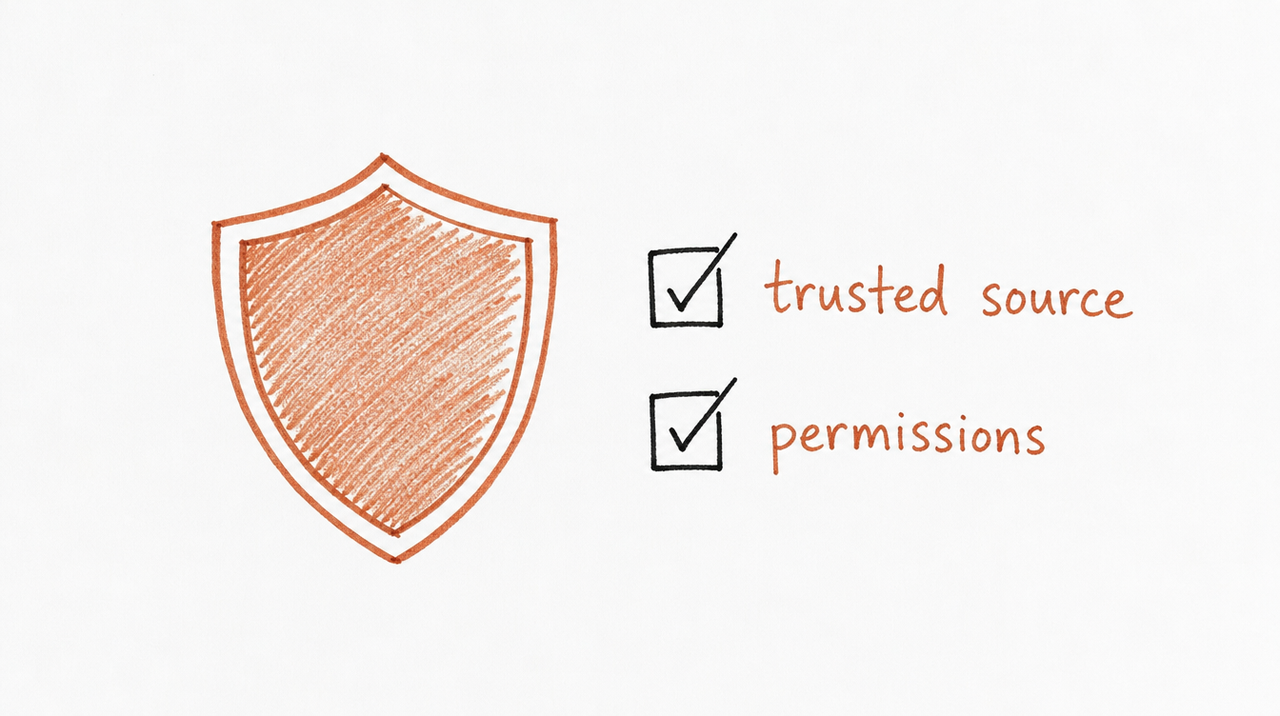
An MCP server can be as safe as any other app you sign in to, and as risky. Once connected, it can see what the AI sends it and, if it has tools that write, act in your accounts. Anthropic and OpenAI both tell users to connect only servers from people they trust.
The MCP design leaves room for control, and apps use it in different ways: showing which tools are available, asking before a tool runs, letting you pre-approve safe actions, and keeping a log of what ran. Keep approvals on for anything that sends, edits or deletes, and remove servers you no longer use.
Why it matters if you sell expertise
MCP isn't only for software companies. Because a remote server is just a link a customer adds to the AI app they already use, it's also a way to deliver your method as a product.
That's how expertrelay works. Your course framework or Skill runs privately on our server, and each customer connects it to Claude, ChatGPT or Cursor with one link and their purchase email. They get the work your method does; your instructions never leave the server. You publish an update once and every customer runs the new version next time.
If you're deciding whether to sell a Skill as a file or as access, Is there a Claude Skills marketplace? lays out the trade-offs.
FAQ
What does MCP stand for?
Model Context Protocol. "Context" is the information an AI model works with; the protocol is the shared set of rules for passing it between apps and tools.
What's the difference between an API and an MCP server?
An API is a tool's own interface, different for every tool, that a developer has to wire into each app. An MCP server presents a tool in one standard way that any MCP-compatible AI app can use.
Is an MCP server a physical server?
No. It's a program. It can run on your own computer or online, where you connect it with a URL.
Do I need to code to use one?
No. You add a server's URL in your AI app's settings and sign in if asked. Building a server takes code; using one doesn't.
Who created MCP?
Anthropic released it as an open-source standard in November 2024. Other AI apps, including ChatGPT, Cursor and VS Code, now support it.


