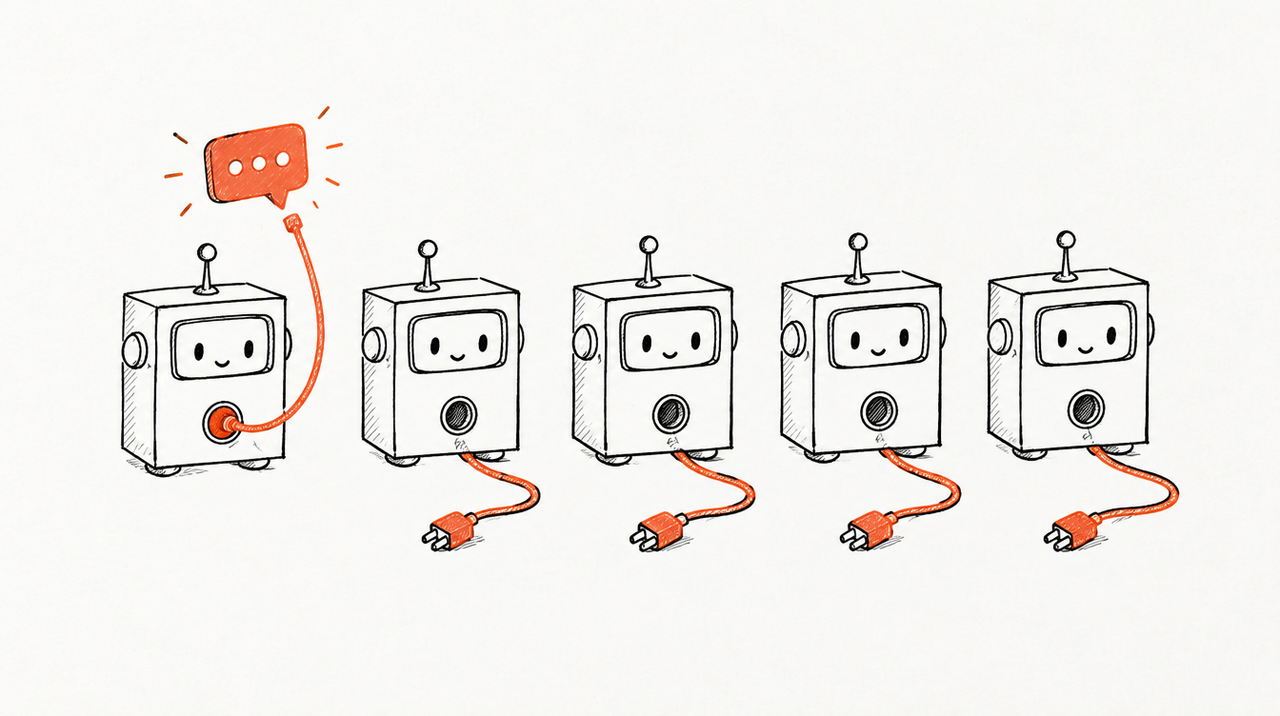
The HubSpot MCP server is HubSpot's own hosted server at mcp.hubspot.com that lets Claude, ChatGPT and other AI tools read and update records in a HubSpot account, as the person who signed in. Setting it up takes a few minutes: a Super Admin (or a user with App Marketplace access) approves HubSpot's connector, then each person connects it from Claude's or ChatGPT's settings and picks the HubSpot account to use.
Below: both of HubSpot's MCP servers, setup for Claude, ChatGPT and Claude Code as of October 2026, and what changes for an agency working in many client portals.
What is the HubSpot MCP server?
An MCP server is an address you add to Claude or ChatGPT so it can read another system, and sometimes act in it. HubSpot has two, and they do different jobs:
- The remote HubSpot MCP server (mcp.hubspot.com): hosted by HubSpot, for working with CRM data. HubSpot's official connectors for Claude, ChatGPT, Gemini and Microsoft Copilot run on it (HubSpot's overview). It left beta and became generally available to all HubSpot accounts on April 13, 2026 (HubSpot's changelog).
- The Developer MCP server (HubSpotDev): runs on your computer through the HubSpot CLI and helps coding tools such as Claude Code and Cursor build HubSpot apps and CMS themes (setup, tool list). It doesn't touch contacts or deals.
To ask Claude about a pipeline, you want the first one.
What the remote server can read and change
- Read: contacts, leads, companies, deals, tickets, custom objects, engagements (calls, emails, meetings, notes, tasks), commerce objects such as quotes and invoices, segments, campaigns, web pages, blog posts, marketing emails, pipelines, properties, users and teams (HubSpot's Claude connector article).
- Create and update: most CRM records, engagements and marketing assets: add a contact, move a deal, log a call. Some objects stay read-only, such as invoices, orders and segments in ChatGPT (HubSpot's ChatGPT article).
- Delete: not supported in either connector.
Limits worth knowing
- Your permissions apply: it sees only what the signed-in user can see in HubSpot.
- Sensitive Data: if Sensitive Data is turned on in the account, engagement data (calls, emails, meetings, notes, tasks) is blocked, and custom Sensitive Data Properties are never available (HubSpot's MCP page).
- Bulk changes: up to 10 records at a time, each logged in HubSpot's audit log under the user and the connector.
- Search, not a data warehouse: it's built on HubSpot's CRM search API: up to 200 results per page, no joins or currency conversion (integration guide). Some tools also need a paid hub.
How to set up the HubSpot connector in Claude
What you need (HubSpot's requirements):
- Claude: a paid plan: Pro, Max, Team or Enterprise.
- HubSpot: any subscription, and your own active user in the account.
- Permission: Super Admins and users with App Marketplace Access can connect without approval. Everyone else waits for a Super Admin to approve the connector; during approval the Super Admin chooses which data it can reach and who may install it.
Steps:
- On Claude Team or Enterprise, an Owner first adds it for the organization: Organization settings > Connectors > Browse connectors > HubSpot > Add to your team (Claude's help). Each person still signs in to HubSpot individually.
- Click your profile icon (bottom left), then Settings > Connectors.
- Click Browse, search for HubSpot, select it and click Connect.
- Log in to HubSpot and select the HubSpot account you want to use.
- Choose the permissions to allow and click Connect app. You land back in Claude.
- In a chat, click + > Connectors, switch HubSpot on, and ask your question.
HubSpot recommends setting write tools to Needs approval, so Claude waits for your yes before each change (write access arrived in November 2025, changelog). If a Super Admin later allows more data, each user reconnects to get it.
How to set up the HubSpot connector in ChatGPT
The same Super Admin rule applies, with any HubSpot subscription (HubSpot's ChatGPT article). HubSpot's 2025 launch post listed ChatGPT Plus, Pro, Team, Enterprise and Edu; the current article names no plan, so check yours.
- In ChatGPT, click your profile icon, then Settings > Apps.
- Select HubSpot and click Connect, then Continue to HubSpot.
- Log in and select your HubSpot account.
- Choose the permissions to allow and click Connect app.
Since February 26, 2026 the ChatGPT connector can also create and update records and log activities. On a workspace plan, an admin approves it with “Enable for workspace” (changelog).
How to connect Claude Code or your own agent to the HubSpot MCP server
The quick way: if you log in to Claude Code with a claude.ai subscription, connectors you added on claude.ai, HubSpot included, show up in Claude Code automatically. They don't load when Claude Code runs on an API key (Claude Code's MCP docs).
Connecting to mcp.hubspot.com directly (for Claude Code on an API key, or an agent you're building): HubSpot requires OAuth with PKCE and a client ID and secret from an MCP connector you create in your HubSpot account (HubSpot's guide).
- In HubSpot, go to Development > MCP Connectors (earlier docs called them MCP auth apps) and click Create MCP connector.
- Enter a name and a redirect URL. Claude Code listens on
http://localhost:PORT/callback, so usehttp://localhost:8080/callback. - Copy the client ID and client secret from the connector's details page.
- Add the server in Claude Code (it prompts for the secret), then run
/mcp, sign in and select the HubSpot account.
claude mcp add --transport http \
  --client-id YOUR_CLIENT_ID --client-secret --callback-port 8080 \
  hubspot https://mcp.hubspot.com
A redirect error means the two URLs don't match exactly. Once connected, get_user_details shows which tools your account has.
The Developer MCP server needs HubSpot CLI 8.2.0 or later; setup asks which coding tools to add it to:
npm install -g @hubspot/cli
hs mcp setup
Using the HubSpot MCP across many client portals
HubSpot Solutions Partners usually work inside many clients' portals. Here's what HubSpot's docs say about that, as of October 2026:
- One portal per connection: “You can only connect one HubSpot account at a time to a single Claude account.” ChatGPT works the same way. To switch client, disconnect and connect the other portal (HubSpot's partner FAQ).
- Partner Seats: HubSpot says to name the Partner Client Object (PCO) in your prompt, for example “List all clients from my partner client object”. It's read-only, and nothing in HubSpot's docs says it opens each client portal's own contacts and deals; for those, you connect the portal.
- Who can install it in a client portal: with Super Admin or App Marketplace Access there, you can connect it yourself; otherwise the client's Super Admin approves it and decides what it may reach, including writes.
- Each person's own connection: it sees what that person's HubSpot user sees and lives in their own Claude or ChatGPT account. When someone leaves, remove their user in each portal.
- HubSpot only: no Google Ads, Meta or GA4, so deals vs. ad spend needs more connectors per client. For the ad side, see connecting Claude to client ad accounts safely.
- Clients connecting their own: any client can connect their own portal. They get their data and a general answer, not your agency's read.
Say you look after 14 clients' HubSpot portals and want to know, on Monday morning, whose new deals dropped last week. With the official connector that's 14 disconnect-and-reconnect cycles and 14 chats. Great for one client's pipeline; slow for a weekly look across all of them.
Where ExpertRelay fits
ExpertRelay gives an agency its own hosted MCP server for the team, and optionally one for each client. Nothing to build or host: you add the address in Claude (Customize > Connectors > Add custom connector) or ChatGPT (Settings > Connectors > Create, where the plan allows custom connectors), and each person signs in with their own login.
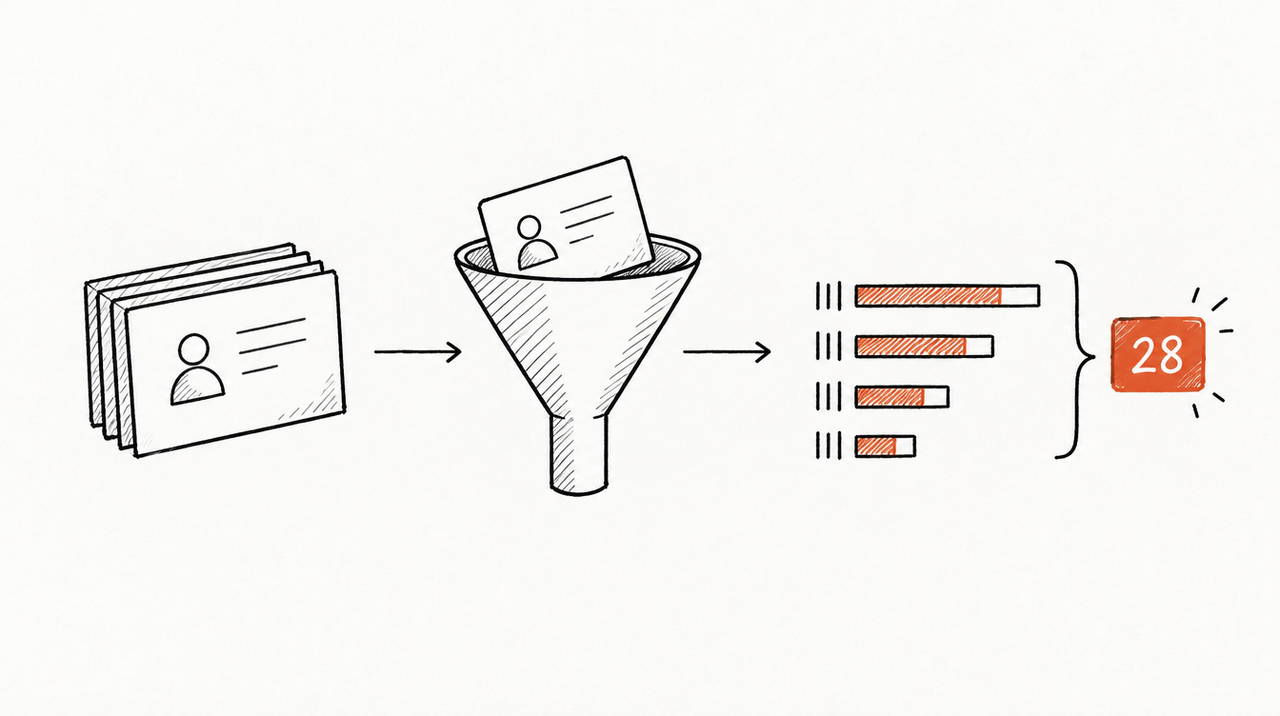
For HubSpot, the admin of each client portal makes a HubSpot service key with two read scopes, crm.objects.contacts.read and crm.objects.deals.read, and pastes it, one portal at a time. Each portal is then assigned to a client. It reads new contacts per day by original source and lifecycle stage, and deals by pipeline and stage with amounts and closed amounts. Never a contact's name, email or phone.
The Monday question then becomes one call: compare_clients puts every client side by side, last 14 days against the 14 before, biggest drops first, next to their Google Ads, Meta Ads, GA4 and other sources. Members reach only their own clients; owners and admins see all. Every call is logged.
- Official HubSpot connector: works with any HubSpot subscription; reads and writes almost everything. Limitation: one portal per Claude or ChatGPT account at a time, and HubSpot data only.
- A third-party hosted MCP server: integration platforms hosting many apps behind one address. Limitation: another company holds tokens to every client's CRM, and which tools can write and how clients are kept apart varies by vendor.
- ExpertRelay: one server for the team across all clients, with HubSpot next to the ad platforms and analytics. Limitation: totals and daily rows, not raw API access; from HubSpot only contact and deal totals, no individual records; it can't change anything; you can't add your own code or other MCP servers; ChatGPT custom connectors depend on the ChatGPT plan.
Price: $99 a month for the agency (whole team, its AI and API, and the team's work on up to 25 clients). Turning on a client's own AI is $49 a month for that client. 14 days free.

When the official HubSpot connector is enough
- One portal: an in-house team, or an agency with one big HubSpot client.
- You need to change things: create contacts, move deals, log calls, draft marketing emails. ExpertRelay can't.
- You need individual records: “which contacts at Acme opened last week's email?” needs names.
- You're building your own agent: connect to mcp.hubspot.com directly, as above.
If your team works across many client portals and ad accounts, see the agency's own MCP server, or read what an MCP server is in plain words first.
FAQ
Does HubSpot have an official MCP server?
Yes. HubSpot hosts a remote MCP server at mcp.hubspot.com, generally available to all HubSpot accounts since April 13, 2026. Its Claude and ChatGPT connectors run on it.
Can Claude update records in HubSpot?
Yes. The HubSpot connector for Claude can create and update records and log activities, up to 10 records at a time, and every change appears in HubSpot's audit log. It can't delete anything.
Do I need to be a Super Admin to connect HubSpot to Claude or ChatGPT?
No, but a Super Admin has to approve the connector first unless you have App Marketplace Access.
Can I connect several HubSpot portals to Claude at once?
No. HubSpot says you can connect one HubSpot account at a time to a Claude or ChatGPT account.
How can an agency ask Claude about every client's HubSpot at once?
The official connector reaches one portal at a time. ExpertRelay reads each client's HubSpot contacts and deals as totals through a read-only service key, next to their ad accounts, so one question compares every client. It's $99 a month for the agency.


