As of October 2026 we found no official LinkedIn Ads MCP server: LinkedIn's closest product is a read-only beta app inside ChatGPT, and every server you can add to Claude is built by someone else on the LinkedIn Marketing API. Setting one up means either signing in to a third-party server, which uses its own approved LinkedIn app, or getting Advertising API access for your own developer app, with a LinkedIn login that has a role on each client's ad account.
Below: each option, what LinkedIn requires, and what changes when an agency runs LinkedIn Ads for many clients.
Is there an official LinkedIn Ads MCP server?
An MCP server is an address you add to Claude or ChatGPT so it can read another system, and sometimes act in it. Google and Meta host their own for ads; LinkedIn doesn't: the LinkedIn Marketing API docs describe the APIs but no MCP server, and we found no LinkedIn-made server on LinkedIn's GitHub or in Claude's connector directory, where LinkedIn Ads shows up only inside multi-platform data connectors such as Windsor.ai and Supermetrics.
What LinkedIn does offer is the LinkedIn Ads plugin for ChatGPT, listed with LinkedIn as the developer. OpenAI's page says it is in beta and gives read-only access to ad set performance. You can:
- view and search the ad accounts and ad sets you have access to;
- ask plain-language questions about ad set and ad performance;
- break metrics down by date range, ad set or ad.
It can't change anything, runs only in ChatGPT, and the listing doesn't mention lead forms. So the real options are:
- LinkedIn's ChatGPT app: official, read-only, ChatGPT only.
- Third-party hosted servers: ad tool and data connector companies that run a LinkedIn Ads MCP server on their own approved LinkedIn app. You sign in with LinkedIn; they hold the token. Many can also create and edit campaigns.
- Open-source servers or your own build: code you run with your own LinkedIn developer app and token. Several small projects exist on GitHub; read the code before trusting one with client accounts.
- ExpertRelay: a hosted, read-only server for agencies (below).

What every LinkedIn Ads MCP server needs from LinkedIn
Every server talks to LinkedIn's Advertising API, so the same rules apply.
API access
A developer app must be approved for the Advertising API. Apps start in the Development tier, which can read data for any ad account the signed-in person administers but edit only up to five; Standard tier, for unlimited edits, is requested through a support ticket with a video of your tool working (LinkedIn's access tiers).
Permissions (scopes)
r_ads: list the ad accounts.r_ads_reporting: read reporting: spend, impressions, clicks, conversions, leads.rw_ads: manage and read ad accounts, so the server can change campaigns.r_marketing_leadgen_automation: lead forms and the leads themselves, from the separate Lead Sync API.
If the consent screen asks for rw_ads, the server can change things; reporting needs only r_ads and r_ads_reporting.
Ad account roles
The API also respects the person's role on each ad account (LinkedIn's role definitions):
- Viewer: campaign data and reports, nothing else. Read-only even when the app has
rw_ads. - Creative manager: also creates and edits ads.
- Campaign manager: also creates and edits campaigns.
- Account manager and billing admin: also manage the account, its users and (billing admin) billing.
Tokens last 60 days; apps with programmatic refresh can renew them for up to a year, after which the person signs in again (LinkedIn's token docs).
Naming trap: LinkedIn's ChatGPT app says campaigns and ad sets; the API calls those levels campaign groups and campaigns.
How to set up a LinkedIn Ads MCP server
LinkedIn's own app in ChatGPT
- In ChatGPT, open Plugins and find LinkedIn Ads, or start from OpenAI's listing.
- Install it, review the permissions and connect your LinkedIn account when prompted.
- Start a new chat and ask, for example: “Show me all my active ad sets from account X.”
Availability depends on your plan and workspace settings; some workspaces need an admin's approval.
A third-party hosted server in Claude
Custom connectors work on Free, Pro, Max, Team and Enterprise; Free allows one (Claude's help page).
- Go to Customize → Connectors, click + Add, then Add custom connector.
- Name it, paste the server address the provider gives you and click Continue.
- Keep the detected sign-in settings, click Add, then Connect and sign in.
- In a chat, turn it on under + → Connectors and ask: “List my LinkedIn ad accounts.”
On Team and Enterprise, an owner first adds it under Organization settings → Connectors (Add → Custom → Web); each member then clicks Connect.
In ChatGPT
Custom MCP servers with full support are for Business, Enterprise and Edu on the web, and on Business only admins and owners add them; Pro can connect them read-only (OpenAI's help page). Go to Plugins, click +, choose Add custom MCP server, enter the address, set up authentication, tick the risk warning and click Create as a plugin.
In Claude Code
Add a remote server, then sign in from the /mcp menu (Claude Code docs):
claude mcp add --transport http linkedin-ads https://<address-from-your-provider>

# then, inside Claude Code:
/mcp
Your own developer app (open-source server or your own build)
- With a LinkedIn Page for your company, create an app in the Developer Portal.
- Check LinkedIn's restricted uses, then apply for the Advertising API under the app's Products tab and complete the access form.
- Once approved, generate a token with the Token Generator in the Developer Portal, choosing
r_adsandr_ads_reporting(addrw_adsonly if the server should edit). - In the Development tier, map each ad account to the app: copy the nine-digit account ID from Campaign Manager, then Products → View Ad Accounts → Add Ad Account (LinkedIn's quick start).
- Give the token to the server as its README says. For a local server in Claude Desktop the config looks roughly like this; the command and variable names vary by project:
{
  "mcpServers": {
    "linkedin-ads": {
      "command": "<command from the server's README>",
      "args": ["<args from the README>"],
      "env": {
        "LINKEDIN_ACCESS_TOKEN": "<your token>"
      }
    }
  }
}
Before you connect a client's ad account
- Read or write: which permissions does the sign-in ask for, and which tools change campaigns or budgets? Switch off the ones you don't want.
- Who holds the token: a hosted provider keeps a token that reaches every account your login can. Check how you revoke it.
- The role: give the login a Viewer role if the AI only needs to read.
- LinkedIn's terms: the restricted uses page limits how member data is stored and used, and says not to create fake profiles to manage ad accounts, so a shared “agency bot” login is out.
More in connecting Claude to client ad accounts safely.
Using a LinkedIn Ads MCP across many client accounts
Say you run LinkedIn Ads for nine B2B software clients, and each has added your strategists to its ad account.
One login reaches every account it has a role on
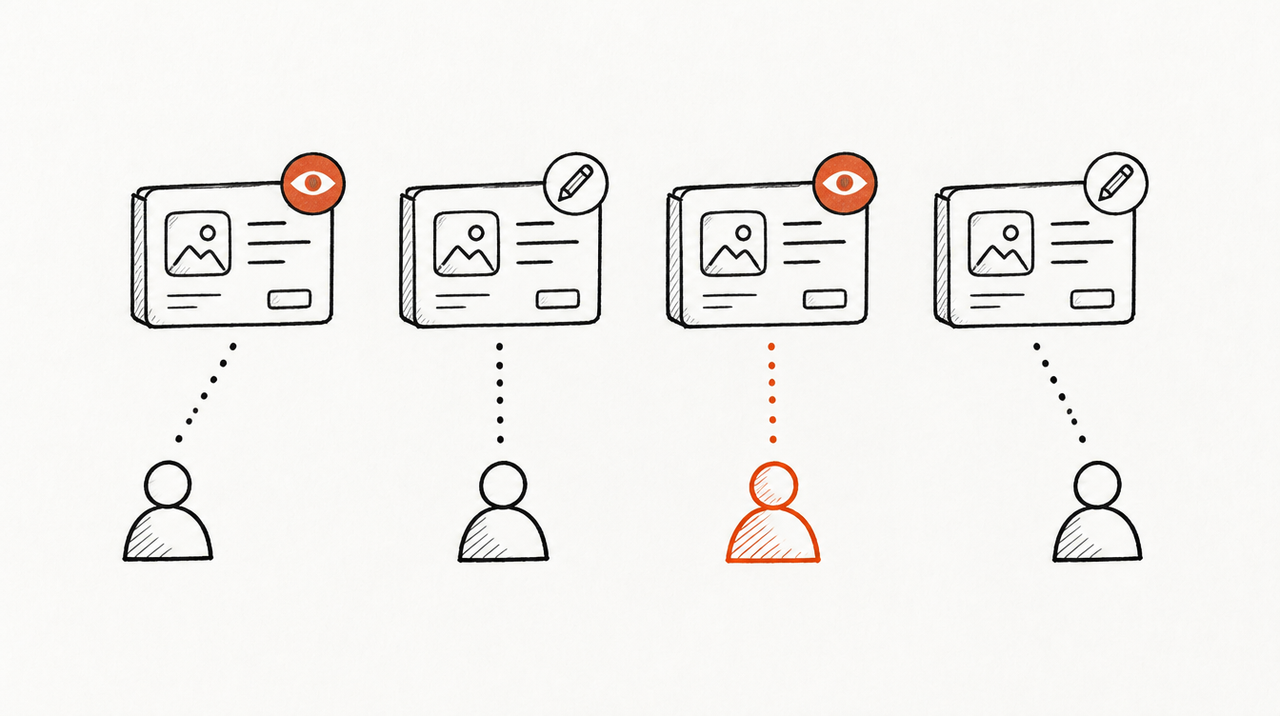
The API lists every ad account the signed-in person can access, so one connection covers all nine. Name the account in each question and keep one chat per client.
Who sees which client follows LinkedIn roles
A client adds people under Account Settings → Manage access in Campaign Manager (LinkedIn Help), or shares the account with your Business Manager, where the role the client grants caps the roles you can give your team (LinkedIn Help). Each person's AI reaches what their own login reaches.
B2B questions need the right metrics
Clients ask about cost per lead. The reporting API has lead metrics: oneClickLeads and oneClickLeadFormOpens for lead gen forms, validWorkEmailLeads, and qualifiedLeads with costPerQualifiedLead when the advertiser shares qualified leads (metrics list). Check that your server requests them. Breakdowns by job title or company are approximate and lag 12 to 24 hours (reporting docs). The leads' names and emails need the Lead Sync API; think twice before putting those into chats.
Clients who want their own access
A client can install LinkedIn's ChatGPT app with their own login and get a general answer, not your agency's read on whether the leads are any good.
LinkedIn is one platform
“Did LinkedIn leads turn into deals?” needs the CRM; “is Google cheaper per lead?” needs Google Ads: a server per platform, or one that reads them all.
LinkedIn's app, a third-party server or ExpertRelay
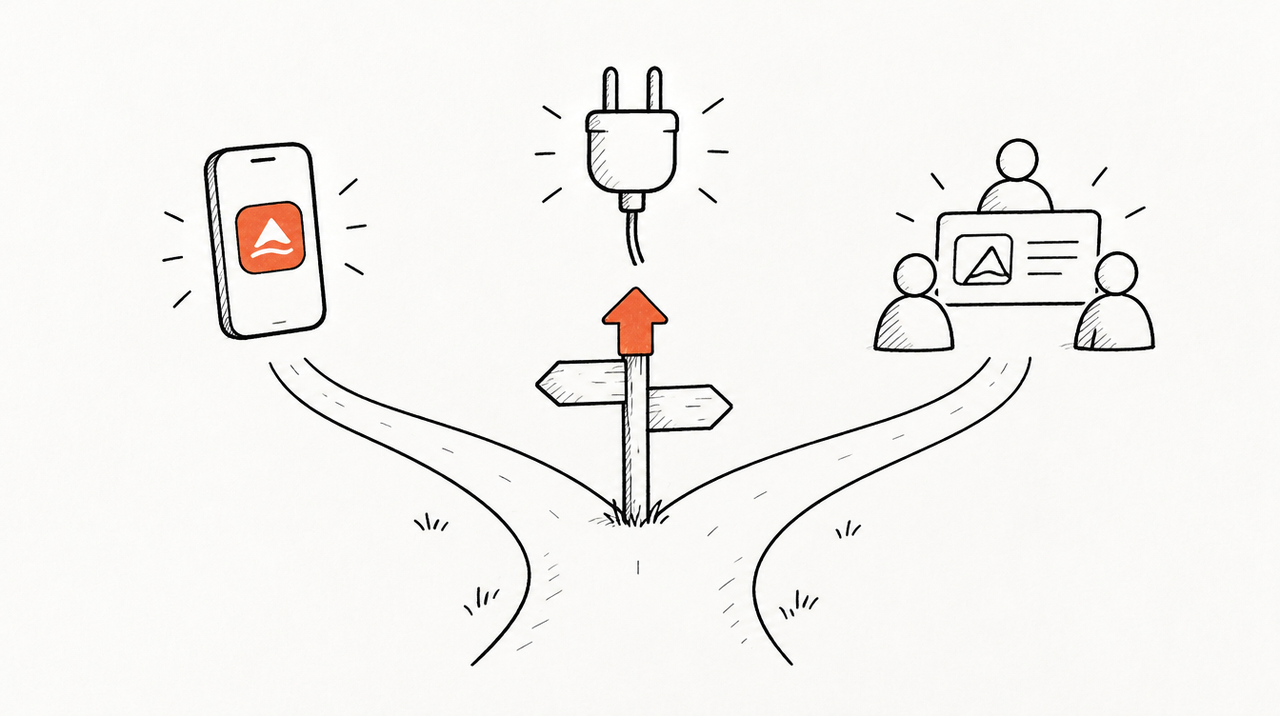
- LinkedIn's ChatGPT app: official, read-only, built around ad sets and ads. Limitation: ChatGPT only, beta, LinkedIn only, and each person connects separately.
- Third-party hosted servers: a LinkedIn sign-in without your own API approval, often with campaign editing and other ad platforms. Limitation: another company holds a token to your clients' accounts, pricing often grows with accounts or sources, and you need to check what each tool can change.
- Open-source or your own build: full control over which tools exist and who holds the token. Limitation: you apply for API access, host and maintain it, reconnect expiring tokens, and the Development tier edits only five ad accounts.
- ExpertRelay: your agency's own hosted MCP server for the team, nothing to build or host. The agency signs in once with a LinkedIn login that already has a role on its clients' ad accounts and assigns each account to a client, next to Google Ads, Meta, Microsoft Ads, GA4, HubSpot and others. For LinkedIn it reads daily impressions, clicks, spend and conversions by campaign group and campaign. Your team asks “compare all clients, biggest drops first” (
compare_clients) or sets LinkedIn spend against new HubSpot contacts by source. Members' AI reaches only their clients; every call is logged. $99 a month for the agency (up to 25 clients), plus $49 a month per client who wants their own AI access; 14 days free. Limitation: read-only, so it can't create, pause or edit anything; it doesn't read lead form leads, demographic breakdowns or creatives; it returns totals and daily rows, not raw API access; and you can't add your own code or other MCP servers.
If your team mostly asks “what changed across our clients this week, and why”, see how the agency MCP server works.
When LinkedIn's app or a single server is enough
- One brand, ChatGPT already in use: LinkedIn's own app answers ad set questions without any setup beyond signing in.
- You want the AI to edit campaigns: pick a server with
rw_adsand an approval step, and give its login the lowest role that works. - You want lead form data or demographics: your own app gets every metric the API offers.
Running Google and Meta too? See the Google Ads MCP and Meta Ads MCP guides.
FAQ
Does LinkedIn have an official MCP server for Campaign Manager?
Not as of October 2026. LinkedIn's official option is a read-only beta LinkedIn Ads app in ChatGPT. Servers for Claude are third-party, built on the LinkedIn Marketing API.
Can I connect LinkedIn Ads to Claude?
Yes, through a third-party hosted server added as a custom connector, or an open-source server running with your own LinkedIn developer app and token.
Do I need LinkedIn Advertising API access?
Only for your own app or a self-hosted server. A hosted server uses the provider's approved app.
Which LinkedIn role does the AI need to read reports?
Viewer is enough to read campaign data and reports, and it stays read-only even if the app could edit.
Can it report cost per lead from lead gen forms?
The API has lead metrics (oneClickLeads, costPerQualifiedLead), so yes, if your server requests them. Check its tool list.


