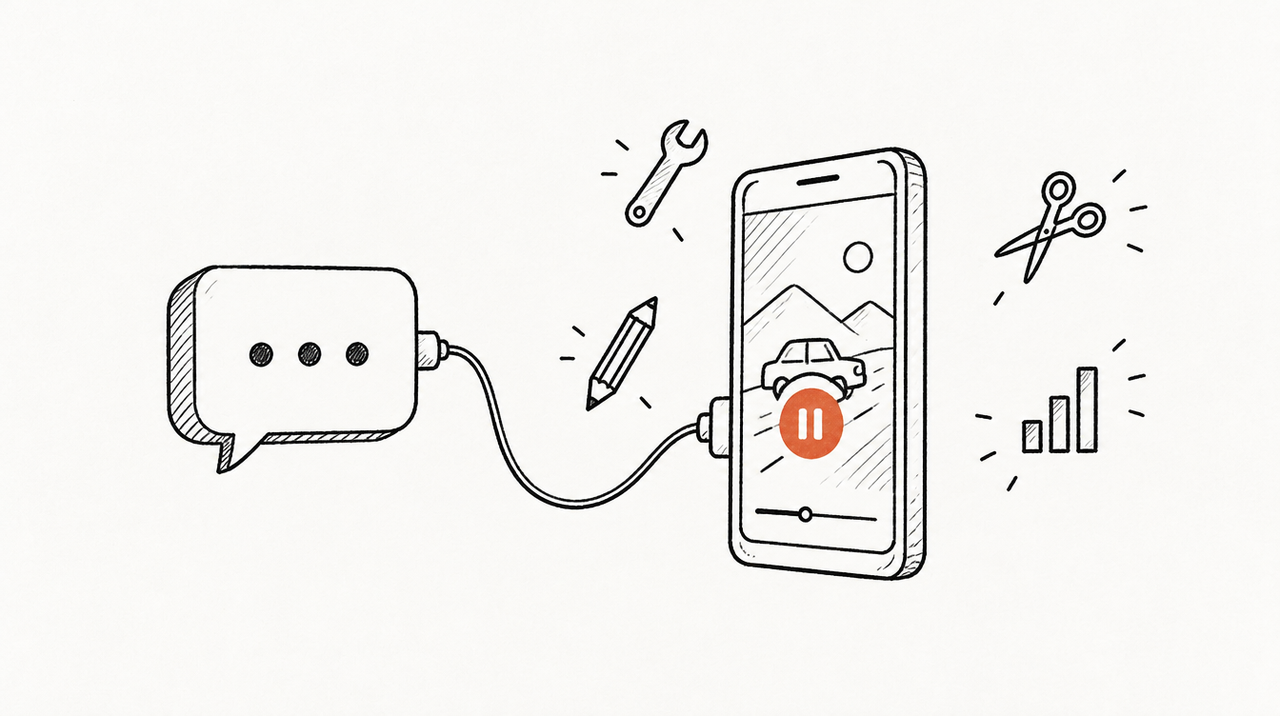
The TikTok Ads MCP server, which TikTok calls the TikTok for Business MCP Server, is TikTok's own hosted connection that lets Claude, ChatGPT and other AI apps report on your TikTok ad accounts and also create, edit and pause campaigns, ad groups, ads, audiences and catalogs, through about 400 tools. Setting it up takes a few minutes: you pick TikTok from Claude's connector directory or paste the server address into your AI app, then sign in with your TikTok for Business account; you don't need a developer app, an API key or code.
Below: the setup in each app as of October 2026, and what an agency should check before pointing it at client accounts.
What is the TikTok Ads MCP server?
An MCP server is an address you add to Claude or ChatGPT so it can read another system, and sometimes act in it. TikTok added its server to the API docs on July 3, 2026 (TikTok's What's New log) and lists it as a connector in Claude, Perplexity, Manus and others (TikTok's announcement). It packages about 400 of its Marketing API endpoints as tools (TikTok's server overview). There are two addresses:
- Full disclosure: all ~400 tools load when you connect. TikTok recommends it for Claude.
- Progressive disclosure: about 40 core tools load first; the rest load when needed.
Full:        https://business-api.tiktok.com/open_mcp/tt-ads-mcp-flat
Progressive: https://business-api.tiktok.com/open_mcp/tt-ads-mcp-layer
What it can do, grouped from TikTok's tool list:
- Reporting (read): performance by campaign, ad group, ad and creative, video performance, benchmarks, Smart+ and GMV Max reports.
- Campaigns, ad groups and ads (read and write): create, update, copy, pause or turn on, change budgets, including Upgraded Smart+ and GMV Max campaigns, split tests and automated rules.
- Audiences (read and write): create, update, share and delete custom and lookalike audiences.
- Catalogs and creatives (read and write): catalogs, products, feeds and product sets; upload images, videos and music.
- Business Center (read and write): list ad accounts, members and partners; invite or remove members, assign assets, add or remove partners, create or disable ad accounts, transfer pixels, plus billing and invoice tools.
- Two TikTok agents: performance diagnosis and creative testing.
TikTok lists these limits: not every API endpoint is available yet, each tool allows 6 queries per second per user, a sign-in lasts 30 days before you have to authorize again, and tools may vary by region and account (overview). So this is not a reporting-only connector. As of October 2026 we found no read-only mode or per-account block settings in TikTok's MCP docs.
How to set up the TikTok Ads MCP server
What you need: a TikTok for Business account that can reach the ad accounts, and an AI app that supports MCP. TikTok says you don't need a developer account or app, and the server is open to all users without applying for permissions (TikTok's connection guide).
In Claude (web and desktop)
TikTok's Claude guide asks for a Pro or Max plan (TikTok's Claude guide). Claude's own help page says custom connectors work on Free (one connector), Pro, Max, Team and Enterprise (Claude Help Center).
Option 1, from the directory (TikTok's recommended route):
- Go to Customize → Connectors and search for “TikTok”.
- Click the TikTok for Business connector to connect. From the desktop app you may be sent to Claude on the web; use the same Claude account.
- Sign in to TikTok Ads Manager if asked, review the permissions and click Authorize.
- In a chat, ask: “List the ad accounts I can access.”
The directory version leaves out the billing, invoice and payment tools and the diagnosis agent (TikTok's list of excluded tools). If you need those, add it manually.
Option 2, by address:
- Go to Customize → Connectors, click + Add, then Add custom connector.
- Name it (for example, TikTok Ads), paste one of the two addresses above and click Add.
- Click Connect and authorize with your TikTok for Business login.
On Team and Enterprise, an owner adds it first under Organization settings → Connectors (Add → Custom → Web), then each member clicks Connect and signs in with their own TikTok login. If tools seem missing, TikTok suggests refreshing the tool list or using the progressive address.
In Claude Code
Add it as a remote HTTP server, then sign in from the /mcp menu, which opens the TikTok login in your browser (Claude Code docs).
claude mcp add --transport http tiktok-ads https://business-api.tiktok.com/open_mcp/tt-ads-mcp-flat

# then, inside Claude Code:
/mcp
In ChatGPT
OpenAI gives full MCP support, including actions that change things, to Business, Enterprise and Edu on the web; on Business only admins and owners can add servers. Pro can connect custom servers with read and fetch permissions only (OpenAI's help page). TikTok's own guide also lists Plus (TikTok's ChatGPT guide), so check what your plan shows.
- On chatgpt.com, go to Plugins, click + and choose Add custom MCP server.
- Enter a name and, under Connection, one of the two TikTok addresses.
- Choose OAuth for authentication, tick I understand and want to continue and click Create as a plugin.
- Install it and sign in with TikTok for Business.
- In a new chat, type @, pick the plugin and ask your question.
Other apps and your own agent
Apps that use a JSON config (Cursor, Codex, Gemini CLI and others) take this entry (TikTok's connection guide):
{
  "mcpServers": {
    "tiktok-ads": {
      "url": "https://business-api.tiktok.com/open_mcp/tt-ads-mcp-flat"
    }
  }
}
Building your own agent? TikTok documents its own OAuth flow (custom agent guide) or a Marketing API token, which doesn't expire unless revoked and lets the advertiser pick narrower permissions (API token guide). That needs a developer app, reviewed in 2 to 3 business days, and an authorization link each advertiser approves (developer app, authorization).
Using the TikTok Ads MCP across many client accounts
Say you run TikTok ads for 12 clients, and each client has given your agency's Business Center access to their ad account. Here's how the official server copes.
One login reaches what Business Center gives you
The server acts on your behalf, so it reaches the ad accounts your login can reach. TikTok's API docs say the person who authorizes needs access to the ad account in Business Center, or calls fail with a permission error (authorization FAQs). Name the client's ad account in every question and keep one chat per client.
Who sees which client follows Business Center roles
Standard members see only the accounts they're assigned. Per ad account, Business Center has three levels: Admin, Operator, and Analyst, which can view ads, performance and reports but not create or edit ads, audiences or finance (TikTok Business Help Center). Agencies pick the level when they request access to a client's account (request access). Giving report-only people Analyst access is the obvious start; TikTok's MCP docs don't spell out how each role maps to tools, so confirm on an account with nothing live before you rely on it.
Watch the Business Center tools
If a Business Center admin connects, the AI can invite or remove members, remove partners and disable ad accounts. Claude asks before using a tool unless someone picks “Allow always”, and you can switch tools off in the “Search and tools” menu (Claude Help Center). ChatGPT asks before write actions, and Enterprise and Edu admins can turn individual actions off (OpenAI). For the wider question of letting AI touch client ad accounts, see how to connect Claude to client ad accounts safely.
Everyone signs in again every 30 days
Each person's authorization lasts 30 days, so connections lapse one by one across the team.
Clients who want their own access
A client can connect the same server with their own login. They get a general-purpose answer, not your agency's reading of the numbers, and whatever editing power their login has.
TikTok is one platform
The server only sees TikTok, so “did the CPA rise come from TikTok or Meta?” means juggling several servers. See our guides to the Meta Ads MCP and Google Ads MCP.
Official server, third-party server or ExpertRelay
- TikTok's official MCP server: hosted by TikTok, no developer app, about 400 tools, and the only option here that can build Smart+ and GMV Max campaigns. Limitation: TikTok only, it can change live campaigns and Business Center settings, its docs describe no read-only mode, and every team member signs in again every 30 days.
- Third-party servers built on the TikTok Marketing API: hosted ones from data connector companies read many ad platforms through one connection; open-source ones run on your own developer app and token. Limitation: someone else, or your own server, holds a Marketing API token that doesn't expire until revoked, you need to check what each one can change, and open-source ones are yours to host and maintain.
- ExpertRelay: your agency's own hosted MCP server for the team. The agency signs in to TikTok once with a login that already sees its clients' accounts and assigns each account to a client, next to Google Ads, Meta, GA4, HubSpot, LinkedIn, Shopify and others. For TikTok it reads daily impressions, clicks, spend and conversions by campaign and ad group, plus reach and frequency for the period. Your team asks “compare all clients, biggest drops first” or runs one of your playbooks on one client. Members' AI reaches only their clients; every call is logged. $99 a month for the agency (up to 25 clients), plus $49 a month per client who wants their own AI access; 14 days free. Limitation: read-only, so it can't create, pause or edit anything; it returns totals and daily rows, not raw API access, creatives or audiences; and you can't add your own code or other MCP servers.
If your team mostly asks “what changed across our clients this week and why”, see how the agency MCP server works.
When the official server is enough
- One brand or a few accounts: connect it from Claude's directory and ask.
- You want the AI to build or edit campaigns: only TikTok's server does that, including Smart+ and GMV Max. Switch off the tools you don't need and widen access once you trust it.
- You're building your own agent: TikTok's OAuth or an API token gives you every tool.
FAQ
What is the TikTok Ads MCP server URL?
https://business-api.tiktok.com/open_mcp/tt-ads-mcp-flat for all tools, or https://business-api.tiktok.com/open_mcp/tt-ads-mcp-layer to load about 40 tools first. In Claude you can also pick TikTok from the connector directory.
Do I need a TikTok developer app or Marketing API access?
No. Add the server and sign in with your TikTok for Business account.
Can the TikTok Ads MCP change or pause my campaigns?
Yes: campaigns, ad groups, ads, budgets, audiences, catalogs and Business Center settings. Limit it with Business Center roles and your AI app's tool controls.
Why does the TikTok connector ask me to sign in again?
TikTok's authorization lasts 30 days. After that you authorize again with the same TikTok for Business account.
Does the TikTok Ads MCP work with ChatGPT Plus?
TikTok's guide lists Plus, but OpenAI's page only mentions Business, Enterprise, Edu (full) and Pro (read-only). Check what your plan shows.
Can an agency use one TikTok Ads MCP connection for all its clients?
Yes, for your team: it reaches every ad account your login can access in Business Center. Name the account in each question and decide who gets Analyst access before you start.


