Most lists of AI tools for consultants are long and generic. This one follows the work instead: what to use when you're meeting, researching, analyzing and presenting, and what to check before any client data goes in.
It ends with the step most consultants skip. The big firms aren't only using AI to work faster; they're putting their own knowledge into it.
Start with one general assistant
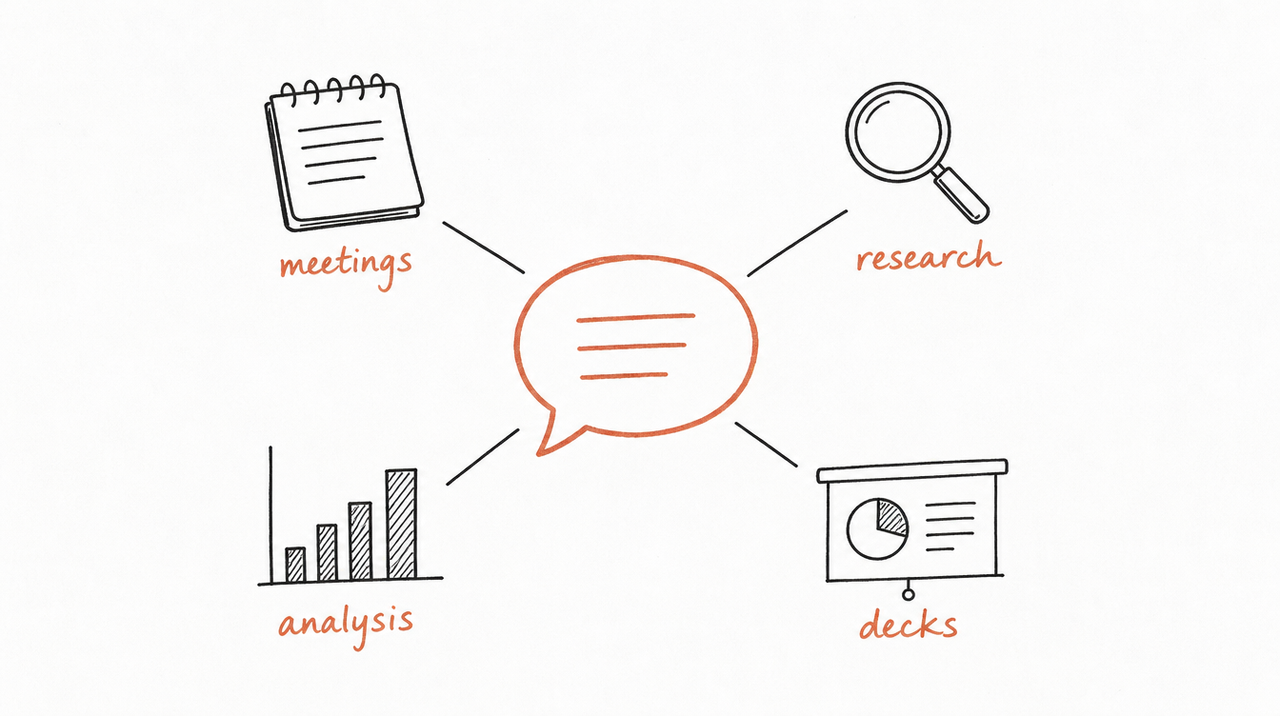
For most consultants, one general AI assistant does most of the work: Claude or ChatGPT. Both can research the web with sources, read the documents you upload, analyze spreadsheets, and draft memos and slides. Pick one, pay for it, and learn it well before adding anything else.
The rest of this list is about connecting that assistant to where your work already lives, and adding a specialist tool only where it saves real time.
Meetings and notes
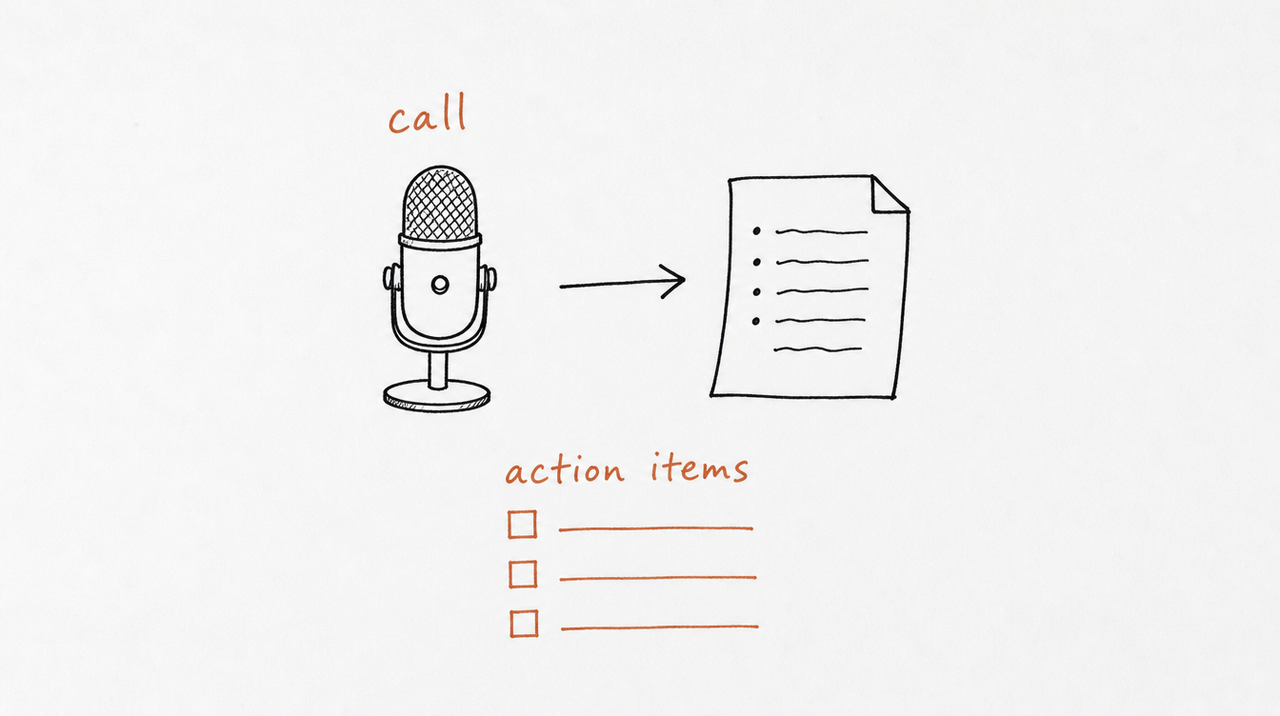
Your client calls are the raw material for everything else.
- Granola: "The AI notepad for meetings." Good for keeping notes from every client call in one place.
- Fireflies: "Analyze and generate insights from meeting transcripts." Useful for searching across many calls.
Both connect to Claude, so you can ask "what did the CFO say about Q3 targets across our last four calls?" without digging through transcripts. More in The best Claude connectors for marketers and course creators.
Research
- Claude and ChatGPT both have research modes that search the web, read many sources and return a cited report. Good for a first pass on a market, a competitor or a regulation.
- Your own files: connect Google Drive or Notion so research starts from your past work, not from zero.
Check the sources before anything goes in a deliverable. A research report is a starting point, not a citation.
Analysis and models
- Claude in Excel: Anthropic's Claude add-in for Microsoft 365 works inside Excel, so you can build or check a model where it lives.
- Anthropic's financial-services skills: free skills for comparable company analysis, DCF and LBO models, competitive analysis and Excel model audits. Built for finance, useful for any strategy work with numbers. See Claude finance skills.
Decks and documents
- Gamma: "Create presentations, docs, socials, and sites with AI." Fast for first drafts and internal decks.
- Claude in PowerPoint and Word: the same Microsoft 365 add-in works in PowerPoint and Word, so you can draft and edit in your firm's own templates.
- doc-coauthoring: a free skill from Anthropic that walks you through writing proposals, specs and decision documents, from gathering context to checking the draft works for readers.
Before client data goes in
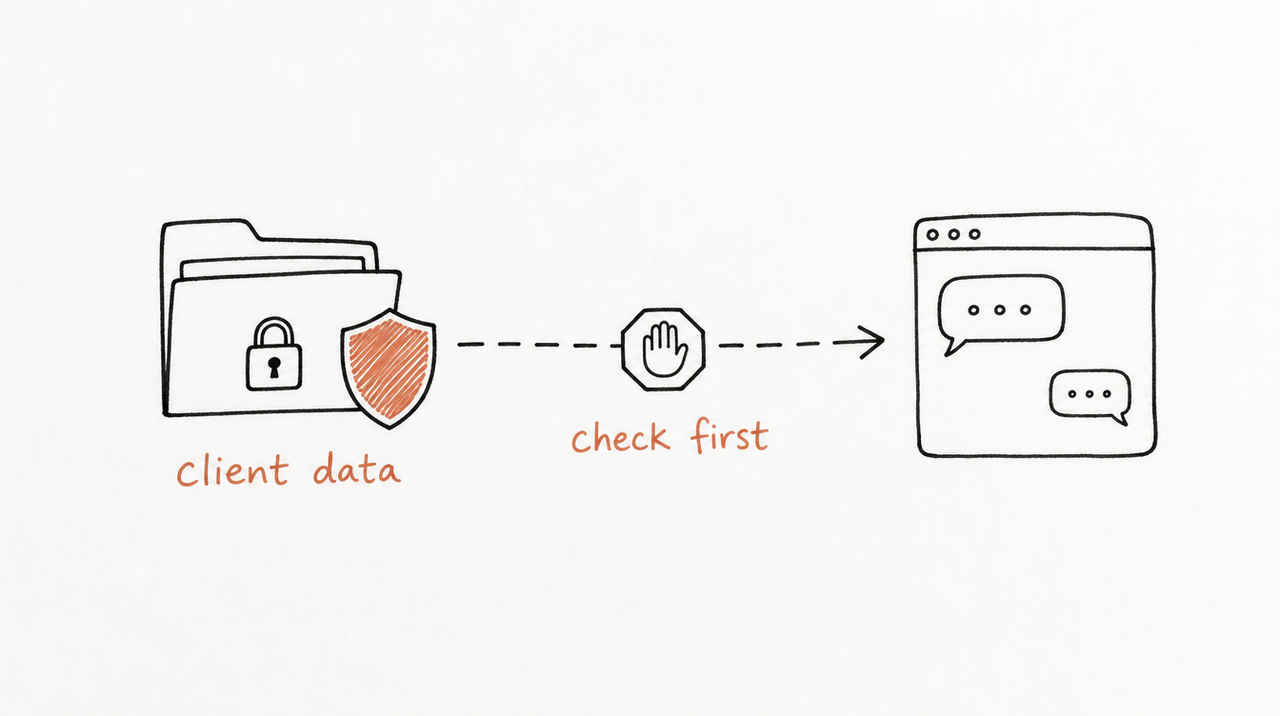
Consulting runs on confidential information, so check three things first:
- Your plan's data settings, including whether chats can be used for model training. Business and personal plans can differ here, so check yours.
- Your client contracts, which may limit where their data can go.
- What you connect. A connector can only reach what your account can reach, but that may still be more than a given task needs.
The step most consultants skip
When McKinsey launched its own AI tool, Lilli, in August 2023, the point wasn't faster slides. Lilli searches and synthesizes the firm's own knowledge: more than 40 curated sources and over 100,000 documents and interview transcripts, by McKinsey's count.
The lesson for an independent consultant or a small firm: your edge isn't the AI tool, which everyone can buy. It's your frameworks, your diagnostics and the judgment you apply to every engagement. The tools above help you work faster. The bigger opportunity is putting that judgment to work on its own.
That can mean two things:
- For you: turn a framework you reuse into a Claude Skill, so every analysis follows your method. See Claude's Skill Creator: how to use it, and where it stops.
- For your clients: give them a private AI tool built from your method, so they can run your diagnostic between meetings. Clients get answers in your framework, using their own information; you decide who gets access and keep the method itself private.
expertrelay does the second: your review runs privately under your name, each client connects it once to the AI app they already use, and every improvement reaches all of them at once.
See how it works for consultants and agencies →
FAQ
Which AI tool is best for consulting?
Start with one general assistant, Claude or ChatGPT, and connect it to your notes and files. Add a meeting notetaker next. Specialist tools are worth it only where they save you real time.
What AI is McKinsey using?
McKinsey built its own tool, Lilli, launched in August 2023. It searches and synthesizes the firm's own knowledge and expertise for its consultants.
Can AI replace consultants?
It replaces some tasks: first-draft research, note-taking, formatting. It doesn't replace judgment, client trust or accountability for a recommendation, which is why the most valuable use is putting your own judgment into AI rather than handing it over.
Is it safe to put client data into AI tools?
It depends on your plan's data settings and your client contracts. Check both before uploading anything confidential.


