The easiest way to make a Claude Skill is to ask Claude to make it. Behind that request is skill-creator, a Skill Anthropic wrote for exactly this job. Its own description says it will "create new skills, modify and improve existing skills, and measure skill performance."
This guide covers what skill-creator does, how to use it in Claude and in Claude Code, how to get a better Skill out of it, and the point where you need something else.
What skill-creator does
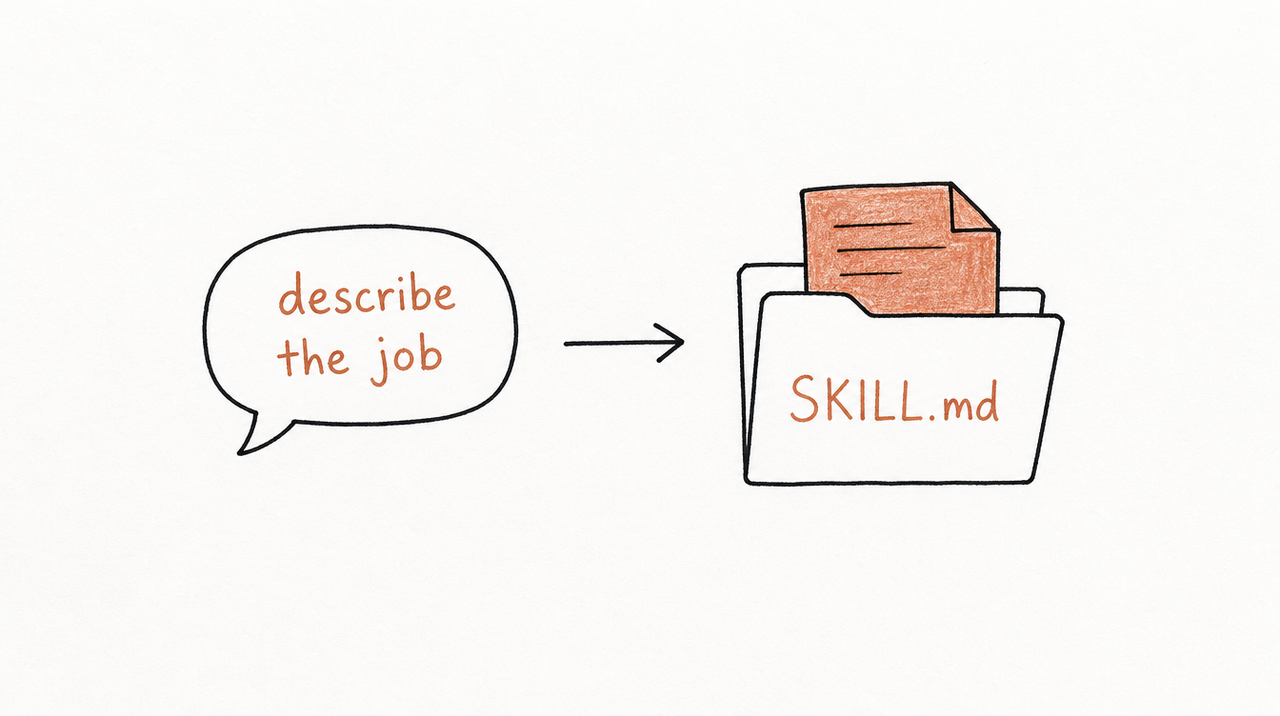
skill-creator is itself a Skill: a SKILL.md file in Anthropic's public skills repository. When you ask Claude to build a Skill, it reads those instructions and works through a loop:
- Find out what you want. What the Skill should do, when it should be used, and what the output looks like. If you've just done the task in the same chat, it starts from that conversation.
- Interview you. It asks about edge cases, formats, example files and what success looks like before writing anything.
- Write the SKILL.md. A name, a description of when to use it, and the instructions, plus any reference files or scripts it needs.
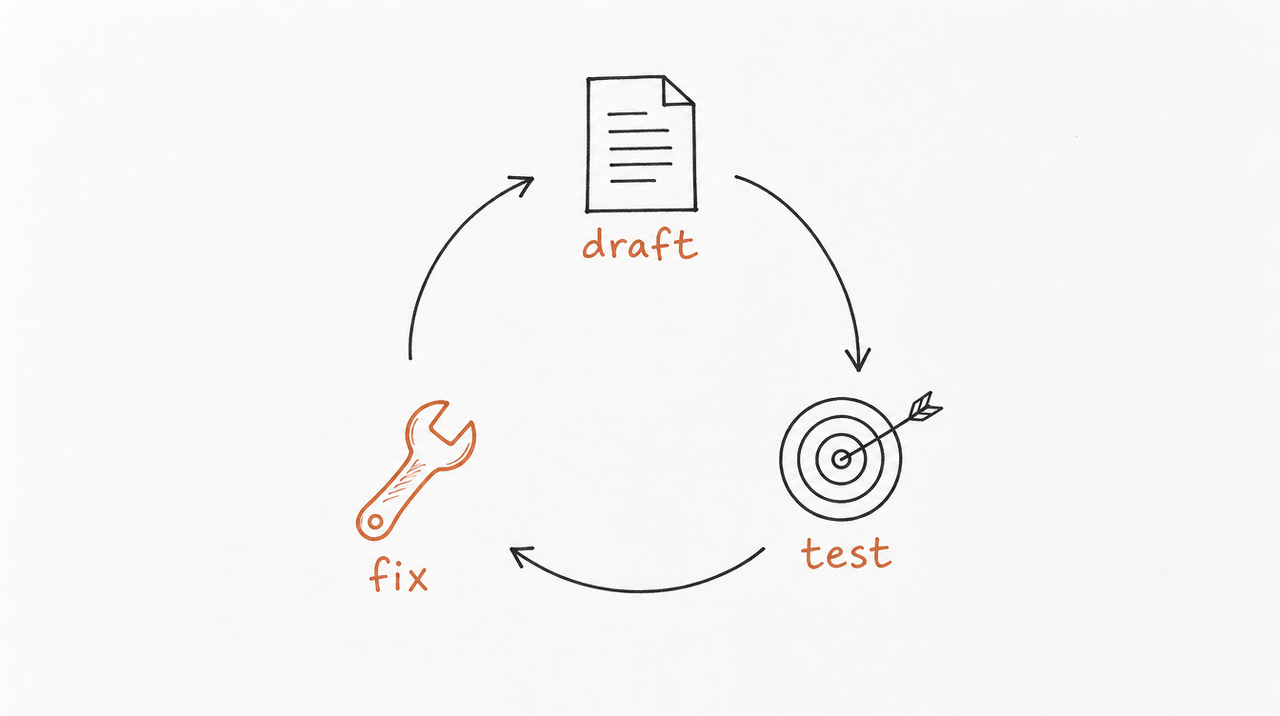
- Test it. It writes a few realistic test prompts and runs them with the Skill.
- Improve it from your feedback, then test again until you're happy.
It also has one opinion worth knowing. It notes that Claude tends to "undertrigger" Skills, skipping them when they'd help, so it writes descriptions that are deliberately "a little bit pushy" about when to use them.
How to use it in Claude
- Check that Code execution and file creation is on (Settings > Capabilities on Free, Pro and Max; Team and Enterprise owners turn it on for the organization). Skills need it.
- In Customize > Skills, make sure Anthropic's example skills are turned on.
- Start a new chat and say what you want, for example: "I want to create a skill for reviewing client landing pages."
- Upload anything that shows how you work: templates, a good past example, your checklist, brand guidelines.
- Answer Claude's questions. Anthropic's advice is to give "enough detail that someone capable but unfamiliar could follow your approach."
- Save the Skill Claude produces, then try it on a real task. If something's off, ask Claude to change it.
There's also a no-typing option. In Cowork in Claude for Mac, on Pro, Max and Team plans, you can record a skill: do the task on screen while talking it through, and Claude proposes a Skill from the recording.
How to use it in Claude Code
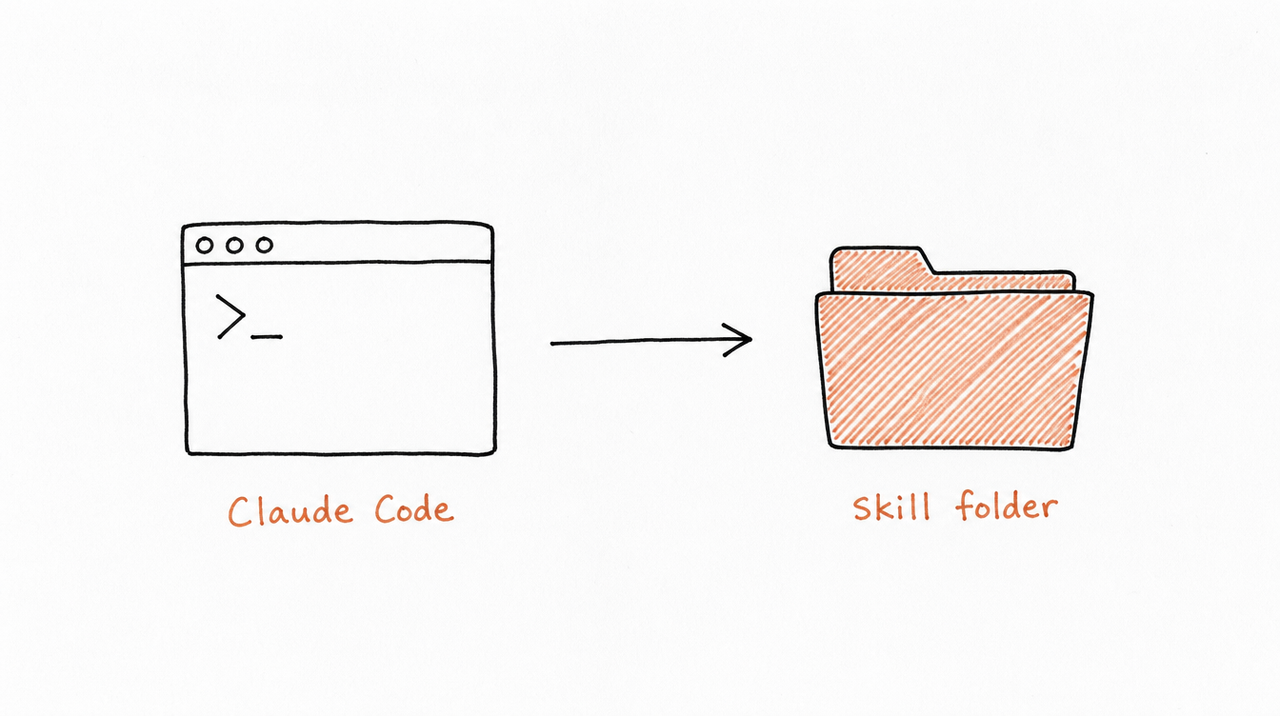
In Claude Code, add Anthropic's skills repository as a plugin marketplace and install its example skills, which include skill-creator:
/plugin marketplace add anthropics/skills
/plugin install example-skills@anthropic-agent-skills
Then ask Claude Code to create or improve a Skill. Claude Code gets features the chat version skips, according to skill-creator's own instructions:
- Benchmarks: each test runs with and without the Skill, so you can see whether it actually helps.
- A review page that shows every test result side by side for your feedback.
- Description tuning: it writes 20 test requests, some that should use the Skill and some that shouldn't, and rewrites the description until Claude picks it up at the right times.
- Blind comparison of two versions, judged without knowing which is which.
Getting a better Skill out of it
- Pick one job. Anthropic's Help Center says the best Skills solve "a specific, repeatable task." A Skill for "marketing" will be vague; one for "scoring a landing page against our checklist" won't be.
- Bring real material. A finished example and your checklist teach it more than a description of them.
- Say when it shouldn't be used, not just when it should.
- Test with requests you'd actually type, including one that shouldn't trigger it.
- Read the SKILL.md before you rely on it. It's plain text, and you can edit anything that doesn't sound like you.
For what a good Skill looks like, see What are Claude Skills? and The best Claude Skills, with examples by job.
Where skill-creator stops
skill-creator is very good at turning one workflow you can describe into one Skill. It's less suited to two situations.
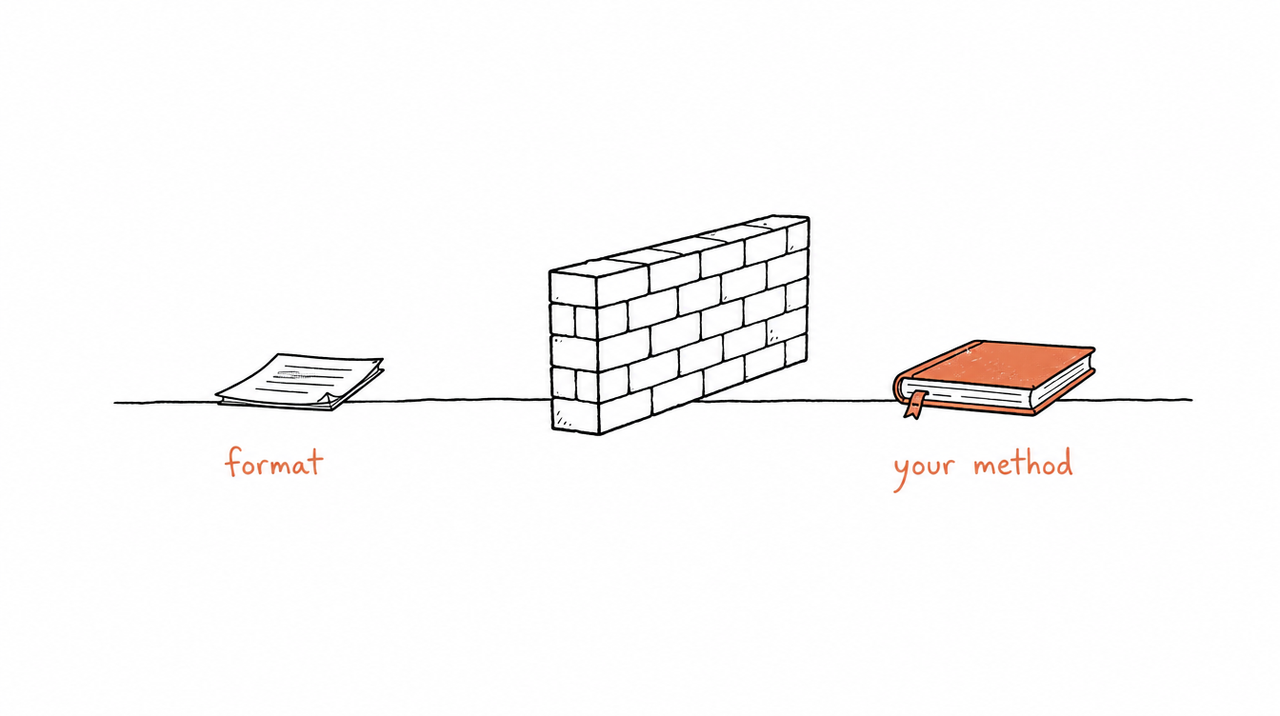
Your method is spread across a whole course. If what you teach lives in 40 lessons, workbooks and coaching calls, skill-creator won't go through them for you. You decide what each Skill should be, gather the material, and build them one conversation at a time. How to build a Claude Skill from your course walks through doing that by hand.
Other people will use it. A Skill made this way is a folder of files. To give it to a customer, you send them the files, which means your instructions go with them, and every update means sending them again. Each app also installs Skills differently (see Do Claude Skills work in ChatGPT and Codex?).
That's the gap expertrelay fills. It reads your whole course, finds the Skills inside it, and lets you review each one privately. Customers then use them from Claude, ChatGPT or Cursor without getting the files, and every update reaches everyone at once.
At a glance
- skill-creator: best for one workflow you can describe. You decide what the Skills are. Testing is built in, and fuller in Claude Code. To share it, you send the files, or share it within a Team or Enterprise plan.
- Writing it yourself: best for full control of every line. You decide what the Skills are and how to test them. To share it, you send the files.
- expertrelay: best for a whole course or program. expertrelay finds the Skills and you review them. Testing is built in. Customers connect once, and your files stay private.
FAQ
What is Claude's skill creator?
A Skill Anthropic wrote that helps Claude create, edit, test and improve other Skills. You use it by asking Claude to make a Skill.
Do I need Claude Code to use it?
No. It works in a normal Claude chat. Claude Code adds benchmarks, a review page and automatic description tuning.
Which plans can create Skills?
Anthropic's Help Center says Skills are available on Free, Pro, Max, Team and Enterprise, with code execution turned on. On Team and Enterprise, an owner can turn off Skill creation.
Where is the skill-creator source?
In Anthropic's public skills repository on GitHub, under skills/skill-creator.
Can it build a Skill from my course?
From a lesson or two you upload, yes, one Skill per conversation. For a whole course, you'll either repeat that for each Skill or use a tool built for it, like expertrelay.


