A Claude connector links Claude to an app you already use, so it can read your data and act there instead of you copying things into the chat. Anthropic's Help Center puts it simply: connectors "let Claude access your apps and services, retrieve your data, and take actions within connected services." Directory connectors work for every Claude user, on the web, the desktop and mobile apps, and Cowork.
The directory has grown long. This list picks the connectors that matter if you market, teach or sell online. Every connector below is in Anthropic's connector directory, and each description in quotes is the one on its directory page.
Your files, notes and calls
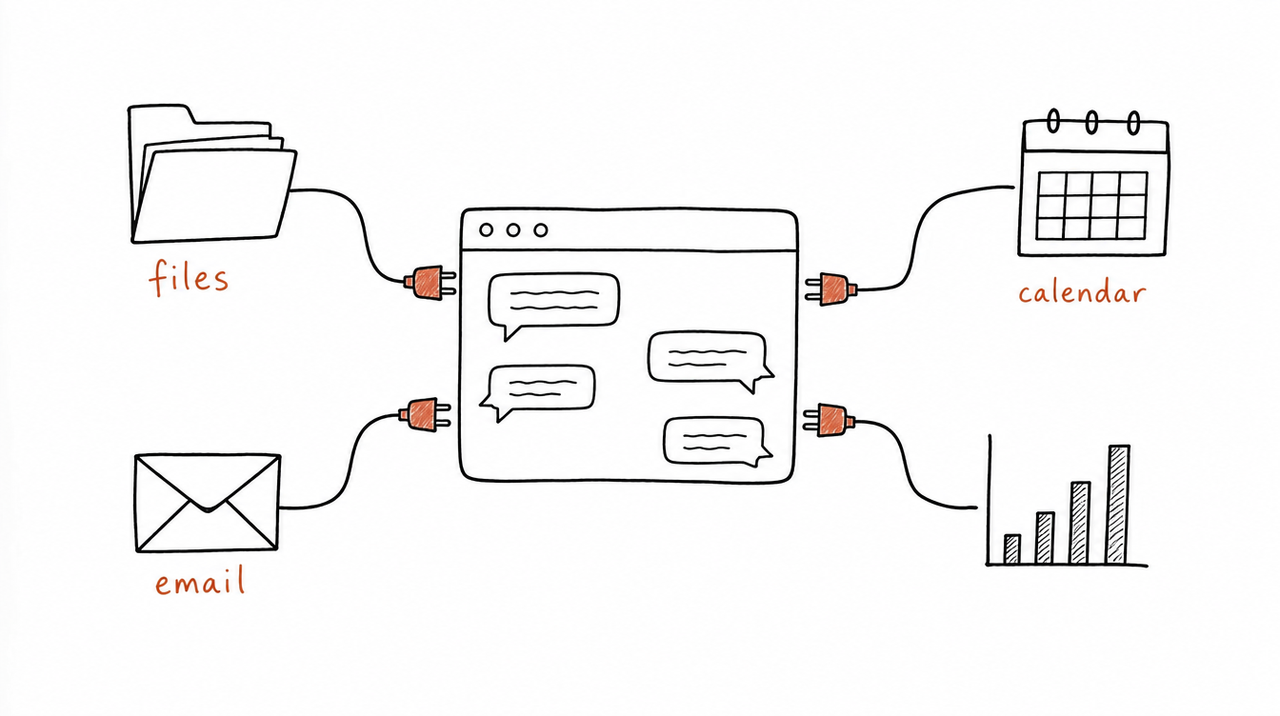
- Google Drive: "Search, read, and upload files instantly." Point Claude at your lesson scripts, worksheets and old launches instead of re-uploading them.
- Notion: search and update your workspace and "power workflows across tools". Good if your course outline or content calendar lives there.
- Granola: "The AI notepad for meetings." And Fireflies: "Analyze and generate insights from meeting transcripts." For coaches, your client calls are your best source material: the questions people actually ask.
Content and marketing
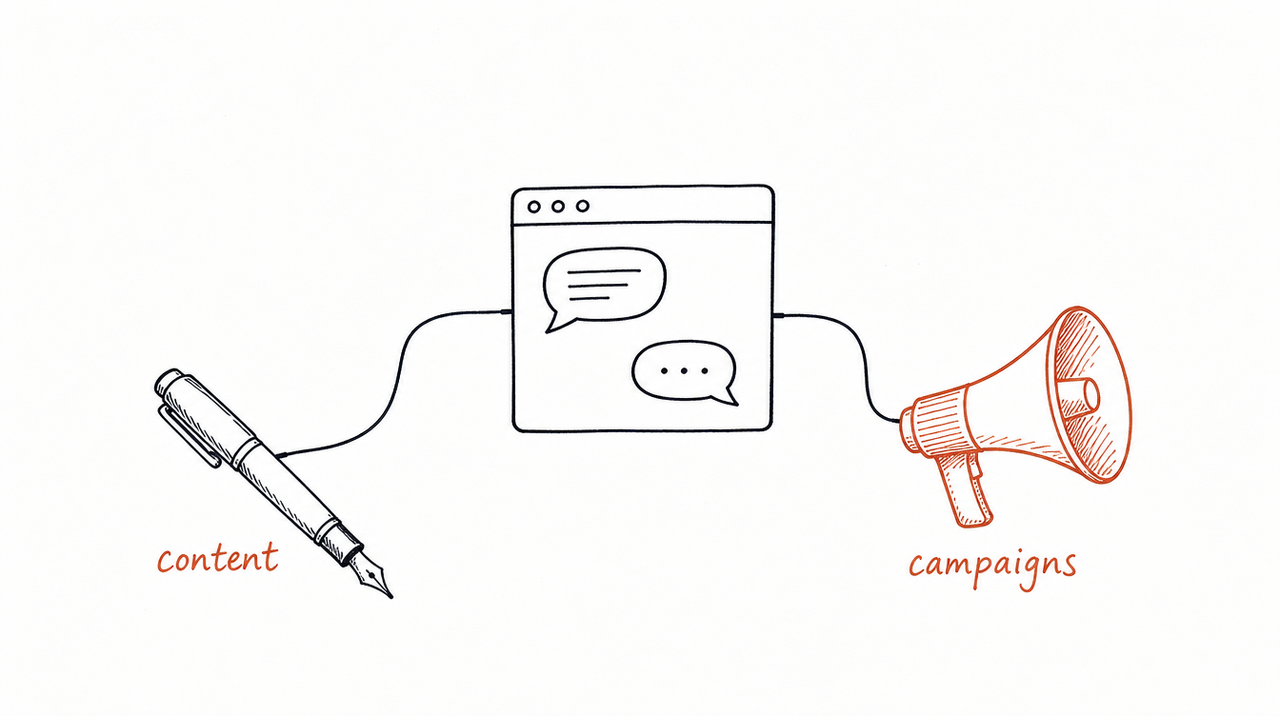
- Canva: "Search, create, autofill, and export Canva designs." Turn a lesson into a carousel or a worksheet without leaving the chat.
- Gamma: "Create presentations, docs, socials, and sites with AI." Useful for webinar slides and lead magnets.
- Descript: "Import, edit, or create video with prompts." For course videos and clips.
- beehiiv: draft, design and analyze your newsletter. And Klaviyo: "Report, strategize & create with real-time Klaviyo data."
- Semrush and Ahrefs: keyword research, competitor analysis and SEO data. Similarweb adds "real time web, mobile app, and market data" on competitors.
- HubSpot: "CRM context for every answer, insight, and action." Search and update contacts, deals and campaigns.
- Webflow and Wix: edit pages and site content from a prompt.
Selling and running the business
- Gmail: "Draft replies, summarize threads, & search your inbox." And Google Calendar for scheduling.
- Calendly: "Manage event types, availability, and bookings." For discovery calls and coaching sessions.
- Stripe: payment data, so you can ask which offer sold best last month. And Shopify if you sell products: "Build, manage, and analyze your Shopify store."
- Tally: "Create beautiful forms." Quizzes, intake forms and surveys.
- Zapier: "Automate workflows across thousands of apps via conversation." The fallback when your tool has no connector of its own.
One gap for course creators: we didn't find connectors for Kajabi, Teachable, Thinkific, Skool or Circle in the directory when we checked. Until they appear, Zapier can bridge the gap if your platform connects to it.
At a glance
- Files and notes: Google Drive, Notion
- Calls and coaching: Granola, Fireflies
- Design and slides: Canva, Gamma
- Video: Descript
- Email and newsletters: Gmail, beehiiv, Klaviyo
- SEO and competitors: Semrush, Ahrefs, Similarweb
- CRM: HubSpot
- Website: Webflow, Wix
- Scheduling: Google Calendar, Calendly
- Payments and store: Stripe, Shopify
- Forms: Tally
- Everything else: Zapier
How to add one, and what to check first
- In Claude, go to Customize > Connectors and click + next to Connectors. (From a chat: click +, or type /, hover over Connectors and choose Manage connectors.)
- Browse by category, click the connector you want, and review its description and capabilities.
- Click Connect or Install and follow the sign-in prompts for that app.
- Once connected, it's available in your chats: ask for what you want in plain words.
On a Team or Enterprise plan, an Owner has to enable a connector for the organization first; each person then signs in individually.
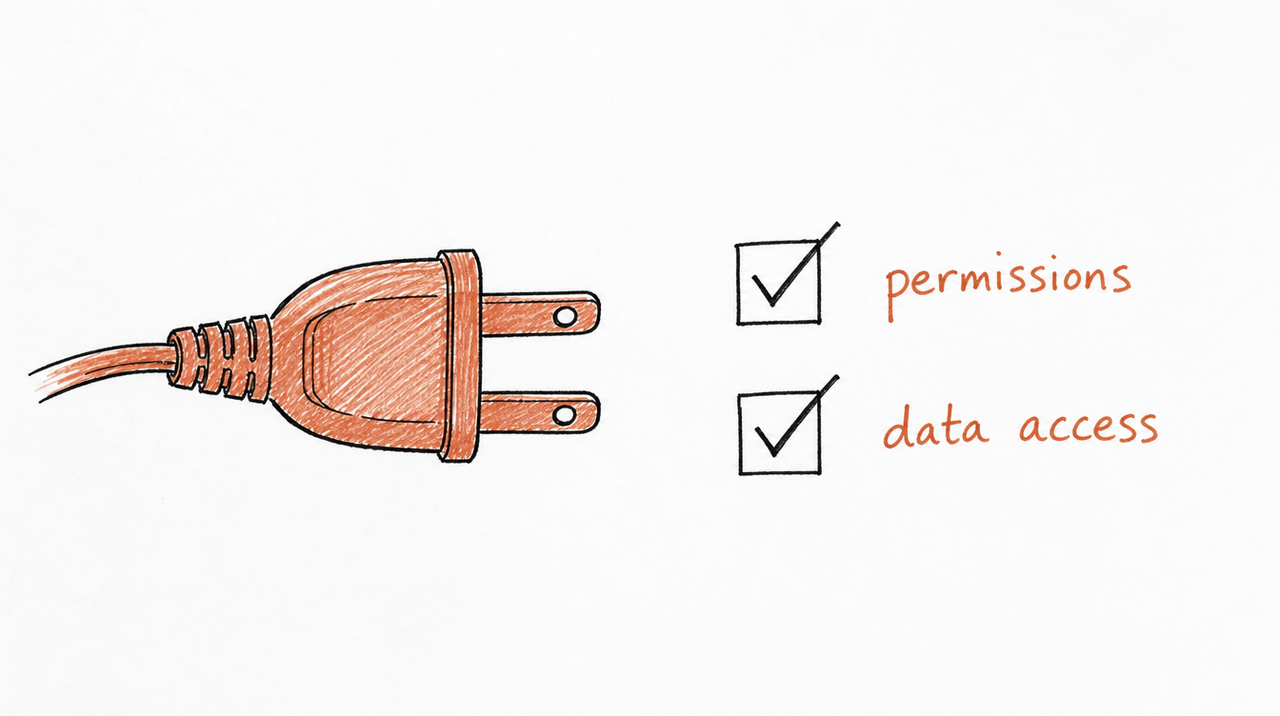
Before connecting anything, check what you're granting. Anthropic's own warning is that you're giving Claude permission to access "and potentially modify" data in that app, so connect only services you trust and need. Two things help:
- Claude inherits your permissions. If you can't open a file or record in that app, the connector can't reach it either.
- You can limit what it does. Under Customize > Connectors, select a connector to see its Tool permissions, and set each one to Always allow, Needs approval or Blocked. For example, let it read your Drive but not edit it.
Many of these tools also need their own paid plan for the features Claude uses. For adding a connector that isn't in the directory, see How to add an MCP server to Claude.
Your own method can be a connector too
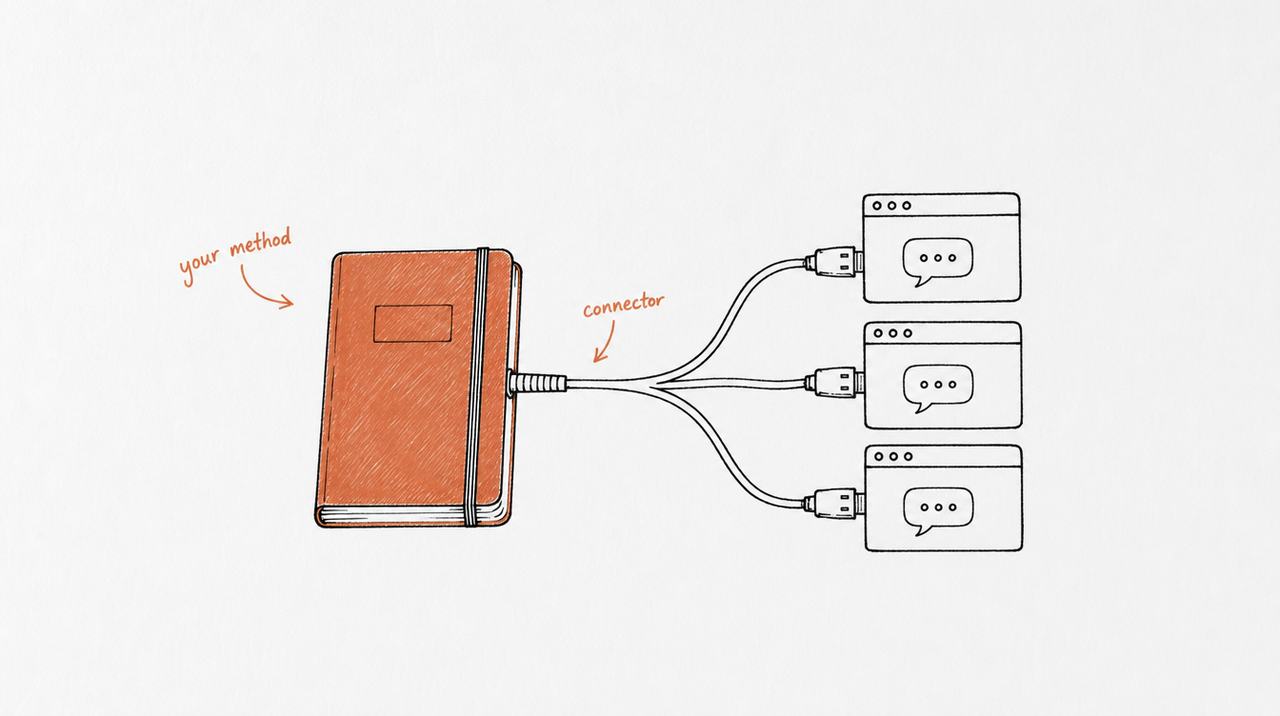
Every connector above gives Claude access to a tool. None of them gives it your judgment: how you'd score that landing page, what you'd put in that client report, when you'd pause that ad. That's what a Skill holds (What are Claude Skills?).
The two meet in a useful way. expertrelay delivers a Skill as a connector: your customers add one link to Claude, ChatGPT or Cursor, and your method sits in their list next to Canva and HubSpot. They get the work your method does; your instructions stay private on our server.
FAQ
What are Claude connectors used for?
Letting Claude work with your other apps: searching your Drive, drafting in Gmail, pulling data from HubSpot or Stripe, or creating a Canva design, without copying anything into the chat.
Do Claude connectors cost money?
Connectors from the directory are available to all Claude users. The app on the other end may need its own paid plan, and adding custom connectors (ones not in the directory) is limited to one on the Free plan.
Where is the Claude connectors list?
In Claude under Customize > Connectors, or on Anthropic's directory pages.
What's the difference between a connector and an MCP server?
A connector is an MCP server packaged for Claude. The directory's connectors are ready-made; you can also add your own by URL. What is an MCP server? explains the rest.
Is there a connector for my course platform?
We didn't find Kajabi, Teachable, Thinkific, Skool or Circle in the directory when we checked. Check the directory for updates, or use Zapier if your platform connects to it.


