To charge a subscription for an MCP server, either host it on a marketplace that bills for you, such as MCPize (you keep 80% of each sale as of October 2026), or build it on Cloudflare Workers with Stripe and keep about 96%, but write the sign-in, access checks and cancellation handling yourself. Apify (per use, not per month) and Zuplo (a paid gate in front of a server you run) sit in between.
If what you sell isn't code but expertise, such as an agency's review playbook written down as instructions and files, you don't need a server at all: a host such as ExpertRelay charges a flat fee, takes 0% of sales, and clients connect it from Claude, ChatGPT or Cursor.
Quick definition: an MCP server is a small program that lets an AI app such as Claude or ChatGPT use an outside tool. Your client adds its link once (a "custom connector"), and their AI uses it when a question needs it. What is an MCP server? explains it in plain words.
What does it take to charge monthly for an MCP server?
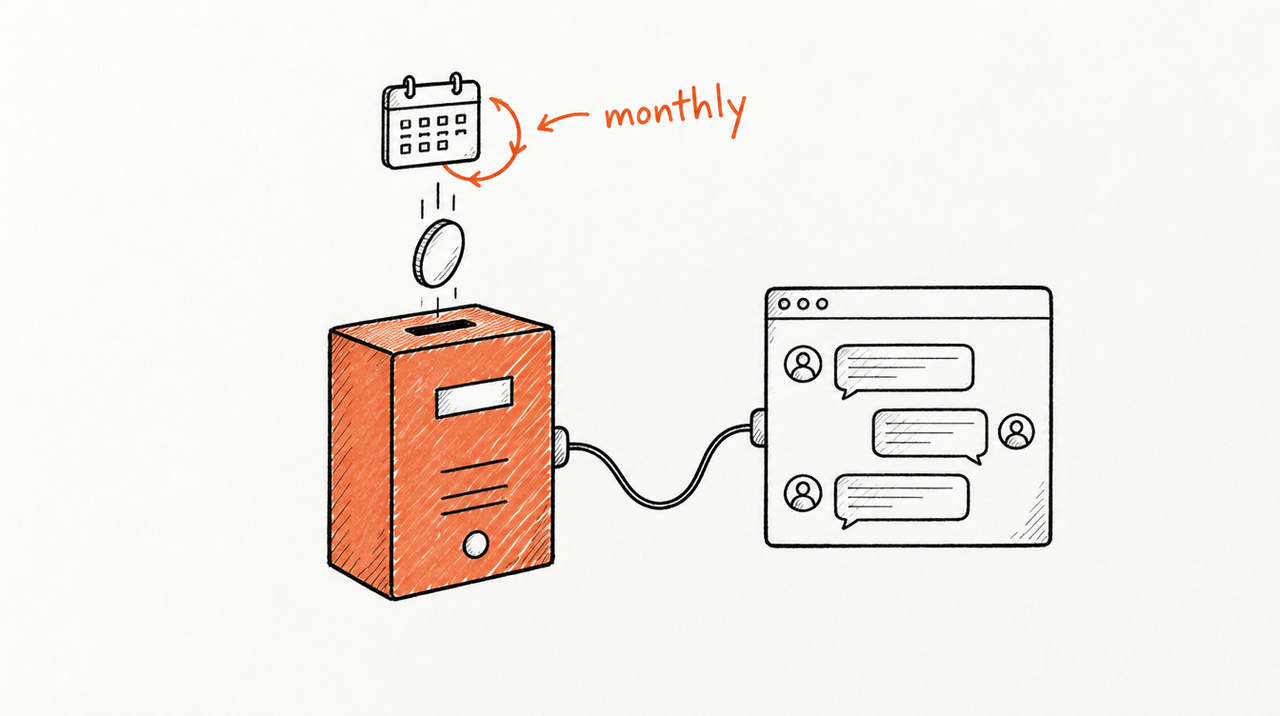
Say you've written a server that flags wasted spend in a client's search-term report, and you want each client to pay $49 a month. Charging monthly takes five more things:
- Hosting: a public URL that's up whenever a client's AI calls it.
- Sign-in per client: a login (usually OAuth) or an API key per subscriber, so every call is tied to one paying client.
- Billing: charges, failed cards, refunds.
- Access that follows payment: a check on every call, and a cut-off the moment a subscription ends.
- Tax: sales tax or VAT, or a platform that collects it.
The options below differ in which of these they do for you, and what they take for it.
MCPize vs Apify vs Zuplo vs Cloudflare + Stripe: fees compared

Fees and features as of October 2026, from each company's own pages. Every option gets a limitation, ours included.
MCPize
- What you keep: 80% of every transaction; servers that joined before June 10, 2026 keep 85%. On $49 that's $39.20; payment processing is included.
- Pricing models: monthly or yearly subscription, one-time, usage-based, freemium, and per-call payments in USDC.
- Who handles what: MCPize hosts, bills, issues one API key per subscriber and remits tax. Monthly payouts via Stripe Connect, $100 minimum.
- Best for: a working Python or TypeScript server that needs hosting, billing and a store in one place.
- Limitation: the 20% grows with your revenue, and subscribers pay MCPize, not you.
Apify
- What you keep: 80% of event revenue, minus computing costs (Apify's formula).
- Pricing models: pay per event (such as each tool call) or per usage. Apify's publishing docs don't list a flat monthly subscription.
- Who handles what: Apify hosts, handles payments, taxes and invoicing, and pays monthly (Apify for MCP developers).
- Best for: tools whose cost rises with use, such as scraping.
- Limitation: per use, not per month, so client bills vary, and your server must run as an Apify Actor.
Zuplo
- What you keep: Zuplo's pricing page lists no revenue share; you pay a plan fee (Free, or Builder at $25 a month) plus Stripe's fees.
- Pricing models: subscription plans with usage metering. In Zuplo's own walkthrough, MCP access is a paid-plan feature.
- Who handles what: Zuplo checks each subscriber's API key and plan before a call reaches your server, with billing through Stripe. You run the server behind it; tax isn't covered.
- Best for: you already sell an API and want MCP access as a paid tier.
- Limitation: a gateway, not a host or store. Free allows one MCP server and 1,000 tool calls a month; Builder 10,000.
Cloudflare Workers + Stripe (build it yourself)
- What you keep: about 96% of a $49 monthly charge. Stripe takes 2.9% + 30¢ per US card plus 0.7% for Billing (about $2.06); Stripe Tax adds 0.5%. Workers is free up to 100,000 requests a day, then from $5 a month.
- Pricing models: anything Stripe supports.
- Who handles what: you. Cloudflare's OAuth library covers the sign-in protocol, but Cloudflare's docs say you write your own authentication handler. Cancellation webhooks, per-call access checks and tax are yours too.
- Best for: the most margin and control, if you'll maintain it.
- Limitation: cheapest on paper, most work. Every billing or sign-in bug is yours.
Agent37
- What you keep: 80%, per Agent37's creator page.
- Pricing models: subscription through Stripe, with free trials.
- Who handles what: Agent37 hosts your Claude Skill, takes payments and gives you a shareable link.
- Best for: selling a Claude Skill by subscription with a trial.
- Limitation: buyers use it through your Agent37 link ("No Claude account needed"); the page doesn't mention ChatGPT or hosting your own code.
Agensi
- What you keep: 70%; Agensi charges a flat 30% platform fee on every sale.
- Pricing models: one-time or subscription.
- Who handles what: Agensi lists your Skill and runs it in buyers' AI agents through MCP; nothing to download.
- Best for: reaching people browsing a large marketplace (9,000+ Skills).
- Limitation: the biggest cut here, among thousands of other Skills.
ExpertRelay
- What you keep: 100% of sales minus Stripe's fees, paid into your own Stripe account. You pay a flat fee instead: $49 per client a month for agencies, or $29, $79 or $199 a month for Skill sellers (200, 500 or 1,500 runs; extra runs $0.10).
- Pricing models: free, one-time, monthly or yearly. Agencies can fold it into the retainer.
- Who handles what: ExpertRelay hosts, signs each client in, and ends access when a subscription ends or a purchase is refunded. Tax is set up in your Stripe account.
- Best for: expertise packaged as a Skill (instructions plus files) that answers questions, such as an agency's account review.
- Limitation: it doesn't host arbitrary MCP servers or code you wrote. And the files stay private, but useful answers can reveal parts of how you think.
Should you build a server, or package a playbook?
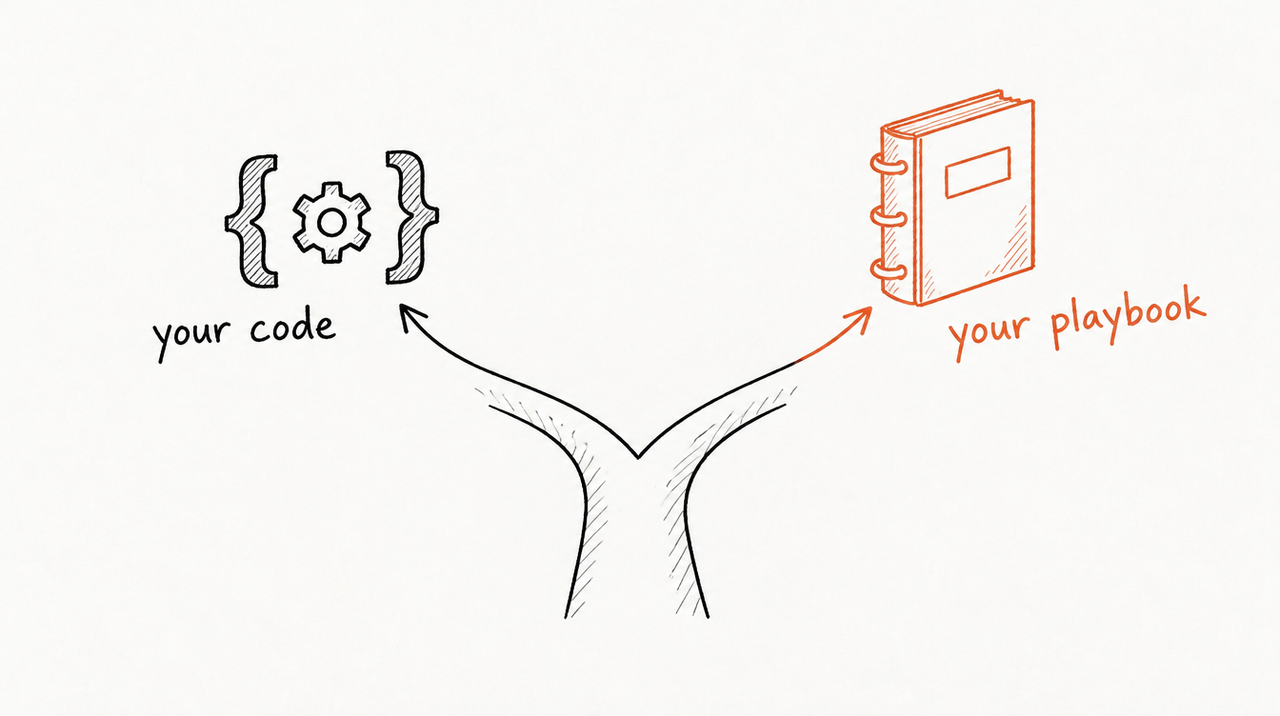
If you wrote the tool (your own code or API that fetches data or changes things), use MCPize, Cloudflare + Stripe, Apify or Zuplo. ExpertRelay won't run your code.
If what you sell is judgment, a server is the wrong thing to build. Say you run a paid-media agency. A client asks, between weekly calls: "CPA is up 22% this week. Should we cut spend?" Your answer comes from a playbook: did the offer change, how long do conversions take to come in on this account? That's instructions and a few files, which is all a Skill is (what are Claude Skills?).
ExpertRelay hosts that kind of tool. Each client connects it from their own Claude, ChatGPT or Cursor in about two minutes, on your domain (such as ai.youragency.com) once verified. Reviews read the client's own ad accounts, Google Analytics 4, Shopify and HubSpot read-only and never change a campaign, budget or record. Improve a review once and every client gets it on their next question. Remove a client and access ends at once, and their seat comes off your bill.
Can clients on free ChatGPT or Claude plans connect a paid MCP server?
Partly, and the client's plan decides it.
- Claude: custom connectors work on Free, Pro, Max, Team and Enterprise, but Free users are limited to one custom connector, as of October 2026.
- ChatGPT: free accounts can't add one. OpenAI's help center says full MCP support, including tools that write or change things, is for Business, Enterprise and Edu workspaces; Pro users can connect servers with read and fetch tools in developer mode, on the web only. If your server changes things, expect clients to need Business or above.
ExpertRelay's reviews only read, and ChatGPT clients on Plus or Pro can add them; anyone else can ask on a web page. How to add an MCP server to Claude (and ChatGPT) has the steps for each app.
When you don't need a paid platform
- Two or three clients: one API key per client, billed with the retainer, revoked when they leave.
- A free tool for marketing: nothing to bill; Cloudflare's free plan is enough.
- A playbook only your own team uses: a Claude Project or a Skill shared inside your Claude organization is enough.
If your agency's playbook is the product, see how ExpertRelay works for agencies: $49 per client a month, no setup fee, and the first 14 days free. Selling a Skill to the public instead? How to sell a Claude Skill without giving away the SKILL.md covers that route.
FAQ
How do I charge a monthly subscription for my MCP server?
Host it where every call checks the caller's subscription. MCPize does this for 20% of each sale; on Cloudflare Workers with Stripe you build it and pay only Stripe's fees and hosting.
What percentage does MCPize take?
20% of each transaction as of October 2026, so creators keep 80%. Servers that joined before June 10, 2026 keep 85%.
Can I host a paid MCP server for free?
The hosting can be: Cloudflare Workers is free up to 100,000 requests a day. Taking payments still costs Stripe's fees or a marketplace's share.
Can my clients use a paid MCP server with free ChatGPT?
No. Free ChatGPT accounts can't add a custom MCP server as of October 2026. Claude Free can, but only one custom connector at a time.
Do I need to build an MCP server to sell a Claude Skill by subscription?
No. Hosts such as ExpertRelay, Agent37 and Agensi run the Skill and handle access. You need your own server only for code you wrote.


