Legal work runs on playbooks: which NDA terms you accept, when a clause goes to the GC, what a privacy review must cover. A Claude Skill holds that playbook, so Claude applies your positions instead of generic ones.
Anthropic publishes a free set of legal skills, and it's the place to start. This guide covers what's in it, how to set it up so it reflects your practice, and the legal connectors that let Claude check its citations. If Skills are new to you, start with What are Claude Skills?
Anthropic's legal skills
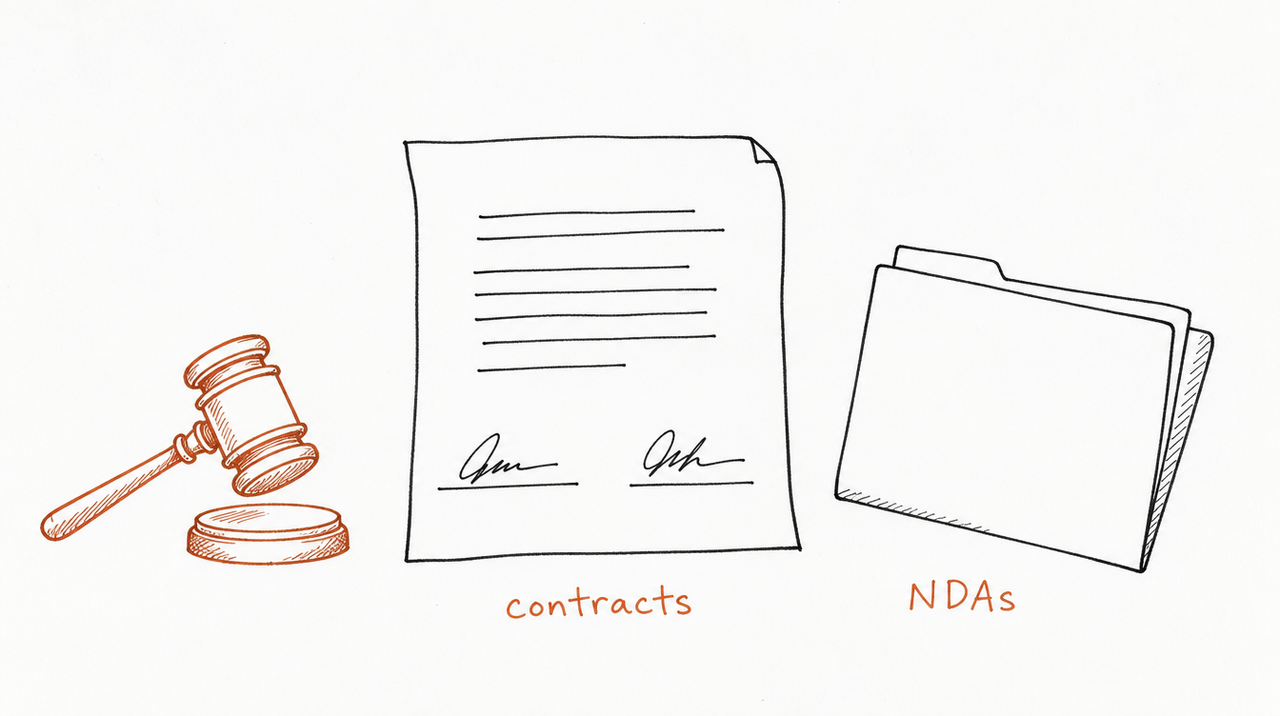
Anthropic's Claude for Legal repository (Apache 2.0, about 9,600 GitHub stars) holds skills, ready-made agents and connectors, grouped into plugins by practice area:
- commercial-legal: vendor agreement, NDA and SaaS review against your playbook, amendment tracing, renewal deadlines and escalation routing.
- corporate-legal: M&A diligence with a cited table per document, disclosure schedules, closing checklists, board consents and entity compliance.
- privacy-legal: privacy triage, PIAs, DPA review and DSAR responses.
- product-legal: launch reviews, marketing claims checks, and fast "is this a problem?" answers.
- employment-legal: hiring and termination reviews by jurisdiction, worker classification, leave tracking, investigations and policy drafting.
- ai-governance-legal: AI use-case triage, impact assessments and vendor AI reviews.
- regulatory-legal: regulatory feed monitoring, policy diffs and gap tracking.
- ip-legal: trademark clearance, FTO triage, cease-and-desist and DMCA drafting, open-source license checks and portfolio tracking.
- litigation-legal: matter intake, legal holds, chronologies, claim charts, deposition prep, privilege log review and brief drafting.
- legal-clinic and law-student: clinic intake and deadlines, plus bar prep, Socratic drilling, IRAC grading and case briefs.
Inside those plugins are named agents for single jobs, such as an NDA Triager that sorts inbound NDAs into green, yellow and red so "only the hard ones hit a lawyer's desk."
Anthropic is direct about the limits: every output is "a draft for attorney review — not legal advice." The skills flag where a citation came from, surface jurisdiction assumptions, and stop before anything is filed or sent.
How to set them up
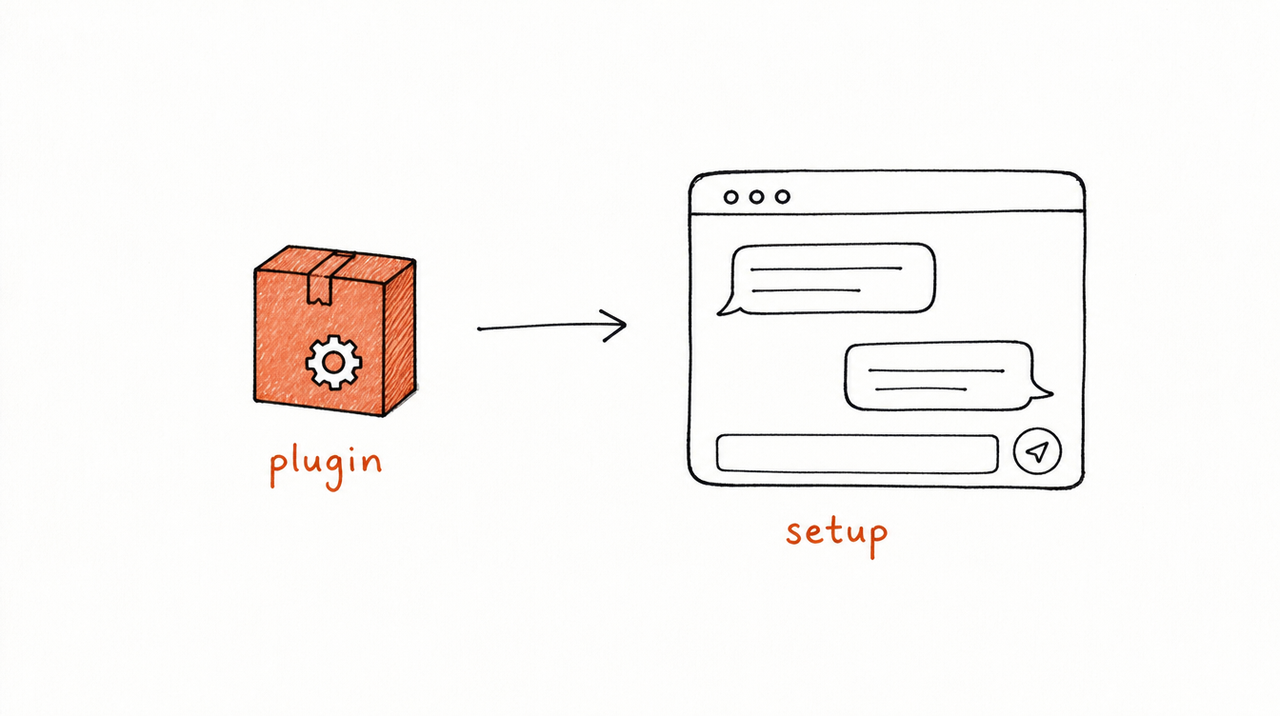
In Cowork: open Customize, click Browse plugins, and install the practice areas you need. You can also upload a zipped plugin folder.
In Claude Code:
/plugin marketplace add anthropics/claude-for-legal
/plugin install commercial-legal@claude-for-legal
/commercial-legal:cold-start-interview
That last command matters most. Each plugin starts with a cold-start interview that asks for seed documents (a signed MSA, your playbook, a past review memo) and writes a practice profile every skill reads from. Anthropic calls skipping it "the single most common reason a skill produces generic output." It takes 10 to 20 minutes per plugin, with a quicker option if you want to start sooner.
Connect a research tool first
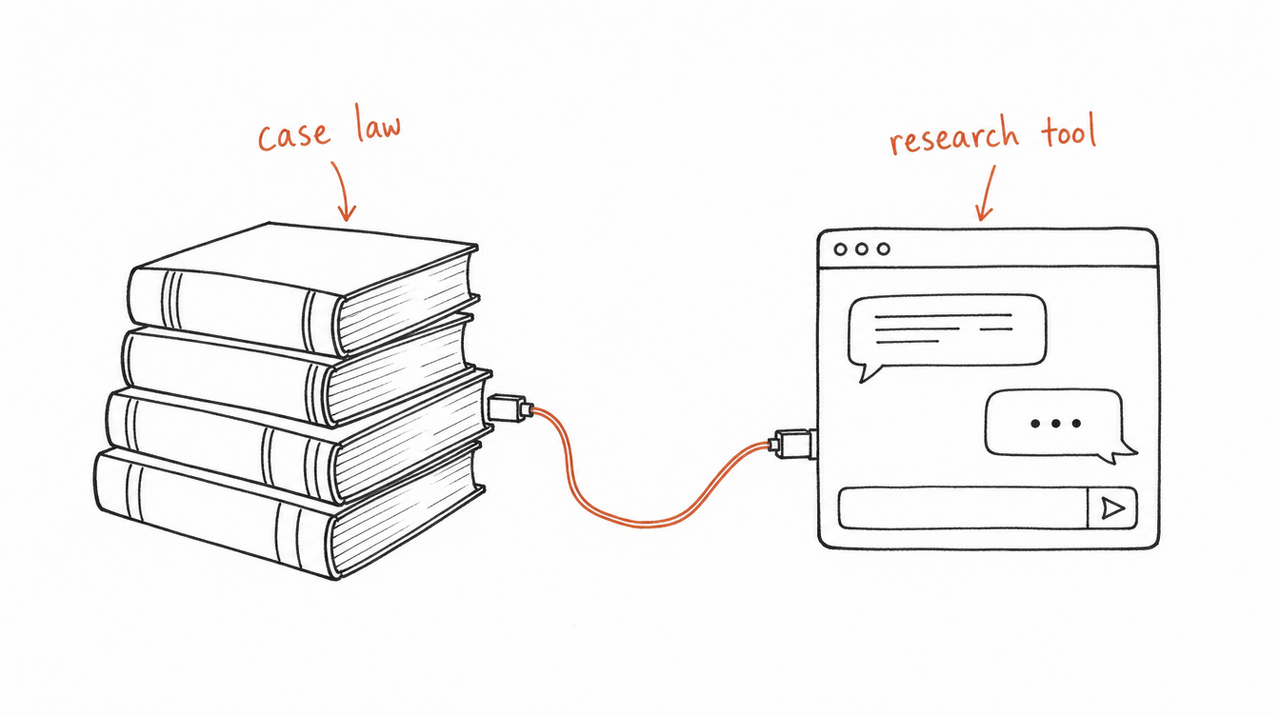
Anthropic's advice is to connect a legal research tool before anything else. With one, Claude checks citations against current databases and tags each with its source; without one, citations from the model's memory are marked to verify.
These legal connectors are in Claude's directory, under Customize > Connectors:
- Research: CourtListener ("Legal research across millions of court records"), CoCounsel Legal from Thomson Reuters, Descrybe, Trellis and Harvey.
- Contracts and documents: Ironclad, Docusign, iManage, Everlaw and Box.
Most need your firm's own subscription; CourtListener is public. For more on connectors, see The best Claude connectors for marketers and course creators.
Make the playbook yours
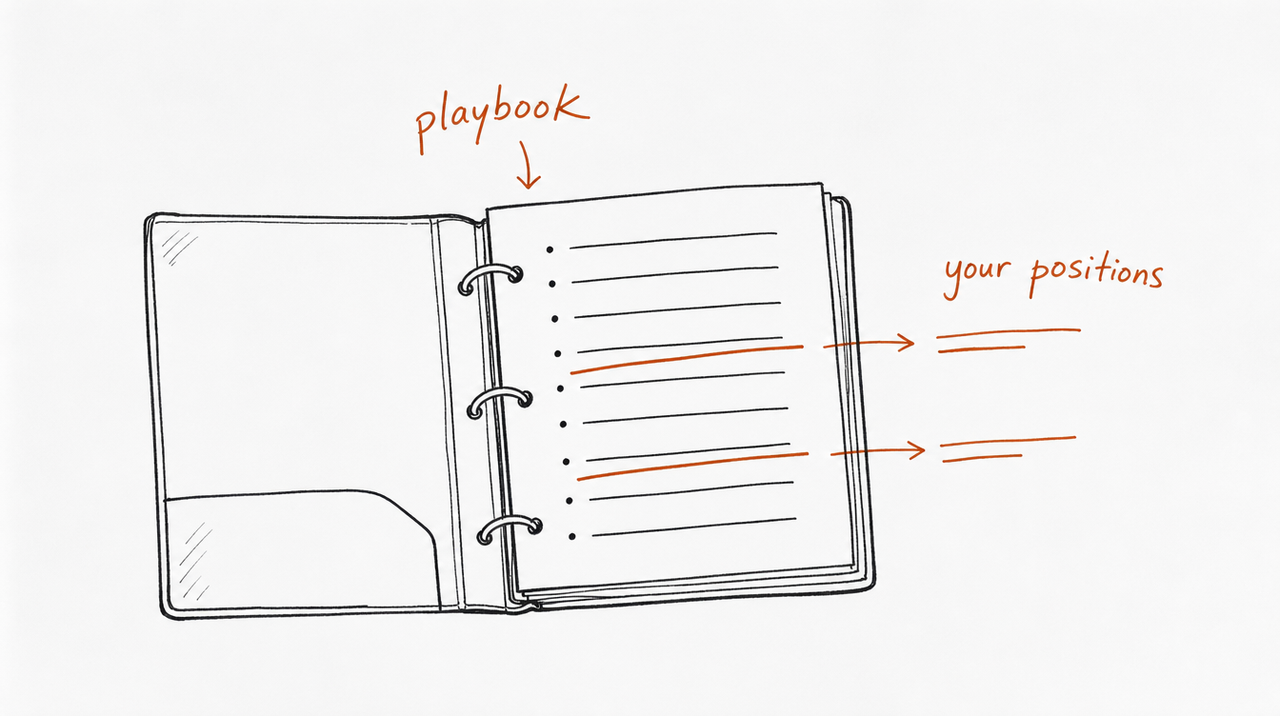
The cold-start interview captures your positions for Anthropic's skills. For workflows they don't cover, or a playbook you want to keep separate, write your own skill. Here's the shape of one for NDA first passes:
---
name: nda-first-pass
description: First-pass review of an inbound NDA against our playbook. Use when someone shares an NDA or asks whether we can sign one. Not for negotiating other contract types.
---

# NDA first pass

Compare the NDA to each position below. Rate it GREEN (sign), YELLOW (small edits) or RED (send to counsel).

- Mutual vs one-way: [our position]
- Term and survival: [our maximum]
- Definition of confidential information: [what we accept]
- Residuals clause: [accept / reject]
- Governing law and venue: [acceptable jurisdictions]

Output: the rating, one line per position that differs, and suggested edits for YELLOW items.
Always end with: "Draft for attorney review."
Fill the brackets with your own positions. The fastest way to write one is to ask Claude: its built-in skill-creator interviews you and drafts the SKILL.md. See Claude's Skill Creator: how to use it, and where it stops.
If you teach law
If what you sell is legal know-how, as a bar prep course, CLE training, or a contract-drafting program, it can become a Skill your students or clients use. expertrelay reads your course, finds the Skills inside it, and lets you review each one privately. Customers then use them from Claude, ChatGPT or Cursor without getting your files, and every update reaches everyone at once.
FAQ
What are Claude legal skills?
Skills that teach Claude legal workflows, like NDA review, DSAR responses or claim charts. Anthropic publishes a free set grouped by practice area, and you can write your own.
Are they free?
Yes. Anthropic's repository is free under the Apache 2.0 license. Most legal research and contract connectors need your own subscription.
Can Claude give legal advice?
No. Anthropic describes every output from these skills as a draft for attorney review, and the attorney using them is responsible for the work.
Do they work for law students?
Yes. The law-student plugin covers bar prep, Socratic drilling, IRAC grading, case briefs, outlines and flashcards, and the legal-clinic plugin covers clinic intake and deadlines.
Where do I find community legal skills?
Anthropic's legal-builder-hub plugin searches community skill registries and installs skills with trust checks.


