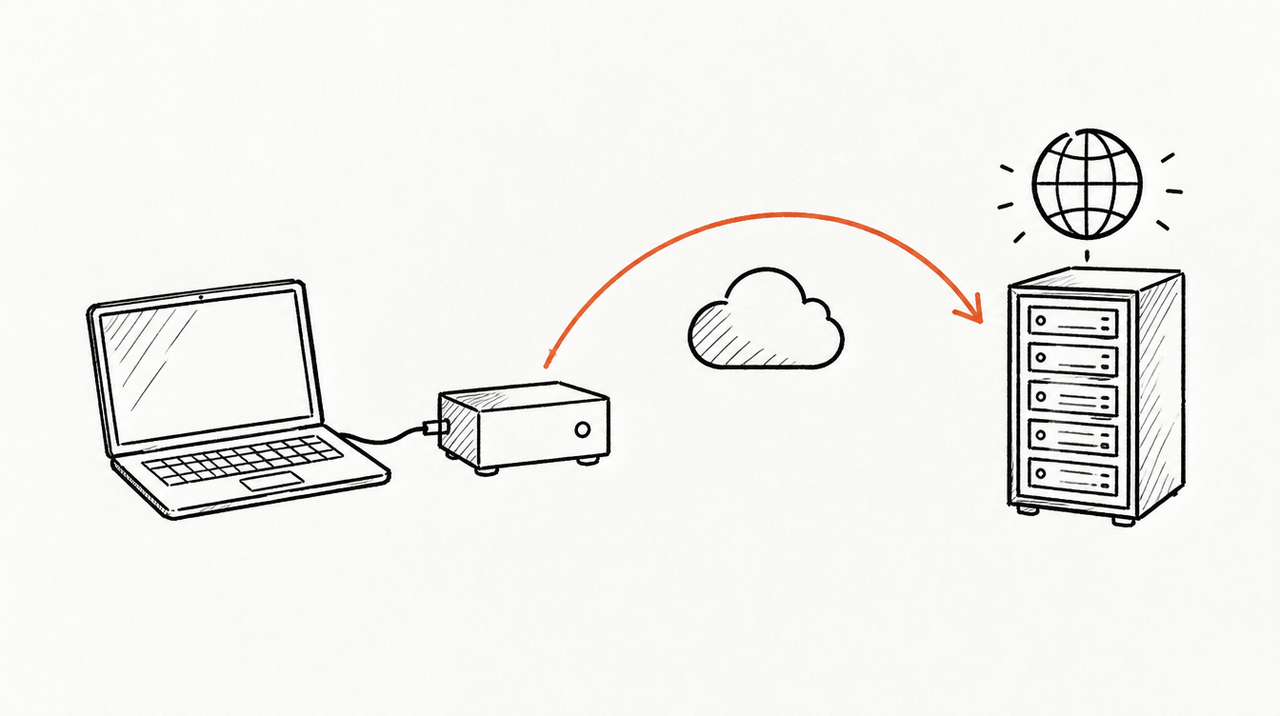
A remote MCP server is a small web service that Claude and ChatGPT reach over HTTPS: you write it with an official MCP SDK, serve it at one /mcp address using the Streamable HTTP transport, put OAuth sign-in in front of it, and host it anywhere Anthropic's and OpenAI's servers can reach. The code is the quick part (about twenty lines of Python for a first tool); the sign-in and the hosting are where most of the work goes.
As of October 2026, checked against the MCP spec, the SDK docs, Anthropic's and OpenAI's connector docs, and Cloudflare's and Google Cloud's hosting guides.
Local (stdio) vs remote (Streamable HTTP) MCP servers
In plain words, an MCP server is an address you add to Claude or ChatGPT so it can use another system: read a database, call an API, run your code. (New to it? Start with What is an MCP server?.) The spec defines two standard transports, and they decide where the server can run:
- stdio (local): the app starts your server as a program on the same computer and talks to it through standard input and output. Credentials come from environment variables. Works in Claude Desktop and Claude Code, not in claude.ai or ChatGPT.
- Streamable HTTP (remote): your server is a web service with one endpoint, such as
https://mcp.example.com/mcp. Every message is an HTTP POST, and the server answers with JSON or a short stream of server-sent events (spec). This is what claude.ai, the Claude mobile and desktop apps, and ChatGPT connect to.
The older HTTP+SSE transport (URLs ending in /sse) is deprecated, so build on Streamable HTTP. The July 2026 spec revision also made it stateless (no session IDs), while clients still speak the 2025 revisions; a current SDK handles both.
Note that claude.ai connects from Anthropic's cloud, not your laptop, so a server on localhost or behind a VPN won't connect there.
Build a minimal remote MCP server with the official SDK
The official Python SDK (version 2, Python 3.11 or later) is the shortest route. Install it with pip install "mcp[cli]" or uv add "mcp[cli]", then save this as server.py. The tool is the SDK's own example; the last two lines start it over Streamable HTTP (SDK docs):
from mcp.server import MCPServer

mcp = MCPServer("Demo")


@mcp.tool()
def add(a: int, b: int) -> int:
    """Add two numbers."""
    return a + b


if __name__ == "__main__":
    mcp.run(transport="streamable-http", port=8000)
That serves http://127.0.0.1:8000/mcp. The docstring matters: it's the description Claude reads to decide when to call the tool. To try it, run the MCP Inspector in a second terminal with npx @modelcontextprotocol/inspector@latest, connect to the URL and click List Tools. Or add it to Claude Code:
claude mcp add --transport http demo http://localhost:8000/mcpPrefer JavaScript? Anthropic's quickstart builds one with the TypeScript SDK in about 50 lines.
For deployment, the SDK's deploy page has you build an ASGI app and run it with uvicorn. By default the app only accepts requests addressed to localhost, as protection against DNS rebinding, so you list your public hostname:
from mcp.server.transport_security import TransportSecuritySettings

security = TransportSecuritySettings(
    allowed_hosts=["mcp.example.com", "mcp.example.com:*"],
)
app = mcp.streamable_http_app(transport_security=security)

# run with: uvicorn server:app --host 0.0.0.0 --port 8080
Running several copies for older clients? Turn on stateless_http so any copy can answer any request.
OAuth: what Claude and ChatGPT expect
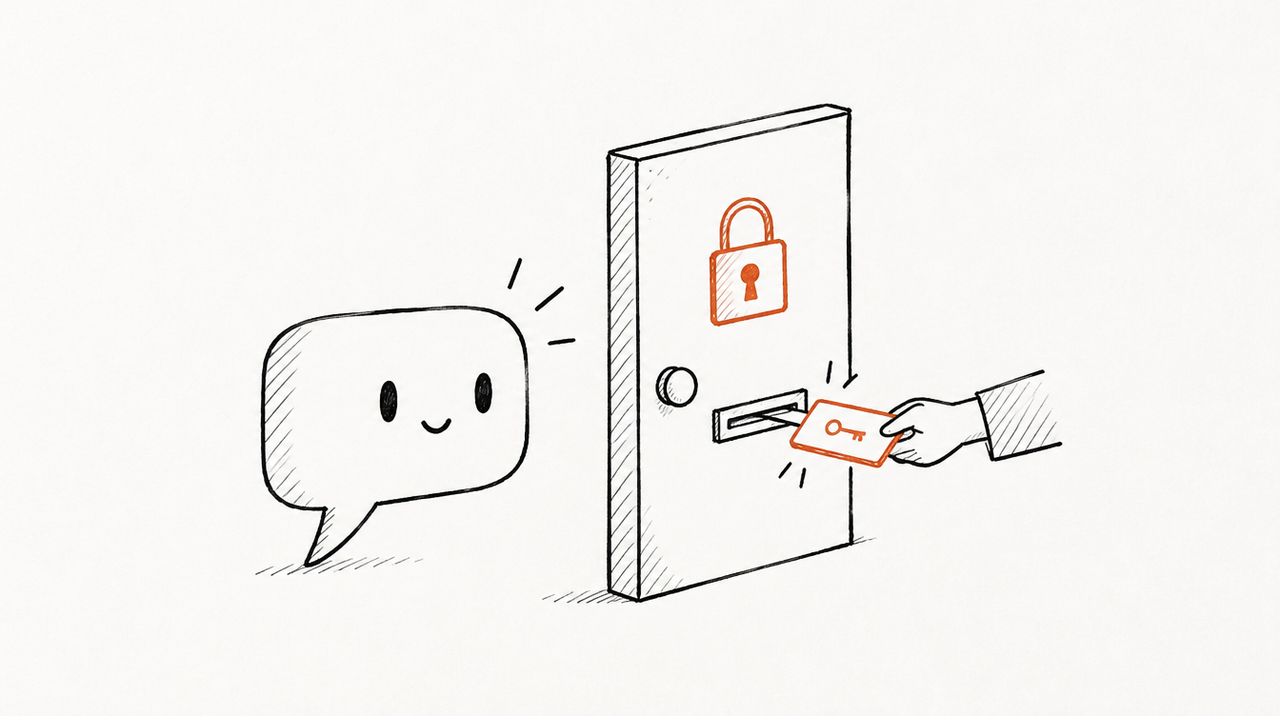
A server with no sign-in works in both apps, and it's fine for public data. For anything private, use OAuth so each person signs in with their own account. The MCP authorization spec makes your MCP server an OAuth resource server: it checks tokens; a separate authorization server (Auth0, Keycloak, Entra ID, Google, your own) issues them. In practice:
- Answer unauthenticated requests with 401 and a
WWW-Authenticate: Bearer resource_metadata="..."header. Claude ignores that header on a 200, so the 401 is required (Claude's auth docs). - Serve protected resource metadata (RFC 9728) whose
resourceequals your MCP URL exactly, path included, and whoseauthorization_serverslists your issuer first. Claude only uses the first entry. - Let the client register itself: both apps prefer a Client ID Metadata Document (CIMD), advertised with
client_id_metadata_document_supported: true, and fall back to Dynamic Client Registration. Or pre-register a client and enter its ID. - Support PKCE with S256 and advertise it in
code_challenge_methods_supported. OpenAI says servers whose metadata leaves it out are unsupported (ChatGPT's auth docs). - Allow the callback URLs:
https://claude.ai/api/mcp/auth_callbackfor Claude's web, desktop and mobile apps, a loopbackhttp://localhost/callbackandhttp://127.0.0.1/callbackon any port for Claude Code, andhttps://chatgpt.com/connector_platform_oauth_redirectfor ChatGPT (or the per-connection URL ChatGPT shows you). - Check the audience on every token. The spec says servers must only accept tokens issued for them and must not pass them on to other APIs.
- Keep the token endpoint fast: Claude waits 10 seconds, sends form-encoded bodies, and expects
invalid_grantfor a dead refresh token.
The Python SDK does the resource-server half for you. Give MCPServer a token verifier and auth settings, and it serves /.well-known/oauth-protected-resource/mcp and returns the 401 with the right header (SDK authorization docs):
mcp = MCPServer(
    "Notes",
    token_verifier=MyTokenVerifier(),  # checks signature, expiry, audience
    auth=AuthSettings(
        issuer_url=AnyHttpUrl("https://auth.example.com"),
        resource_server_url=AnyHttpUrl("https://mcp.example.com/mcp"),
        required_scopes=["notes:read"],
        validate_token_resource=True,
    ),
)
The SDK docs say new servers should use an external authorization server rather than the older built-in provider option.
Where to host a remote MCP server
Any host works if it gives you a public HTTPS URL that Anthropic's servers (outbound from 160.79.104.0/21, per Anthropic's IP list) and OpenAI's can reach. Three common choices:
- Cloudflare Workers: Cloudflare's remote MCP guide scaffolds a server with
npm create cloudflare@latest -- remote-mcp-server-authless --template=cloudflare/ai/demos/remote-mcp-authless, runs it locally atlocalhost:8788/mcpwithnpm start, and deploys withnpx wrangler@latest deploytohttps://remote-mcp-server-authless.your-account.workers.dev/mcp. Sign-in: a GitHub OAuth example (secrets viawrangler secret put, a KV namespace for tokens) or Cloudflare Access. The templates use the deprecatedMcpAgentpath; Cloudflare says new servers should start from its mcp-worker example. Needs: a Cloudflare account. Limitation: it's a JavaScript/TypeScript runtime, so the Python server above won't drop in. - Google Cloud Run: Google's MCP hosting page supports Streamable HTTP (and SSE), not stdio. Deploy from a folder with
gcloud run deploy --source ., or from an image withgcloud run deploy --image IMAGE_URL --port PORT; billing must be on. By default the URL needs the Cloud Run Invoker IAM role. Claude and ChatGPT can't sign requests with your Google identity, so a connector needs the service open to unauthenticated calls with your OAuth check inside the server, which is how Google's own Google Ads MCP server is deployed (our walkthrough). Needs: a Google Cloud project. Limitation: once the IAM gate is off, your token check is the only lock. - A VPS or your own container host: run uvicorn (or Node) behind a reverse proxy that handles TLS. Start uvicorn with
--proxy-headersso it trusts the proxy, and if the proxy is nginx, make sure streamed responses aren't buffered (the spec suggests servers sendX-Accel-Buffering: no). Needs: a domain, a certificate and a process manager. Limitation: uptime, scaling and security updates are yours.
Whichever you pick, keep tool results small and fast. Claude's limits are about 150,000 characters per tool result and 240 seconds per tool call in claude.ai and Desktop (Claude's docs).
Add your server to Claude and ChatGPT
Claude (Anthropic's steps): custom connectors work on Free (one connector), Pro, Max, Team and Enterprise.
- Go to Customize > Connectors and click Add custom connector.
- Enter the full URL, including
/mcp. - Choose how people sign in, and how Claude identifies itself: Claude's published identity (CIMD, recommended), automatic registration (DCR), or your own OAuth client ID.
- Click Add, then Connect and sign in.
On Team and Enterprise, an Owner adds it under Organization settings > Connectors, then each member connects with their own account.
ChatGPT (OpenAI's steps):
- Open chatgpt.com/plugins, click + and choose Add custom MCP server.
- Give it a name and description, enter the public URL with
/mcp, and set up authentication. - Accept the risk warning, choose Create as a plugin, and review the tools ChatGPT found.
- In a new chat, type @ and pick it. After you change tools, open the server on the Plugins page and click Refresh.
Not every ChatGPT plan can add custom servers, and in Business and Enterprise workspaces an admin controls developer mode; check OpenAI's help article for your plan. For the click-by-click version in both apps, see How to add an MCP server to Claude (and ChatGPT).
Security checklist before anyone else connects
Say you build a server that reads your CRM and share the URL with five colleagues. The URL is public, the tools run with whatever access your server holds, and the AI decides when to call them. Before that day:
- Auth on, every request: OAuth with audience checks as above. The Streamable HTTP spec also requires validating the
Originheader and recommends binding to localhost when running locally. Never accept tokens in the query string. - Per-user access: map each token to a person and filter data by what that person may see. A shared API key (Claude's request-header option, in beta) can't tell users apart, so Anthropic says to use OAuth when tools act as the individual.
- Read-only by default: ship read tools first. Mark them with
readOnlyHint: trueand anything irreversible withdestructiveHint: true; OpenAI says these annotations shape the confirmation ChatGPT shows. Give write tools narrow inputs and a separate scope. - Logging: record who called which tool, with what arguments, and how long it took. Keep tokens and personal data out of the logs.
- Rate limits: limit calls per user and per tool, and cap result size. A model in a loop can call a tool dozens of times.
- Prompt injection and secrets: the model reads whatever your tools return, so treat emails, web pages and records as untrusted. Keep API keys in the host's secret store, never in a tool result.

If what you want is client marketing data in Claude
ExpertRelay doesn't host your code or other people's MCP servers. It's a hosted MCP server for one specific job: an agency's client data. The team gets one address that reads each client's Google Ads, Meta Ads, GA4, Search Console, HubSpot and other sources, read only. Each person signs in with their own login, and members reach only the clients they work on. If that's why you were about to build a server, see how the team server works. For anything else, the steps above are the way.
FAQ
What is a remote MCP server?
An MCP server that runs as a web service at a public HTTPS address instead of on your computer. Claude and ChatGPT connect to it over Streamable HTTP, including from the web and mobile apps.
Can I host an MCP server for free?
The SDKs are free and open source. Hosting costs depend on the platform, so check Cloudflare's or Google Cloud's current pricing.
Do I need OAuth for a Claude custom connector?
No. Claude accepts servers with no authentication, but then anyone with the URL can call your tools. For private data use OAuth; Claude supports DCR and CIMD by default.
Why does my server work in Claude Code but not in claude.ai?
Claude Code runs on your computer and can reach localhost. claude.ai connects from Anthropic's servers, so it needs a public HTTPS URL. If it's public and still fails, check your 401 response and resource metadata.
Does the same server work in Claude and ChatGPT?
Usually, yes: both speak Streamable HTTP and OAuth with PKCE. Allow both callback URLs and test in each app.


