The Ahrefs MCP server is Ahrefs' own hosted connection that lets Claude, ChatGPT and other AI assistants pull Ahrefs data into a chat: backlinks, organic keywords, keyword research, Rank Tracker, Site Audit and Brand Radar. Setting it up takes a paid Ahrefs plan (Lite or higher) and a few minutes: you add Ahrefs from Claude's connector list, ChatGPT's apps or one Claude Code command, sign in to Ahrefs and click Allow, and every call then spends API units from your plan.
Below is the setup as of October 2026, checked against Ahrefs' MCP docs, then what changes when the sites belong to a dozen clients.
What is the Ahrefs MCP server?
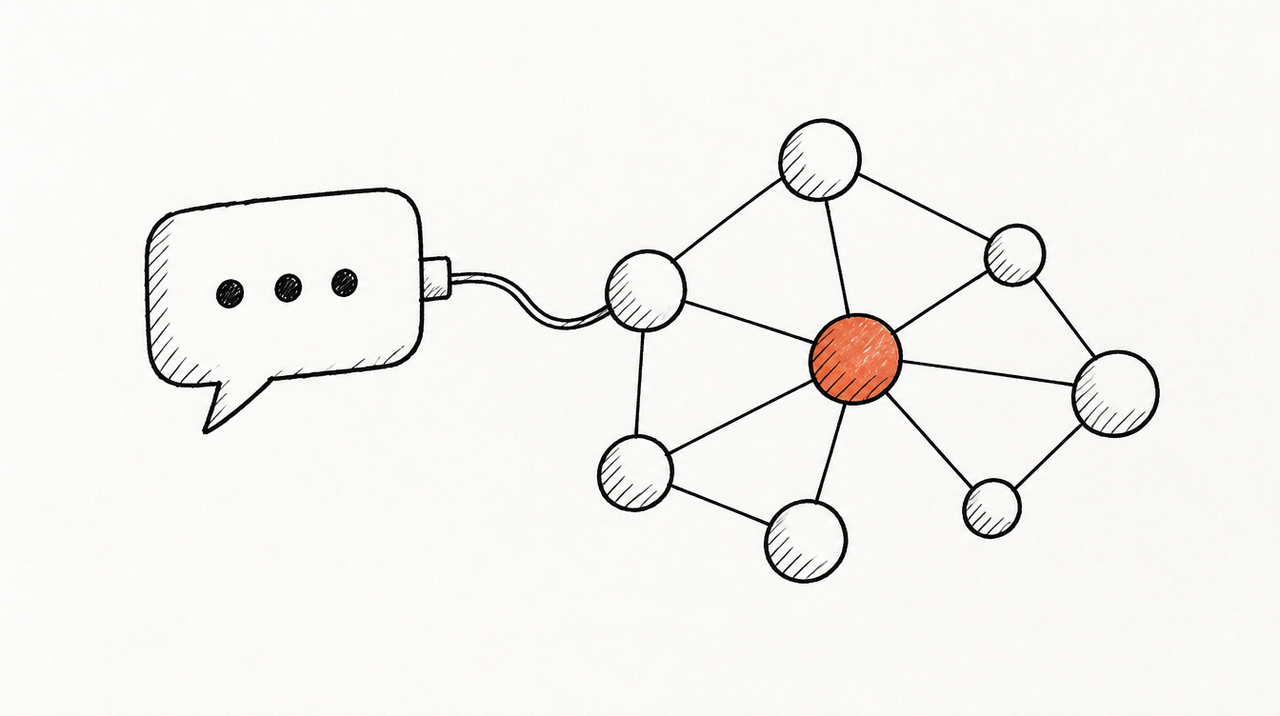
An MCP server is an address you add to Claude or ChatGPT so it can read another system. Ahrefs runs its own at https://api.ahrefs.com/mcp/mcp, on the same data as the Ahrefs API: Claude asks for a domain's backlinks the way a script would, and you just type the question.
The old local server on GitHub is marked unmaintained, and the help center says local setup is no longer supported. If a tutorial says npm install @ahrefs/mcp, skip it.
The tools come in groups (Ahrefs' list):
- Site Explorer: Domain Rating, backlinks, referring domains, anchors, organic keywords, competitors and top pages, with history.
- Keywords Explorer and SERP overview: volumes by country, related terms, suggestions, and who ranks.
- Rank Tracker and Site Audit: your tracked keywords and competitors, audit issues and pages.
- Brand Radar: mentions and share of voice in AI answers (some prompts need a Brand Radar add-on).
- Web Analytics and GSC: Ahrefs' web analytics, and Search Console data for sites connected in Ahrefs.
- Other: batch analysis, Content Helper, social media, your plan's usage, and management: projects, keyword lists and Brand Radar settings.
Is it read only? Ahrefs' docs don't say. The tools listed on Ahrefs' page in Claude's directory are named after reports, which look like reads, but the management API behind that group can also add and delete projects, tracked keywords and keyword lists. To be safe, leave the management group out (Step 5).
What the Ahrefs MCP costs: plans, API units and rows
There's no extra fee for the server, but every call spends API units from the plan. As of October 2026, Ahrefs' SEO MCP page and pricing page list:
- Lite ($129 a month): 200,000 API units a month, 100 rows per request.
- Standard ($249): 800,000 units, 250 rows.
- Advanced ($449): 2 million units, 500 rows.
- Enterprise ($1,499, annual): 4 million or custom, unlimited rows, and extra units can be bought.
The $29 Starter plan isn't included. Units are shared with the Ahrefs API and Ahrefs Connect.
Each call costs at least 50 units, or the fields' cost times the rows returned if that's more (Ahrefs' formula). Most fields cost 1 unit a row, some 5 or 10; cached repeats are free. Ahrefs' own example, 500 backlinks filtered and sorted by traffic, costs 6,000 units.

How to set up the Ahrefs MCP server, step by step
You need a paid Ahrefs plan from Lite up and a login in the Ahrefs workspace. The Claude and ChatGPT side has its own plan rules, below.
Step 1: Claude (web, desktop and mobile)
Ahrefs is a verified connector in Claude's directory, so there's no URL to type (Ahrefs' Claude guide):
- Open claude.ai/customize, choose Connectors and click +.
- Search for Ahrefs, click its card, then Connect.
- Sign in to Ahrefs, pick the workspace and your account, and click Allow.
- Ahrefs now shows in your connectors list. In a chat, turn it on from the tools menu.
Connecting creates an API key in Ahrefs tagged MCP, with a default cap of 200,000 units a month for that key. A workspace admin can change or remove that cap in the API keys report.
In connector settings you can let tools run without asking each time. Ahrefs suggests it; asking first keeps a check on units.
Step 2: Claude Desktop with an MCP key (optional)
If you'd rather use a key than the sign-in, a workspace owner or admin generates one under Account settings, API keys, Generate MCP key. In Claude Desktop, open Settings, Developer, Edit config, and add this to claude_desktop_config.json with the key in place of YOUR_MCP_KEY. It needs Node.js for npx. Restart Claude Desktop afterwards.
{
  "mcpServers": {
    "Ahrefs": {
      "command": "npx",
      "args": [
        "mcp-remote",
        "https://api.ahrefs.com/mcp/mcp",
        "--header",
        "Authorization:${AUTH_HEADER}"
      ],
      "env": {
        "AUTH_HEADER": "Bearer YOUR_MCP_KEY"
      }
    }
  }
}
Two things to know: an MCP key and a regular API key aren't interchangeable (the wrong one gives a 401 error), and a key you generate by hand has no unit cap until an admin sets one.
Step 3: Claude Code
From Ahrefs' Claude Code guide, run:
claude mcp add ahrefs https://api.ahrefs.com/mcp/mcp -t httpThen start Claude Code, type /mcp, choose Ahrefs and authenticate: sign in, pick the workspace, click Allow. Run /mcp again to check it says connected.
Step 4: ChatGPT
There are two ways. The simpler one: Ahrefs' MCP page links to an Ahrefs app in ChatGPT's app directory. Open it, connect, sign in to Ahrefs and allow access, then mention @Ahrefs in a chat.
The other is adding the server yourself in developer mode (Ahrefs' ChatGPT guide):
- Go to Settings, Apps, Advanced settings and turn on Developer mode.
- Click Create app. Enter
https://api.ahrefs.com/mcp/mcpas the MCP Server URL, choose OAuth, and leave Client ID and Client Secret empty. - Tick I trust this application, click Create, then pick your Ahrefs workspace and click Allow.
- In a chat, click +, then More, and turn the connector on.
Ahrefs' guide says developer mode is in beta, on the web, for Plus and Pro; plan rules change often, so check OpenAI's docs. Ahrefs also suggests naming the tool in your prompt and telling ChatGPT not to use web search.
Step 5: Choose which tool groups Claude sees
Some apps cap how many tools a server can offer, and Ahrefs offers more than many allow. You can add a tools parameter to the address to pick groups (the group names), or use tools=essentials for a curated set. This is also how you leave out management. In Claude Code, for example:
claude mcp add ahrefs "https://api.ahrefs.com/mcp/mcp?tools=site-explorer-overview,site-explorer-reports,keywords-explorer,serp-overview,rank-tracker,site-audit,gsc" -t httpIn Claude or ChatGPT you'd add that address as a custom connector instead of the directory one. essentials can't be combined with other groups, and a misspelled group is rejected with invalid tool category.
Step 6: Try it
Start small: "Using Ahrefs, show the Domain Rating and organic traffic history for clientsite.com over the last 12 months." Then ask how many units you have left, which the subscription-info tools answer.
Using the Ahrefs MCP across many client sites
Backlinks, organic keywords and competitors come from Ahrefs' own index, so one connection covers every client's domain, and their competitors, without asking the client for anything. Rank Tracker, Site Audit and GSC data need a project in your workspace; Ahrefs allows unlimited projects for verified sites and 5, 20, 50 or 100 unverified ones by plan.
Say you run SEO for 14 clients on Standard, and on Monday you ask Claude: "Which clients lost the most organic traffic last month, and which pages dropped?" Claude pulls metrics history for all 14 sites, near the 50-unit minimum each, then top pages for the ones that fell, which with a traffic field and a few hundred rows can cost thousands. Weekly, plus keyword research, 800,000 units goes faster than it sounds. Watch Limits and usage.
What else changes with a team:
- Each person signs in with their own Ahrefs login, so each needs a seat. Lite allows up to 2 extra users at $40 a month each, Standard 5 at $60, Advanced 10 at $80.
- Everyone shares one unit budget. Each sign-in gets its own key with a 200,000-unit default cap, which owners and admins can lower per person in the API keys report.
- There's no per-client access. Anyone connected can look up any domain and see every project in the workspace. Fine inside an SEO team; not something to hand a client, who'd need their own Ahrefs plan.
- Ahrefs is one source. Clients also ask about leads and spend; for that you'd add the Google Analytics MCP and Google Ads MCP, each with its own setup.
Where ExpertRelay fits
ExpertRelay doesn't read Ahrefs. If what you want is every client's search numbers side by side in Claude or ChatGPT, it reads Google Search Console per client (clicks, impressions, click-through rate and average position per day and per query, with the last 14 days against the 14 before) and, in beta, Semrush with the agency's own API key. Each client's Search Console adds the agency's Google service-account email as a user, like adding a colleague; there's no Google sign-in. It's the agency's own hosted MCP server: each teammate's AI reaches only their clients, and client accounts are read only. It doesn't read backlinks or competitor rankings, so it sits next to Ahrefs, not in place of it. See the Google Search Console MCP guide and ExpertRelay for SEO agencies.
Ahrefs MCP vs. third-party servers vs. ExpertRelay
- Ahrefs' official MCP server: hosted, nothing to install, included from Lite, and reaches nearly all of Ahrefs. Limitation: every call spends shared API units, each user needs a seat, there's no per-client access, and Ahrefs doesn't say it's read only.
- A third-party hosted server on the Ahrefs API: a company runs a server around your Ahrefs API key, often with other tools bundled. Limitation: another company holds your key, and it spends the same units.
- ExpertRelay: the agency's own server with each client's Search Console, Semrush (beta), ads and analytics side by side, access per teammate, and a server per client if you want it. $99 a month for the agency (whole team, up to 25 clients), $49 a month per client who gets their own AI, 14 days free. Limitation: no Ahrefs data, totals and daily rows rather than raw API access, and it can't change anything.
When the official server is enough
- You already pay for Ahrefs. It costs nothing extra to connect, and the data is the same as in the app.
- Your questions are about links, keywords and competitors. That's Ahrefs' index, and nothing else gives it to Claude.
- It's you or a small SEO team. A few seats, a unit cap per key, and everyone can see every client anyway.
FAQ
Does Ahrefs have an official MCP server?
Yes. Ahrefs hosts one at https://api.ahrefs.com/mcp/mcp, listed as a verified connector in Claude and as an app in ChatGPT. The older local server on GitHub is no longer maintained.
Which Ahrefs plan do I need for the MCP, and does it cost extra?
Lite or higher, as of October 2026, with no separate fee. Each call spends API units from the plan (200,000 a month on Lite), at least 50 per call.
Can I use the Ahrefs MCP in ChatGPT?
Yes, through the Ahrefs app in ChatGPT or by adding the server URL in developer mode, where your ChatGPT plan allows it.
Can I use one Ahrefs MCP connection for all my clients?
Yes for research on any domain, since that's Ahrefs' own data. Rank Tracker, Site Audit and GSC data need each client as a project, and everyone connected sees every project.
If your team wants every client's Search Console, ads and analytics numbers in Claude or ChatGPT, with each teammate seeing only their clients, see the agency's own MCP server. New to these servers? Start with what is an MCP server.


