Most "best Claude Skills" lists come from someone who tried a hundred and ranked their favourites. This one is sorted by job instead, so you can go straight to the kind of work you do. Every Skill here is one we opened and checked: what it says it does comes from its own SKILL.md or README, and each comes from Anthropic or from a widely used open-source collection.
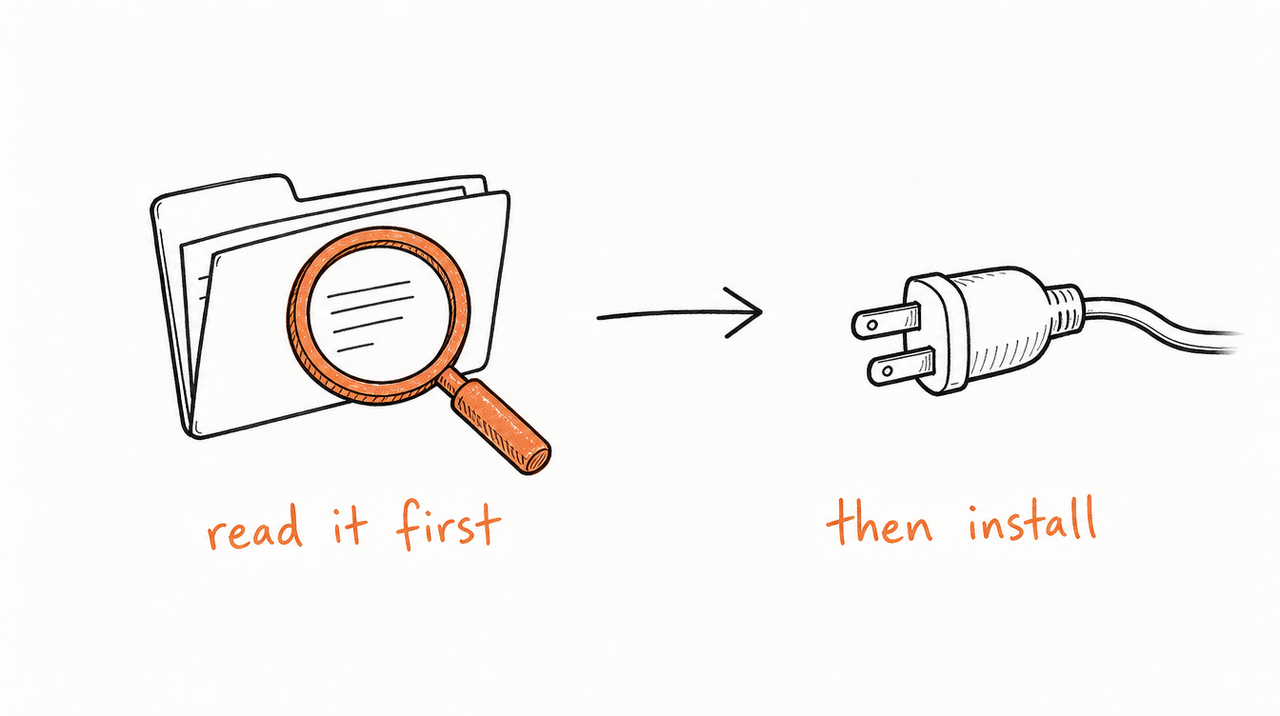
Two things before you install anything. Anthropic's example Skills are, in its own words, "provided for demonstration and educational purposes only", so test them before relying on them. And a Skill can tell Claude to run code, so read it first. If Skills are new to you, start with What are Claude Skills?
Documents and files
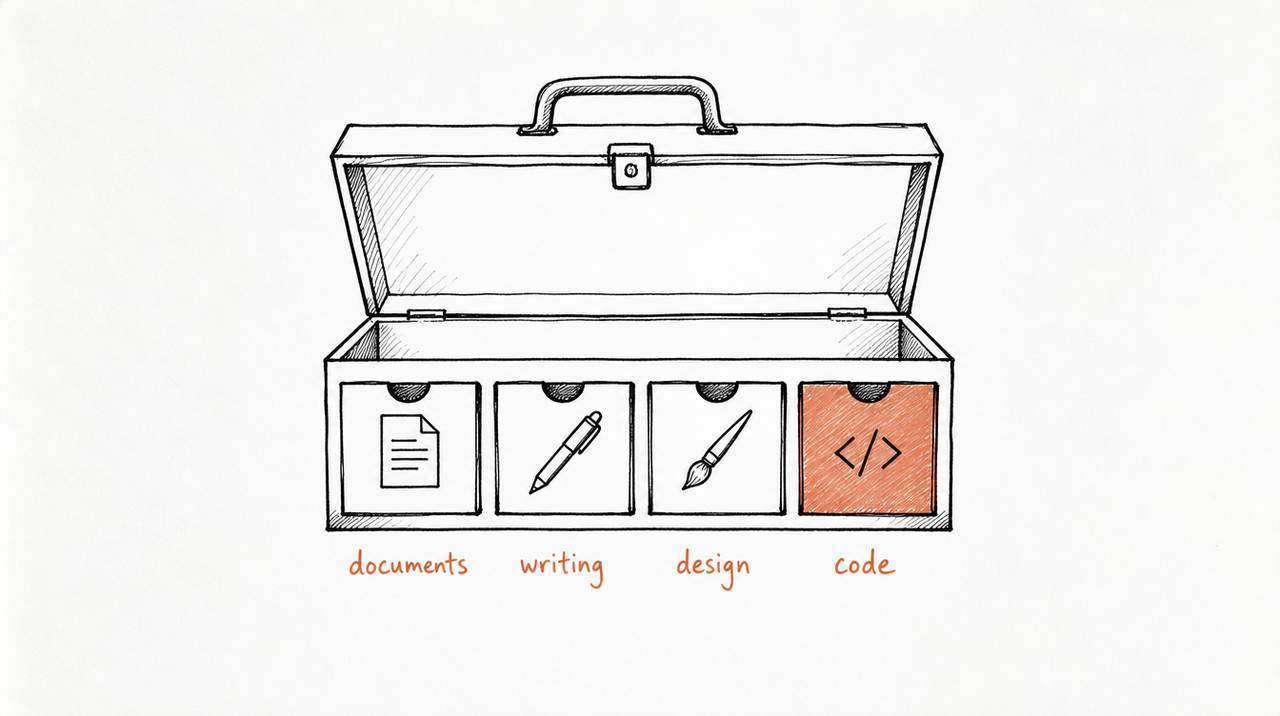
Word (docx), Excel (xlsx), PowerPoint (pptx) and PDF. These are the Skills behind Claude's file abilities, and in claude.ai they're already on: Claude uses them whenever you ask it to create or edit one of those files, with nothing to install. They also work on the Claude API.
Anthropic publishes their source in its skills repository as a reference for building complex Skills. Those four are source-available rather than open source, unlike most of the repository.
Anthropic's example Skills, by job
Anthropic's skills repository holds 19 Skills, many under the Apache 2.0 license. In Claude Code you add them all with /plugin marketplace add anthropics/skills; in claude.ai you upload the ones you want as ZIP files.
Writing and communication
- internal-comms: writes internal communications (status reports, leadership updates, newsletters, FAQs, incident reports) in the formats a company likes. Best used as a template: swap in your own formats.
- doc-coauthoring: walks you through writing documentation, proposals, specs or decision docs, from gathering context to checking the draft works for readers.
Design and visuals
- frontend-design: steers new or redesigned UI toward deliberate visual choices, so it "doesn't read as templated defaults".
- canvas-design: creates posters and other static visual designs as PNG or PDF files.
- theme-factory: applies one of 10 preset themes (colours and fonts) to slides, docs, reports or landing pages, or generates a new one.
- brand-guidelines: applies Anthropic's own brand colours and typography. Useful mainly as a model for writing a Skill with your brand.
Building things with Claude
- skill-creator: creates new Skills, improves existing ones, and runs tests on them, including checking how reliably a Skill triggers. The place to start if you want to write your own.
- mcp-builder: a guide for building MCP servers that connect Claude to outside services, in Python or TypeScript.
- web-artifacts-builder: builds larger multi-part artifacts in claude.ai with React, Tailwind and shadcn/ui.
Marketing and growth
Marketing Skills by Corey Haines is the most popular free collection for this job, by GitHub stars: 50 Skills under the MIT license covering conversion optimization, copywriting, SEO, paid ads, analytics, retention and pricing. Every Skill reads one shared file about your product and audience, so the output stays on-brand. It installs into Claude Code with npx skills add coreyhaines31/marketingskills.
For what makes a marketing Skill good, and five examples built from real playbooks, see Claude Skills for marketing.
Developer Skills for Claude Code
- Superpowers: "an agentic skills framework & software development methodology" that walks Claude through brainstorming, planning, test-driven development and code review before it ships. It's MIT-licensed, among the most-starred Skill projects on GitHub (295.5k stars), and installs from Anthropic's official plugin marketplace with
/plugin install superpowers@claude-plugins-official. - webapp-testing (Anthropic): tests local web apps with Playwright, checking front-end behaviour, taking screenshots and reading browser logs.
- claude-api (Anthropic): up-to-date Claude API reference and SDK guidance. It comes bundled with Claude Code.
At a glance
- Documents: docx, xlsx, pptx, pdf. Built in by Anthropic; work in claude.ai and the API.
- Writing: internal-comms, doc-coauthoring. Anthropic repository; upload to claude.ai, or use in Claude Code.
- Design: frontend-design, canvas-design, theme-factory, brand-guidelines. Anthropic repository; upload to claude.ai, or use in Claude Code.
- Building: skill-creator, mcp-builder, web-artifacts-builder. Anthropic repository; upload to claude.ai, or use in Claude Code.
- Marketing: Marketing Skills (50 Skills). Corey Haines, MIT; Claude Code and similar tools.
- Development: Superpowers. obra on GitHub, MIT; Claude Code.
- Testing: webapp-testing. Anthropic repository; Claude Code.
How to pick and install safely
- Start with one job. Install the Skill for the task you do most, use it for a week, then add another. Every installed Skill's description is read at the start of each chat, so a pile you never use only adds noise.
- Read it before you install it. Open the SKILL.md and any scripts. Anthropic's advice is to use Skills only from sources you trust, because a Skill can direct Claude to run code.
- Check where it runs. Skills built for Claude Code may expect your project's files and won't always work when uploaded to claude.ai on their own.
- Test it on your own work. Example Skills are written for general cases. If one gets close but not quite right, edit it; that's the point of them being plain text.
To install in claude.ai: zip the Skill's folder (the folder must be at the root of the ZIP), then go to Customize > Skills, click +, and choose Create skill > Upload a skill.
If you use Claude Cowork, Anthropic's free plugins add ready-made skills for marketing, sales, finance, small business and more. The best Claude Cowork skills covers them, and how to record or schedule your own.
The best Skill is the one built from your own method
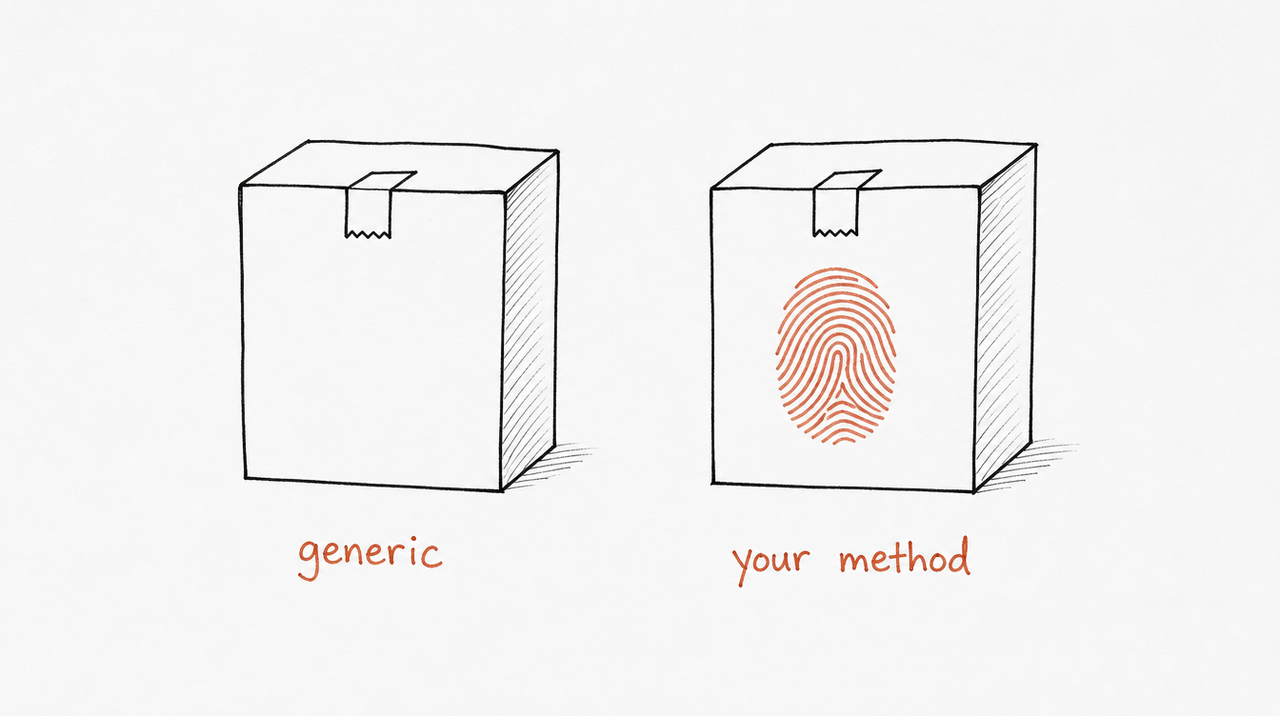
Every Skill above is general on purpose: it has to work for anyone who installs it. The Skills that make the biggest difference to your work encode what only you know, like your scoring rubric, your report format or your thresholds for when to act. No public list can include those.
If you teach that method, in a course, a coaching program or an agency, it can become a Skill your customers use too. How to build a Claude Skill from your course walks through doing it by hand. expertrelay does it for a whole course: it finds the Skills in your material, you review them privately, and customers use them from Claude, ChatGPT or Cursor without getting the files.
FAQ
What are the best Skills to give Claude?
Start with the job you do most. For files, the built-in docx, xlsx, pptx and pdf Skills are already on in claude.ai. For writing your own, skill-creator. For marketing, the Marketing Skills collection. For coding in Claude Code, Superpowers.
Where do I get Claude Skills?
Anthropic's skills repository on GitHub, Claude Code plugin marketplaces, and community collections. Is there a Claude Skills marketplace? lists the main places.
Are these Skills free?
Yes. Everything on this list is free to use. Anthropic's document Skills are source-available rather than open source; the community collections here use MIT, and many of Anthropic's other Skills use Apache 2.0. Check each Skill's license file before reusing it.
How many Skills should I install?
Only the ones you'll use. Claude reads every installed Skill's short description in each chat, so a focused set is easier for it to choose from.
Can I make my own Skill?
Yes, and it's often the most useful one you'll have. Anthropic's skill-creator Skill helps write and test it, or you can ask Claude directly.


