Claude Cowork is the part of Claude that does the work rather than talking about it: you describe an outcome, and Claude works through your files, apps and browser until it's done. Skills are what make it do that work your way. A skill is a saved set of instructions for one repeatable job, and Cowork uses it whenever that job comes up, or on a schedule.
This guide lists the Cowork skills worth using, sorted by job, all from Anthropic and all free with a paid Claude plan. Then it covers how to make your own, which is where Cowork gets most useful. If skills are new to you, start with What are Claude Skills?
Before you start
- Plans: Cowork is on Claude's paid plans (Pro, Max, Team and Enterprise). It runs in the Claude desktop app on Mac and Windows; on the web and mobile it's available on Pro, Max and Team.
- Where skills come from: some are built in, most arrive inside plugins (bundles of skills, connectors and sub-agents), and the rest are ones you upload or create.
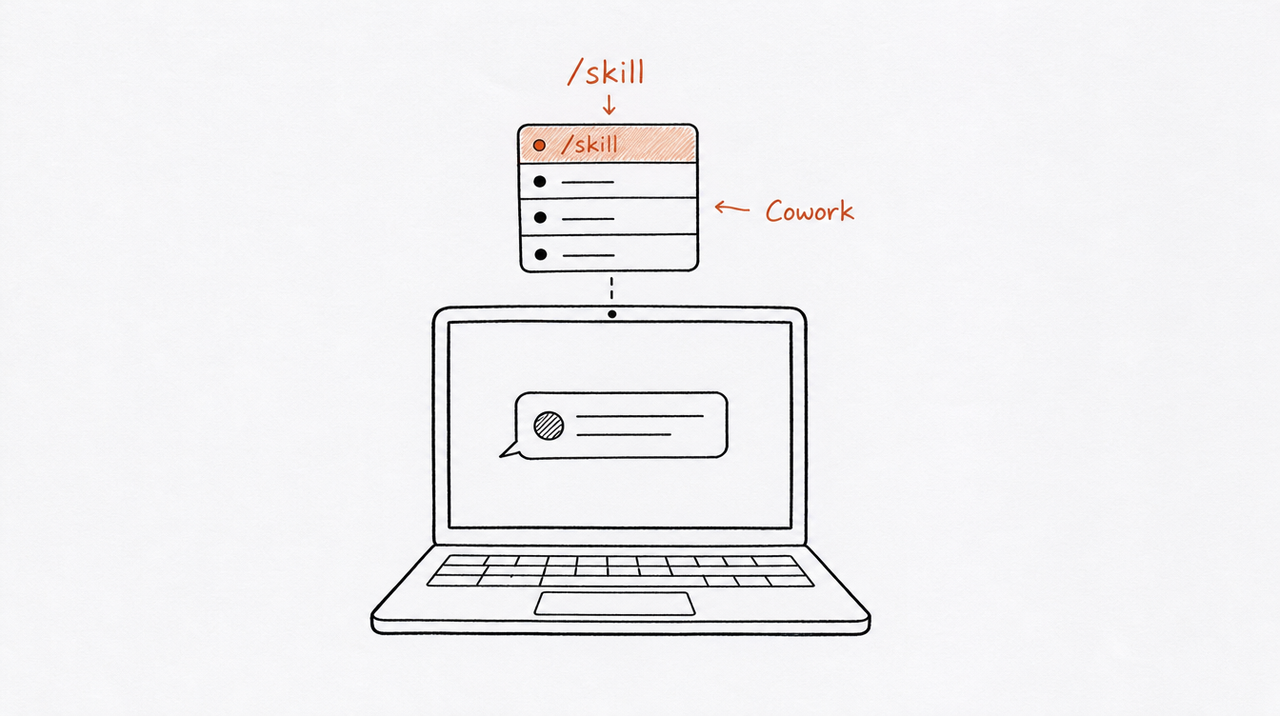
- How to run one: type
/or click + in the message box to see your skills, or just describe the task. Claude recognizes when a skill applies and loads it.
Files: the built-in document skills
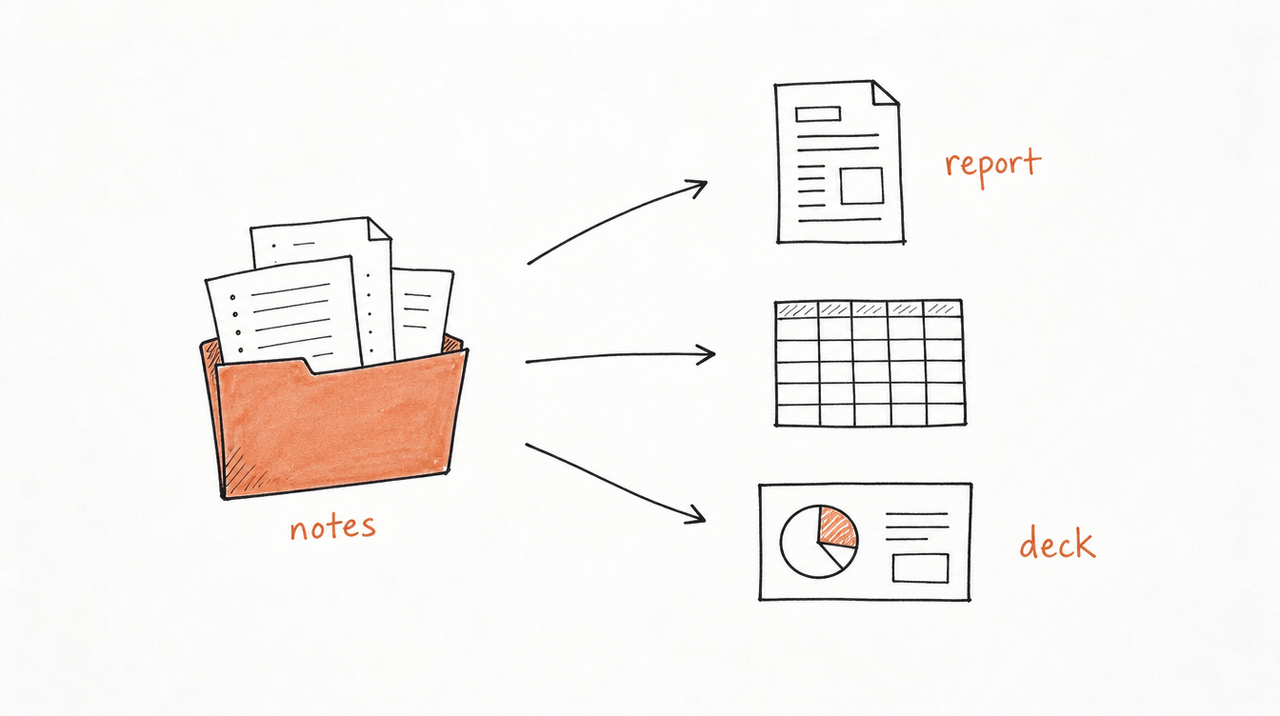
/docx, /xlsx, /pptx and /pdf are Anthropic's skills for Word, Excel, PowerPoint and PDF files. They're already on, and they're the reason Cowork can turn a folder of raw notes into a formatted report, a spreadsheet or a deck. You'll rarely call them by name: ask for the file, and Claude uses the right one.
Daily planning: the Productivity plugin
Anthropic's Productivity plugin manages "tasks, calendars, daily workflows, and personal context so you spend less time repeating yourself." It keeps a task list and a memory file in your Cowork folder:
/startsets up your tasks and memory and opens a dashboard./updatetriages stale items and checks memory for gaps./update --comprehensivescans email, calendar and chat for missed to-dos.
It's a good first install because it makes every other task better: Cowork stops asking for context you've already given it.
Marketing: the Marketing plugin
The Marketing plugin has skills for content creation, campaign planning, brand voice, competitive analysis and performance analytics, plus commands that use them:
/draft-content: blog posts, social posts, newsletters, landing pages and case studies./brand-review: checks content against your brand voice and style guide./seo-audit: keyword research, on-page analysis, content gaps and technical checks./email-sequence: nurture, onboarding and drip sequences./campaign-plan,/competitive-briefand/performance-report.
The brand-voice skill is the one to customize first. Add your own voice, terms and examples, and everything else the plugin writes follows it.
Sales and support
- Sales: "research prospects, prep for calls, review your pipeline, draft outreach, and build competitive battlecards."
- Customer Support: "triage tickets, draft responses, package escalations, research customer context, and turn resolved issues into knowledge base articles."
Both get much better with connectors to your CRM, inbox or help desk, so Claude works from real records rather than what you paste in.
Finance, legal and data
- Finance: journal entries, reconciliations, financial statements, variance analysis, month-end close and audit support. See Claude finance skills for more options.
- Legal: contract review, NDA triage, compliance, risk assessment and templated responses. See Claude legal skills.
- Data: SQL, statistical analysis and dashboards, with a step to validate the work before you share it.
These are starting points written for general cases. Anthropic's own description is that the plugins are meant to be customized for your company's tools and workflows.
Running a small business: the Small Business plugin
Anthropic launched Claude for Small Business in May 2026: a plugin of skills and workflows that runs in Cowork, with connectors to tools like QuickBooks, PayPal, HubSpot, Canva, Docusign, Google Workspace and Microsoft 365. Its skills cover the jobs owners said slow them down most, for example:
invoice-chase: follows up on overdue invoices.cash-flow-snapshot: a quick view of cash coming in and going out.lead-triageandcall-list: decide which leads to call first.review-reputation: keeps an eye on your reviews.proposal-builderandcontract-review.monday-brief: a weekly summary of the business.
Anthropic says every task is initiated by you, and you approve the plan first or let it run end to end when you're ready.
Other plugins worth knowing
Anthropic's open-source plugin collection (Apache 2.0) also includes Product Management, Enterprise Search, Bio-research, and a Cowork plugin-management plugin for building your own. You install any of them from the plugin directory under Customize, or at claude.com/plugins.
How to make your own Cowork skill
The plugins above are general on purpose. The skills that save you the most time encode how you do a job: your report format, your checklist, your rules for when to escalate. There are four ways to make one.
- Package what you just did. Do a task in Cowork the normal way, then ask Claude to "package what we just did into a skill." It captures the steps, templates and where the files came from.
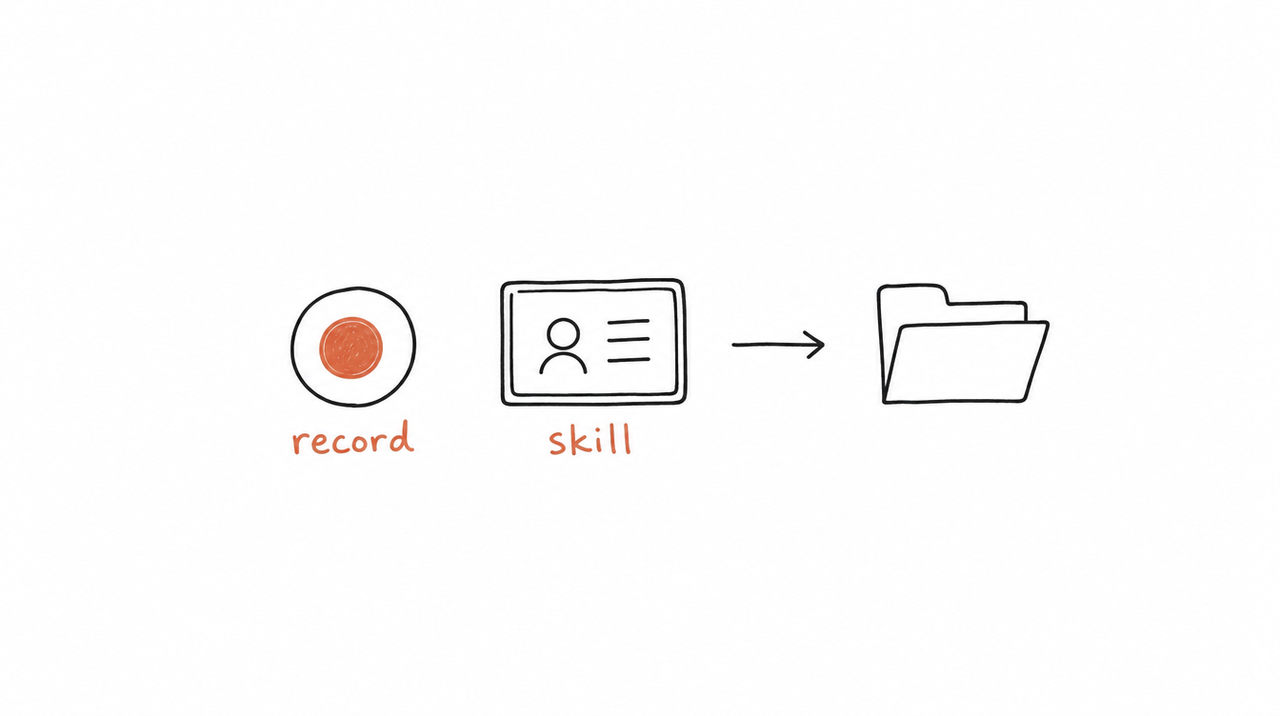
- Record a skill. From the + menu, choose Record a skill, do the task once while saying what you're doing, and choose Done. Claude turns the recording into a skill. It's available on Pro, Max and Team, on Mac. Don't type passwords or show private information while recording.
- Use skill-creator. Describe the job and Claude writes the SKILL.md for you. See Claude's skill-creator.
- Upload one. Zip the skill's folder and upload it under Customize > Skills. How to build a Claude Skill from your course walks through writing one by hand.
Whichever way you choose, test it on a real case before you rely on it, and read any skill from someone else before installing it, because a skill can tell Claude to run code.
Put a skill on a schedule
This is what makes Cowork skills different from skills in a chat. Under Scheduled, you can set a task to run hourly, daily, weekly, on weekdays, or on demand, and scheduled tasks can use your skills, connectors and plugins. They run remotely, so they keep running when your computer is asleep or the app is closed.
Good candidates are jobs you already do on a rhythm: a Monday brief, a weekly client report, a daily inbox triage, a month-end checklist.

Skills from someone else's method
Some of the most useful skills aren't general at all. They're a specific expert's method: a consultant's audit, a coach's offer review, an agency's reporting format. If you teach a method like that, you can turn it into skills your customers run in their own Claude.
You can hand customers the skill files, but then they have your full instructions in plain text, and every improvement means asking them to reinstall. expertrelay keeps the skills on its servers instead: customers connect once from Claude, ChatGPT or Cursor and run them, access follows their purchase, and your files stay private. It's free to build and test; you pay when you give customers access.
FAQ
What are Claude Cowork skills?
Saved instructions for a repeatable job. Cowork loads a skill when the job comes up, when you call it with /, or when a scheduled task uses it.
Are Claude Cowork skills free?
The skills on this list are free, but Cowork itself needs a paid Claude plan: Pro, Max, Team or Enterprise.
Where do I find more Cowork skills?
In the plugin directory under Customize, in Anthropic's open-source plugin collection on GitHub, and in community collections. The best Claude Skills lists more, sorted by job.
Do my chat skills work in Cowork?
Skills on your account and in your plugins are available in chat and in Cowork. Some features, like hooks and sub-agents in plugins, run only in Cowork and Claude Code.
Can I share a Cowork skill with my team?
Yes. Ask Claude to bundle your skills and connectors into a plugin, and share it with your team. Team and Enterprise admins can also provide plugins to everyone in the organization.
Can I sell a Cowork skill?
Yes. Selling the file is the simple route; hosting it so customers get access rather than the instructions is the other. Selling Claude Skills compares the options.


