"The Claude plugin marketplace" sounds like one store. It isn't. In Claude Code, a marketplace is a catalog of plugins kept in a git repository, and anyone can make one. Anthropic runs several, the community runs many more, and separately there's Anthropic's directory on claude.ai.
This guide covers where to find plugins, how to install them, how to publish your own, and what to do if you want to charge for one.
What a Claude plugin is
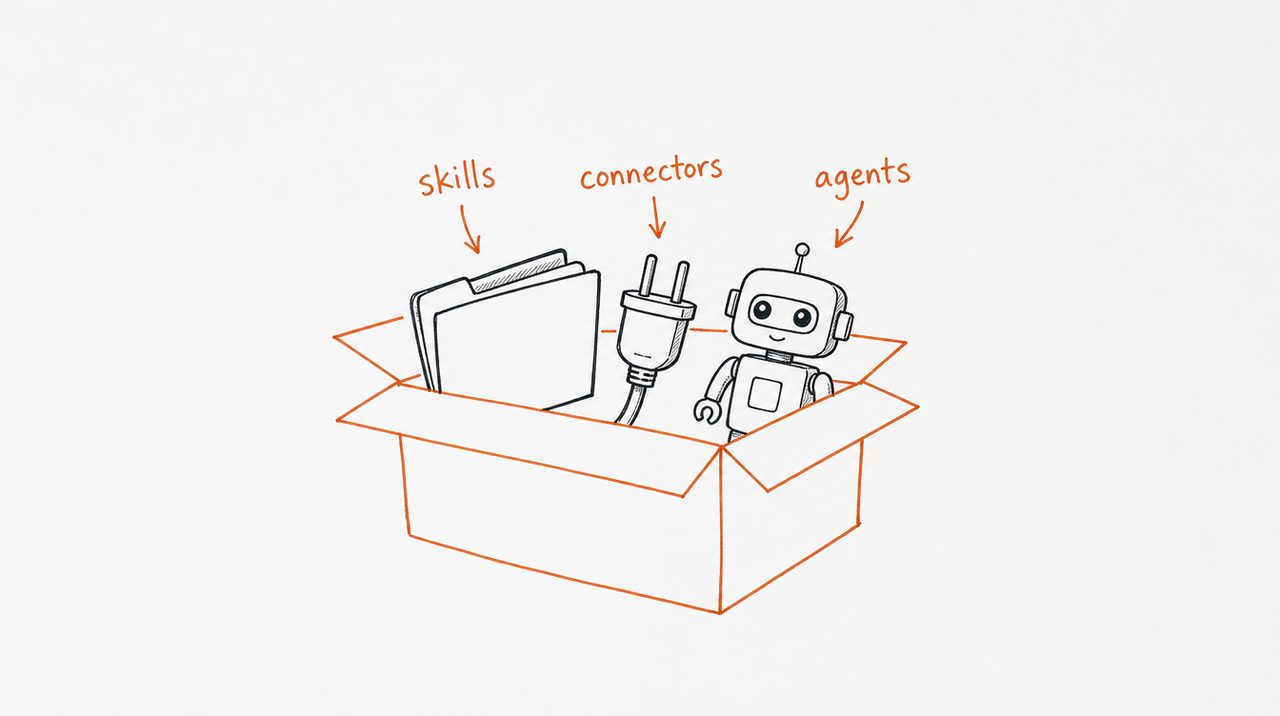
A plugin is a folder of components that Claude Code installs and loads as one unit. Anthropic's docs list what it can hold:
- Skills: SKILL.md instructions Claude loads when relevant (see What are Claude Skills?).
- Agents: subagents Claude can hand work to.
- Hooks: commands Claude Code runs at set points, such as after every edit.
- MCP servers: tools Claude Code connects to while the plugin is on.
A marketplace is just a catalog: a marketplace.json file in a repository that lists plugins and where to fetch each one.
Anthropic's marketplaces
Anthropic publishes three general-purpose marketplaces for Claude Code:
- Official (
claude-plugins-official): plugins Anthropic maintains, plus plugins from partners and other authors. Claude Code adds it automatically the first time you start an interactive session. - Community (
claude-community): third-party plugins that their authors submitted to Anthropic. You add it yourself. - Demo (
claude-code-plugins): a few example plugins. Most are also in the official marketplace, so install those from there.
Anthropic also publishes topic marketplaces, such as anthropics/skills (its example Skills) and anthropics/knowledge-work-plugins, plus its finance and legal sets (see Claude finance skills and Claude legal skills).
To browse everything in one place on the web, use Claude Marketplace, which shows install counts and marks some plugins "Anthropic verified."
How to install a plugin
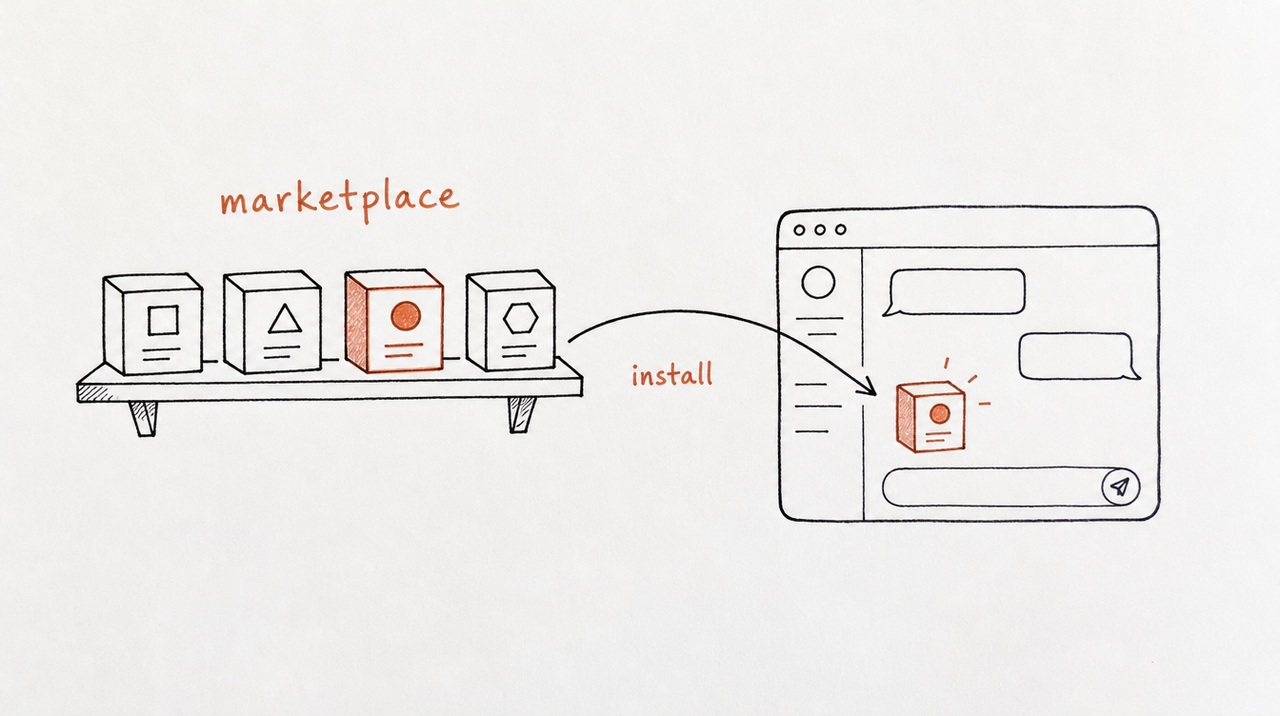
In a Claude Code session, run /plugin and open the Discover tab to browse the plugins in your marketplaces. To add another marketplace and install from it:
/plugin marketplace add anthropics/claude-plugins-community
/plugin install <plugin-name>@claude-community
The part after @ is the marketplace's name, which isn't always its repository name. Nothing installs until you choose a scope (just you, the project, or local) and confirm.
Read a plugin before you install it. Plugins can include hooks, which run commands on your machine, so stick to sources you trust.
Community marketplaces and directories
Beyond Anthropic's, people publish their own marketplaces on GitHub, and community sites collect them, such as claudemarketplaces.com and aitmpl.com. They're useful for discovery but aren't reviewed by Anthropic, so the same rule applies: read before you install.
How to publish a plugin
You have two routes:
- Your own marketplace. Add a
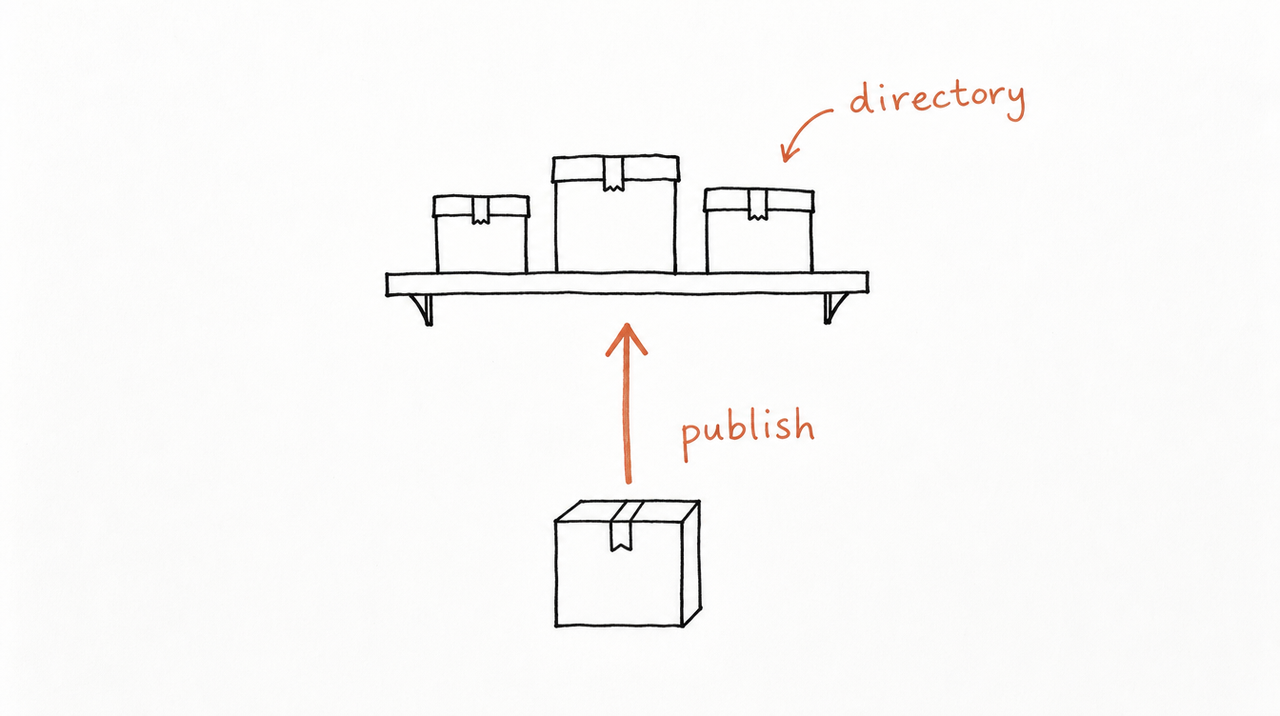
.claude-plugin/marketplace.jsonthat lists your plugin to a git repository. Once it's pushed, it's published: there's no submission form. If the repository is private, so is the marketplace. - Anthropic's directory. Submit from the developer portal at claude.ai/directory/manage. You need a paid Claude plan (Pro, Max, Team or Enterprise), and Anthropic checks each submission before listing it. One listing reaches people on claude.ai, in Cowork, and in Claude Code through account sync. Some components only work in Claude Code, so check which parts of your plugin load elsewhere.
The official marketplace doesn't take submissions through the portal; Anthropic's docs say to ask a partner contact about that.
Can you sell a Claude plugin?
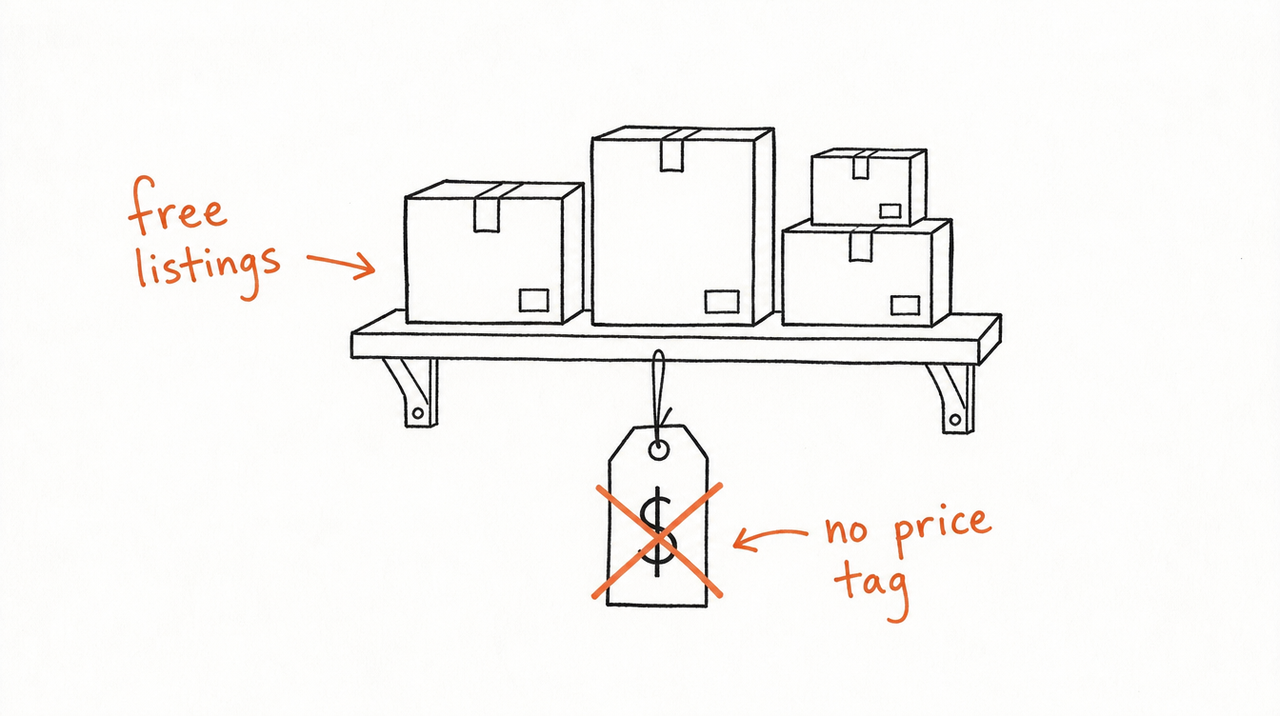
Not through these marketplaces. Neither Anthropic's publishing guide nor its directory guide describes paid listings: both routes hand people the plugin's files to install.
So creators who charge today usually sell the files directly, a ZIP behind a checkout page. That works, but the customer then has your instructions, copies can spread, and every update means sending a new version.
If what you're selling is the method inside a Skill, there's another way: sell access instead of the files. With expertrelay, your Skill runs privately on our server. Customers connect it once to Claude, ChatGPT or Cursor, access follows their purchase, and every update reaches all of them at once. Is there a Claude Skills marketplace? covers the options in more detail.
Sell your Skill without handing over the file →
FAQ
Is there an official Claude plugin marketplace?
Yes. Anthropic's official marketplace, claude-plugins-official, is added to Claude Code automatically. Anthropic also runs a community marketplace and a web catalog, Claude Marketplace, at claude.com/marketplace/plugins.
Are Claude plugins free?
Anthropic's docs don't describe any way to charge for a listing, so plugins in the marketplaces and the directory are free to install. Some connect to services that need their own paid account.
What's the difference between a plugin, a Skill and a connector?
A Skill is one set of instructions. A connector links Claude to an outside service through MCP. A plugin bundles Skills, agents, hooks and MCP servers into one installable package.
Do plugins work on claude.ai, or only in Claude Code?
Plugins from Anthropic's directory work on claude.ai and in Cowork too. Some components, though, only load in Claude Code.
How do I create my own marketplace?
Add a .claude-plugin/marketplace.json file that lists your plugins to a git repository, then share the repository. People add it with /plugin marketplace add <owner>/<repo>.


